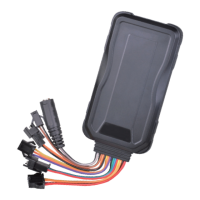
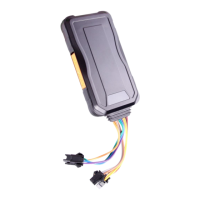
10).Measurement:97(L)×50(W)×15(H)mm
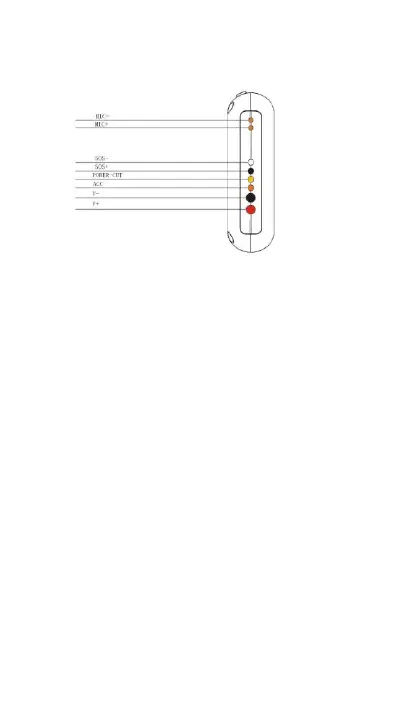
4. Wire defined
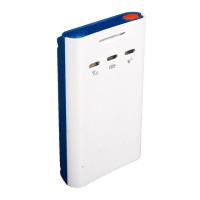
5.Device status indicators
5.1 Connect DC 10-40V power supply, push the switch (switch beside
the SIM card holder), the red LED will light continuously.
5.2 The blue LED light continuously when searching the GPS signal.
Once GPS fixed, the blue LED will be flashing.
5.3 The intermediate green LED (GSM signal state) GSM signal is
normal, green LED flashing. No GSM signal, the green LED light
continuously.
6.Installation
6.1 Prepare for installation
6.11 Product Check. Open the packing box and check the device’s model
and accessories. If the model is wrong or the accessories not
complete, please contact the dealer.
6.12 Choose SIM card. Please insert a SIM card which support GSM 2G
network to the device. Please take dealer’s advice as reference.


 To Next Page