EasyManua.ls Logo

Concox GT300 - User Manual

Concox GT300
13 pages
Print Icon
To Next Page IconTo Next Page
Loading...
User Manual
(Version 1.1E)
Please read this manual carefully before attempting installation and online activation.
Pictures are for indication and illustration purposes only.

Questions and Answers

Summary

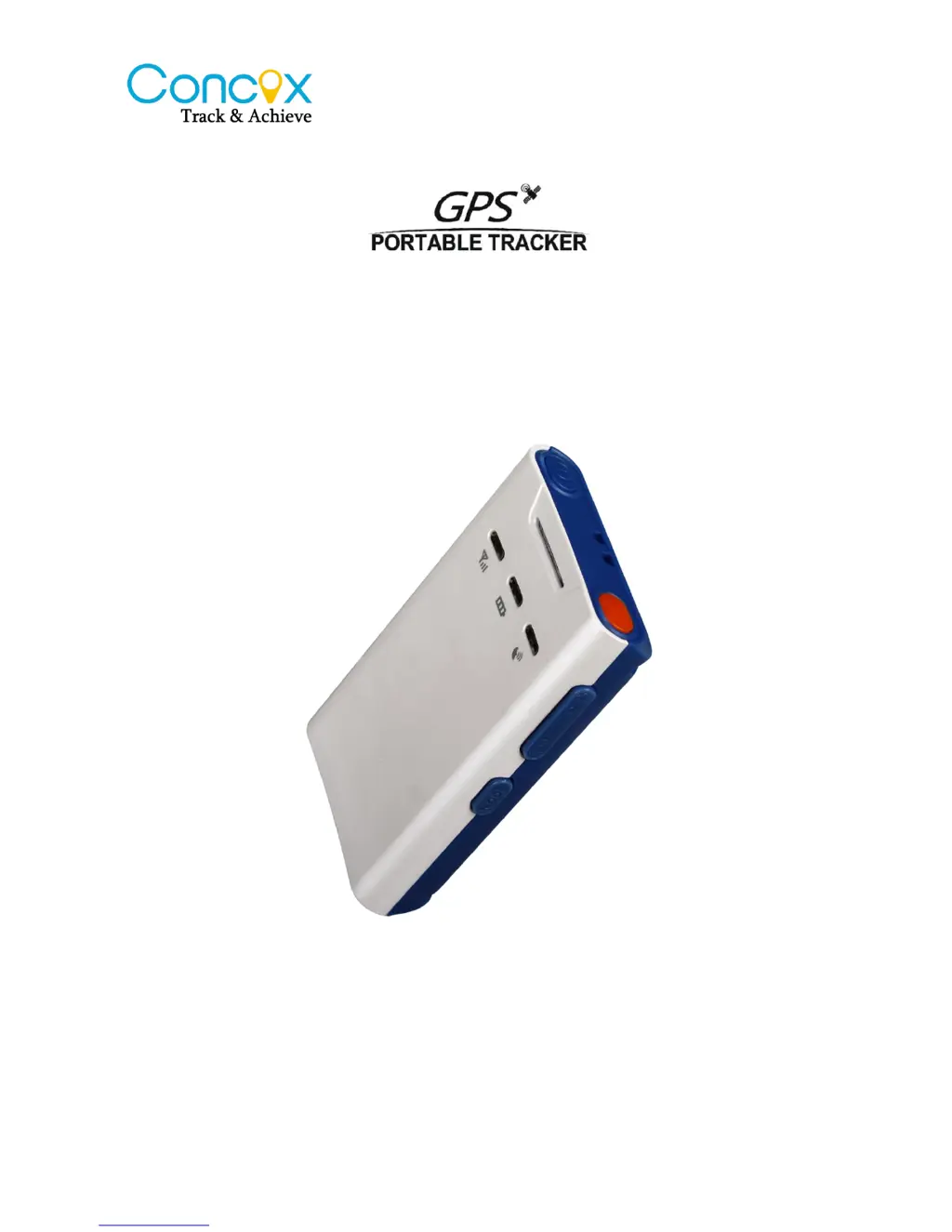
GT300 Overview

2.2 LED Indication

Explains the status indications provided by the power, GPS, and GSM LEDs on the device.

3 Buttons Instruction

Details the functions and operations of the SOS and Family Number buttons on the GT300.

Installation and Setup

3.1 Install;Remove GSM SIM Card

Step-by-step guide for inserting and removing the GSM SIM card, with crucial warnings.

Parameters Setting

4.1 Set APN

Instructions for configuring the Access Point Name (APN) via SMS for network connectivity.

4.2 Set DNS

Instructions for configuring the DNS server parameters via SMS command.

4.3 Add Family Numbers via SMS Command

How to add emergency contact numbers using SMS commands for quick dialing.

4.11 Set SOS Number

Detailed steps to add or delete SOS numbers via SMS and the platform.

Operation

5.1 Arm;Disarm

How to arm and disarm the device using the mode button, calls, or SMS commands.

5.2 Vibration Alarm

Explains the vibration alarm feature, triggering alerts upon detecting motion.

5.3 SOS Alarm

How to activate SOS alerts, send location data, and handle emergency calls.

Working Mode Setting

Concox GT300 Specifications

General IconGeneral
BrandConcox
ModelGT300
CategoryGPS
LanguageEnglish

Related product manuals