EasyManua.ls Logo

Concox GPS Vehicle tracker - User Manual

Concox GPS Vehicle tracker
15 pages
Print Icon
To Next Page IconTo Next Page
Loading...
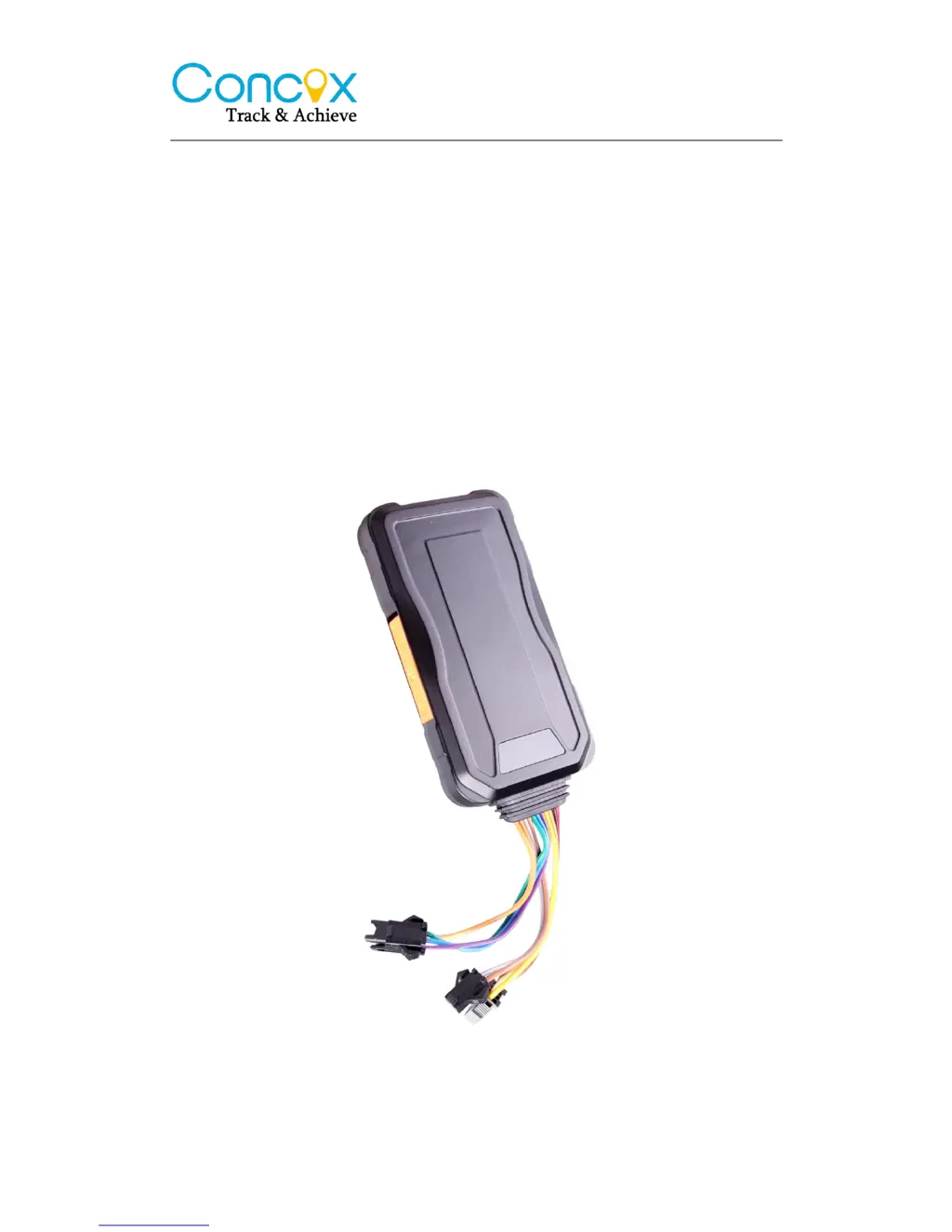
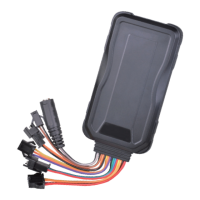
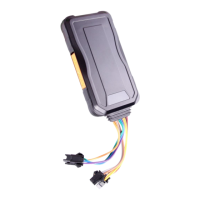
GPS Vehicle tracker
(GPS+GSM+SMS/GPRS)
User Manual
(Version 4.0N)
This user manual has been specially designed to guide you through the
functions and features of your GPS vehicle tracker.

Questions and Answers

Summary

Accessories

Specifications

LED Indications

Getting Started

Install the SIM card

Instructions for installing the SIM card into the GPS vehicle tracker device.

Install the device

Guidance on selecting a covert location for the GPS vehicle tracker installation.

Wiring configuration

Details the wiring connections for the GPS vehicle tracker, including pin assignments and colors.

Device wiring diagram

Visual representation of the GPS vehicle tracker's wiring connections and components.

Power;ACC;Tele-cutoff(petrol;electricity) control line (4 pin)

Explains the function and connection of the 4-pin control line for power, ACC, and tele-cutoff.

Quick Operation Instructions

APN setting

Configures the Access Point Name (APN) settings for GPRS connectivity via SMS commands.

DNS setting

Sets up DNS server details for connecting to alternative tracking platforms.

ON;OFF GPRS

Enables or disables GPRS functionality using SMS commands.

Add specific number

Sets up authorized SOS numbers for receiving alarms and calls.

Delete specific number

Removes previously set SOS numbers from the device.

Set the center number

Assigns a primary mobile number for sending remote control commands like oil cut-off.

Delete the center number

Removes the designated center number from the device.

Check parameter setting

Retrieves the current configuration parameters of the device via SMS.

Check GPRS parameters

Displays the current GPRS configuration settings of the device.

GPRS time interval

Configures the frequency of GPS data uploads to the server.

Sensor alarm time setting

Sets parameters for security and vibration alarms based on vehicle status.

Restore to factory setting

Resets all device parameters to their default factory values.

Reboot device

Restarts the device to resolve potential software or connectivity issues.

Operation of device

Power on; Power off

Instructions for turning the device on and off, and initial status indicators.

Check location

Methods to check the device's location via SMS or the tracking platform.

SOS alarm

Procedure to activate the SOS alarm by pressing the button.

Wire cut-off alarm

Details on the alarm triggered when the device's power supply is interrupted.

Low battery alarm

Describes the low battery warning notification and its content.

Vibration alarm

Configuration and activation of the vibration alarm system.

Voice monitoring

Enables voice monitoring by calling the device's SIM number.

Oil cut-off

Instructions for cutting off fuel supply via platform or SMS for security.

Restoring Oil

Procedure to restore fuel supply after it has been cut off.

Over speed Alarm

Sets up and triggers alarms when the vehicle exceeds a defined speed limit.

Web based tracking online activation

Trouble shooting

Fail to connect platform

Troubleshooting steps for issues connecting the device to the tracking platform.

Fail to connect network

Solutions for problems related to the device's network connectivity.

Fail to charge

Diagnosing and resolving issues with the device's charging.

Warranty instructions and service

Concox GPS Vehicle tracker Specifications

General IconGeneral
BrandConcox
ModelGPS Vehicle tracker
CategoryGPS
LanguageEnglish

Related product manuals