20 UPC5000/UPC5010 Operation & Maintenance Manual
7. Install all tubing sections that attach to the ORION-2C manifold.
8. Install the nitrogen cylinder and its associated tubing.
9. Fill the cylinder to approximately 1000 PSIG and check all fittings for leaks. If there are no leaks, fill
nitrogen supply cylinder to 2200 PSIG. See Section 2.1 on page 3 for cylinder refilling procedure.
10. Install panel/chassis assembly in its enclosure as described in Table 4.2.1 on page 14.
4.2.10 ORION-2C Manifold, Valve Adjustment Procedure
Tools required: hex wrench (.050")
hex wrench (.061")
NOTE: See Table 4-7 on page 32 and Figure 4-1 on page 33 for additional parts information. * denotes reference to
Figure 2-2 on page 4.
1. If not already done, remove the ORION-2C COARSE and VENT valve knobs (3) using the .061" hex
wrench.
2. Energize the unit and let it warm up. Turn the
RANGE SELECT switch to its highest range. To adjust the
coarse valve, go to step 3.
3. Using a .050" hex wrench, loosen the set screw (34) on the locknut (2) and turn the locknut clockwise to
its stop.
4. Check to see that the knob insert (4) is securely fastened to the valve shaft (11). If it is loose, re-tighten
the set screws (23) with the .061" hex wrench.
5. Close the
COARSE valve by turning the knob insert (4) clockwise until you feel the valve needle seat on
the O-ring (valve is now in the closed position).
6. Rotate gears (6) on both
ISOLATION valves (two inner valves), counter-clockwise until they stop, then
rotate clockwise 1/2 turn (opening isolation valves).
7. Use the
PRESSURE LIMIT CONTROL (*1), to increase the supply pressure to between 80% and 100% of
full scale.
8. Open the
VENT valve (*8) to atmosphere, zero the indicator (press ZERO switch [*12] less than 5
seconds), then close the VENT valve (*8).
9. Slowly open the
COARSE valve by turning the knob insert (4) counter-clockwise until you notice the
displayed pressure increase. Then turn the knob insert slightly clockwise until the pressure stops rising.
10. Mark a radial line at the 12 o'clock position on the knob insert.
11. Turn the knob insert (4) clockwise to move the mark to the 6 o'clock position.
12. Turn the locknut (2) counter-clockwise until it contacts the bottom of the stop washer. Tighten the set
screw (34) on the locknut with the .050" hex wrench.
13. Install the
COARSE valve knob (3) on the knob insert (4) and engage its gear (5) with the smaller
isolation valve gear (6). Turn the knob clockwise until the isolation valve is slightly snug.
Do not use excessive torque when adjusting valve. The seat can be damaged.
14. Remove the COARSE valve knob. Align the set screws (25) with the indentations on the knob insert
Install the knob on the knob insert while engaging the knob gear (5) with the isolation valve gear (6).
15. Tighten the set screws (25) with the .061" hex wrench. The
COARSE valve is now adjusted.
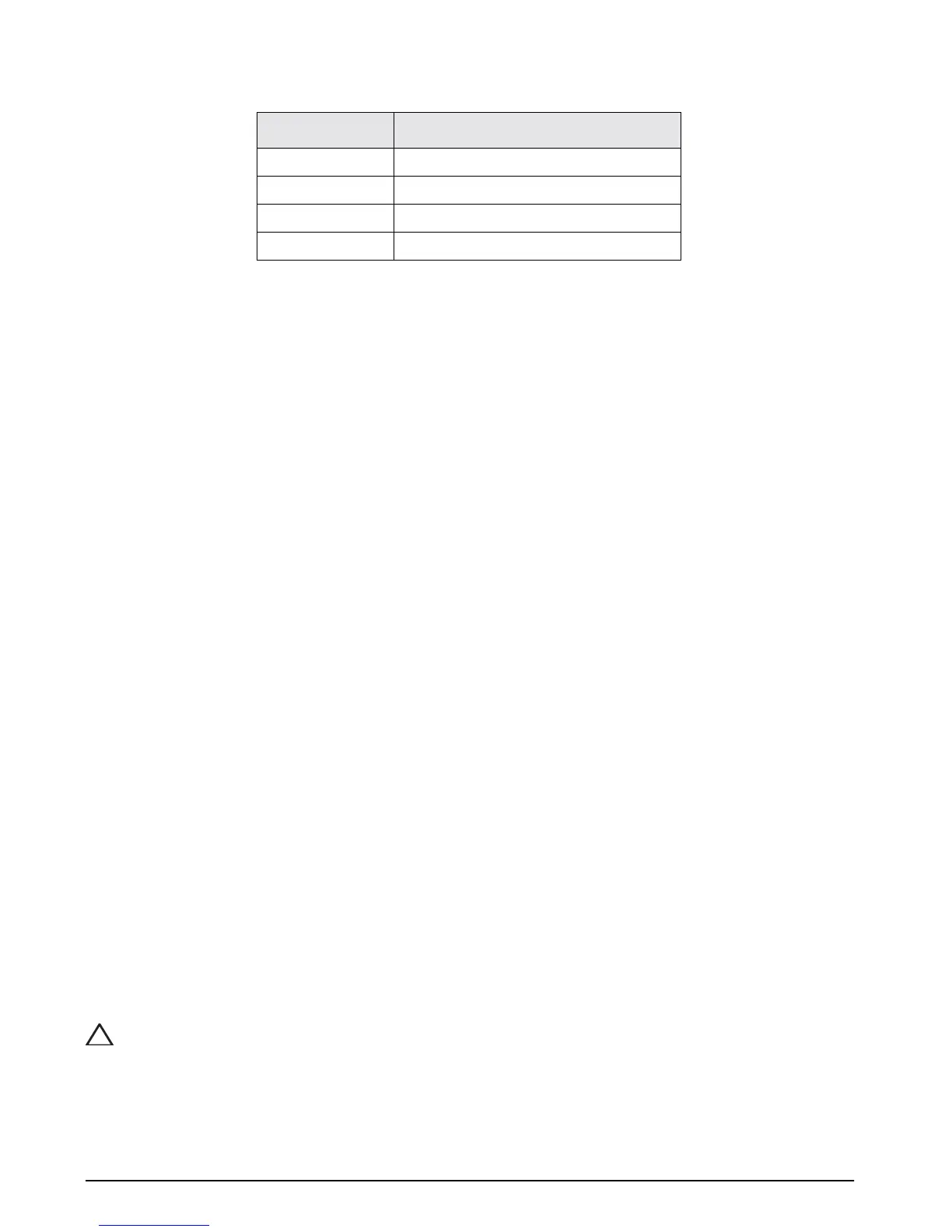
Transducer Wires Terminal Block Wires
+ Excitation TB1-4 (Green wire)
- Signal TB1-6 (Red wire)
+ Signal TB1-5 (White wire)
- Excitation TB1-7 (Black wire)
Table 4-2. Transducer Wire to Terminal Block Wire Connections
!
Caution


 To Next Page