RotaRy laseR
14
user manual
EN
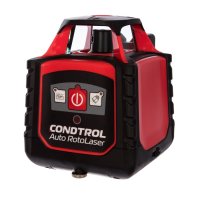
CONDTROL Auto RotoLaser
Scan mode
Scan mode allows seeing laser line at long distance. Use remote
control to run this function.
Press button to activate scan mode.
By series press on button choose required scan sector –
0°, 10°; 45°; 90°; 180°. Press button to move scan sector
counterclockwise, button - clockwise.
To exit scan mode press . Rotary head will start rotating.
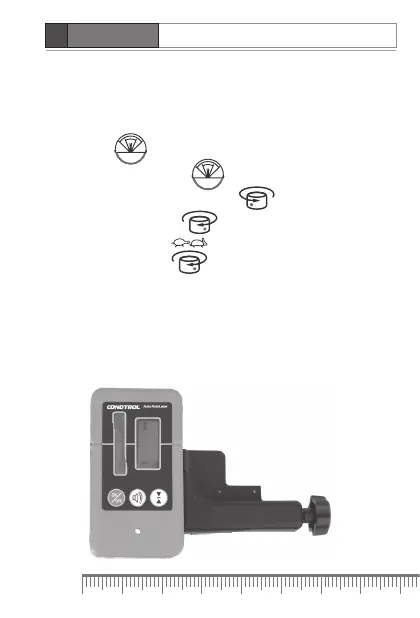
Work with laser receiver
Use universal mount included in the set to fix laser receiver on
telescopic levelling rod. Magnets on top and lateral sides of laser
receiver allow fixing it on metal surfaces.


 To Next Page
 Loading...