2 4 Instruc tio n m anual C o n e r g y IP G s t r in g in v e r t e r s e r ie s
4 C o n e r g y IPG s t r in g v is io n in v e r t e r s e r ie s
ENGLISH
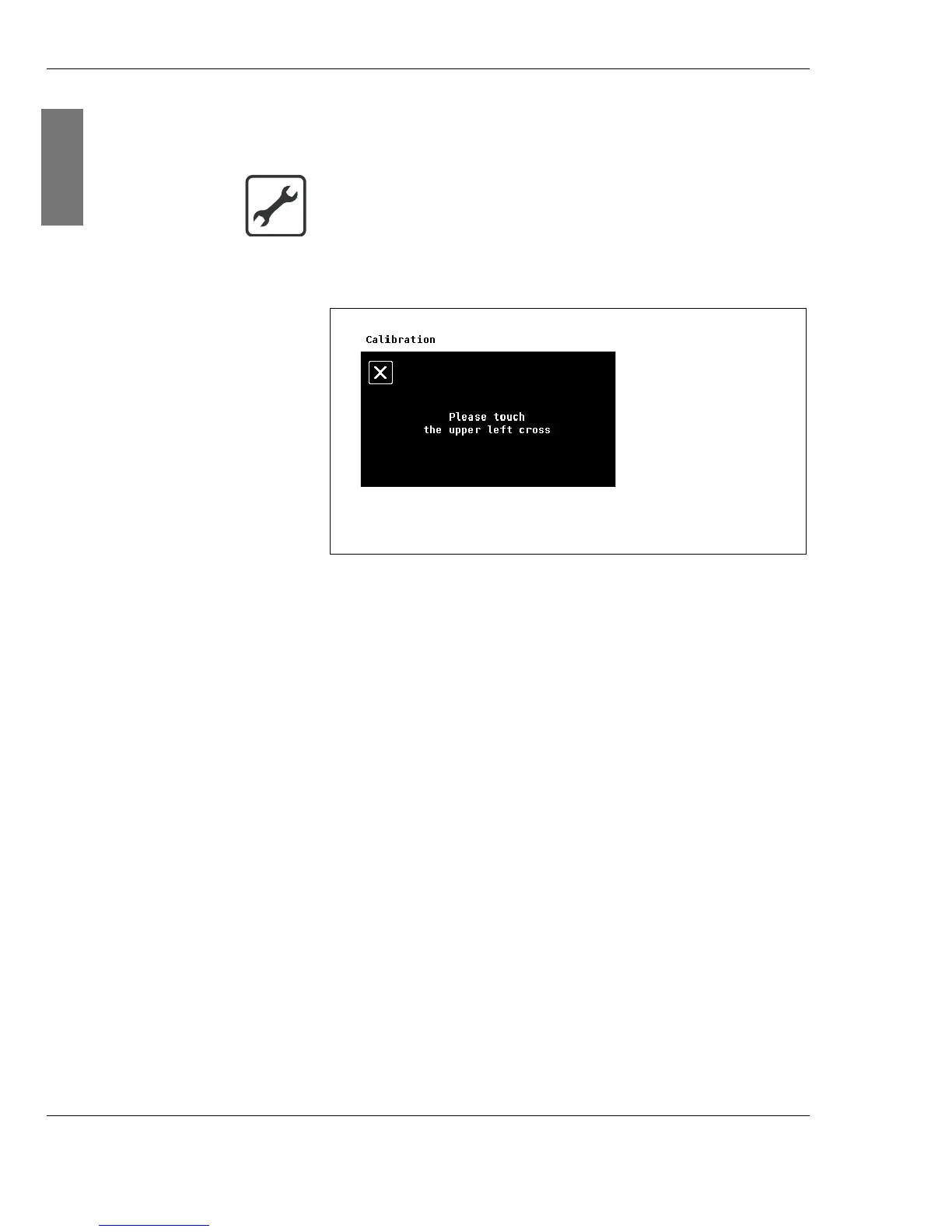
Calibration You can calibrate the display. If you detect that the touch
areas have moved, re-calibrate the display.
2. Touch the exact centre of the crosses shown in sequence.
Fig. 4-5:
Cal i br at i on
Submenu
Calibrating the display
1. Select the Calibration submenu by touching the
appropriate area.



 To Next Page