www.conquerordoors.com
7
3. Briefly press + or – to adjust the closing sensitivity from 0 to 9 (default 3)
4. Press P to confirm and enter the next setting
• Safety Beam Setting
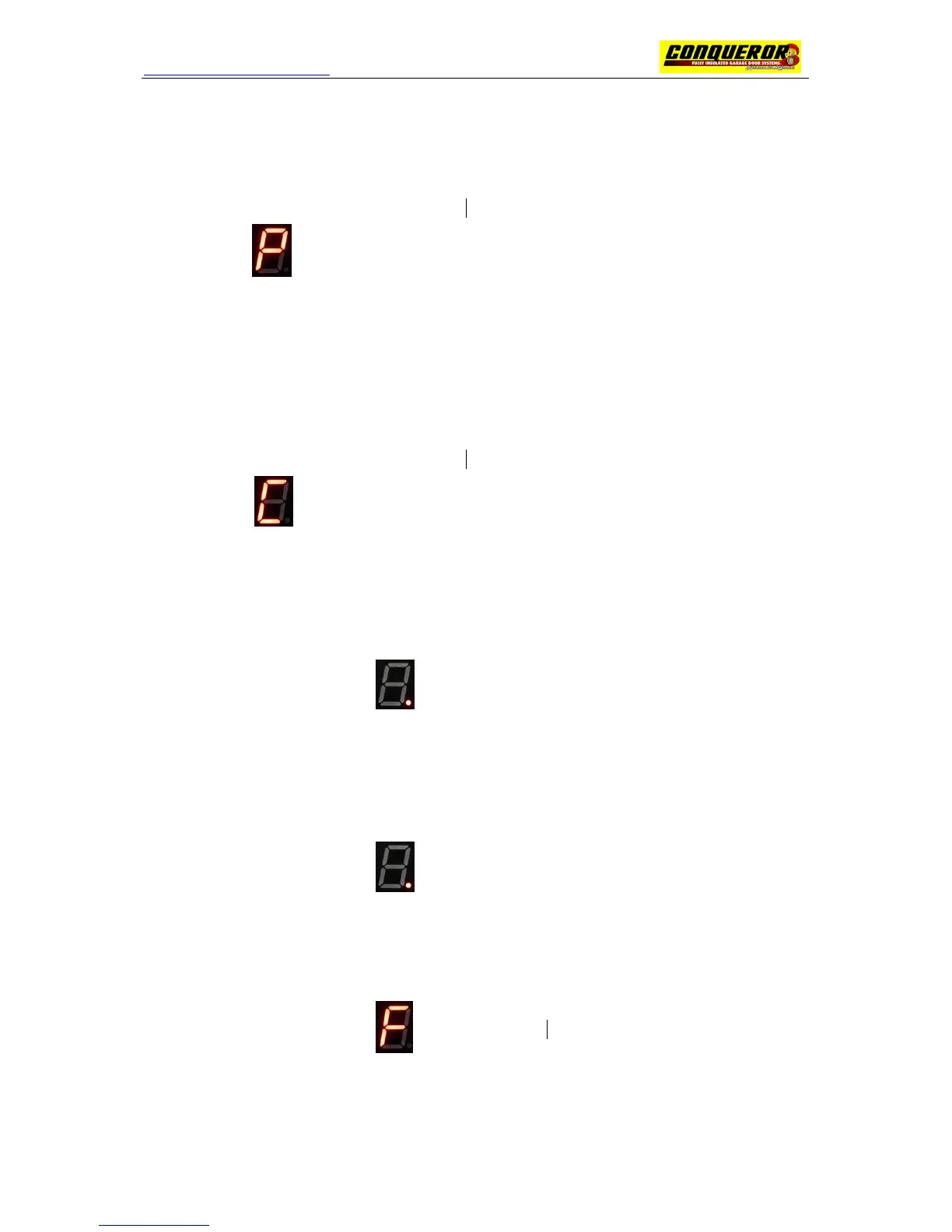
1. Press & Hold button P until A is displayed
2. Scroll to using P button
3. Briefly press + or – to set the safety beam from 0 to 2 (default 0)
0: No Safety beam, 1: Activate safety beam during door closing, 2: Activate safety beam during
door closing and opening
4. Press P to confirm and enter the next setting
• Auto Closing Time
1. Press & Hold button P until A is displayed
2. Scroll to using P button
3. Briefly press + or – to set the auto closing time from 0 to 9 minutes (default 0)
4. Press P to exit
• Transmitter Code Learning
1. Press & Hold button – until is displayed
2. Press a transmitter button once, ‘.’ slowly flashes
3. Press the same transmitter button once again, ‘.’ quickly flashes for 2 seconds and off
• Transmitter Code Deleting
1. Press & Hold button – until appears, keep hold button – until ‘.’ Disappears
2. Release the button, all the transmitter codes is deleted.
• Transmitter Button Function Setting
1. Press & Hold button P until is displayed
2. Briefly press + or – to set the transmitter button function from 0 to 2 (default: 1)
0: Tx button A is for opening the door, Tx button B is for closing the door
1: One Tx button controls the door



 To Next Page