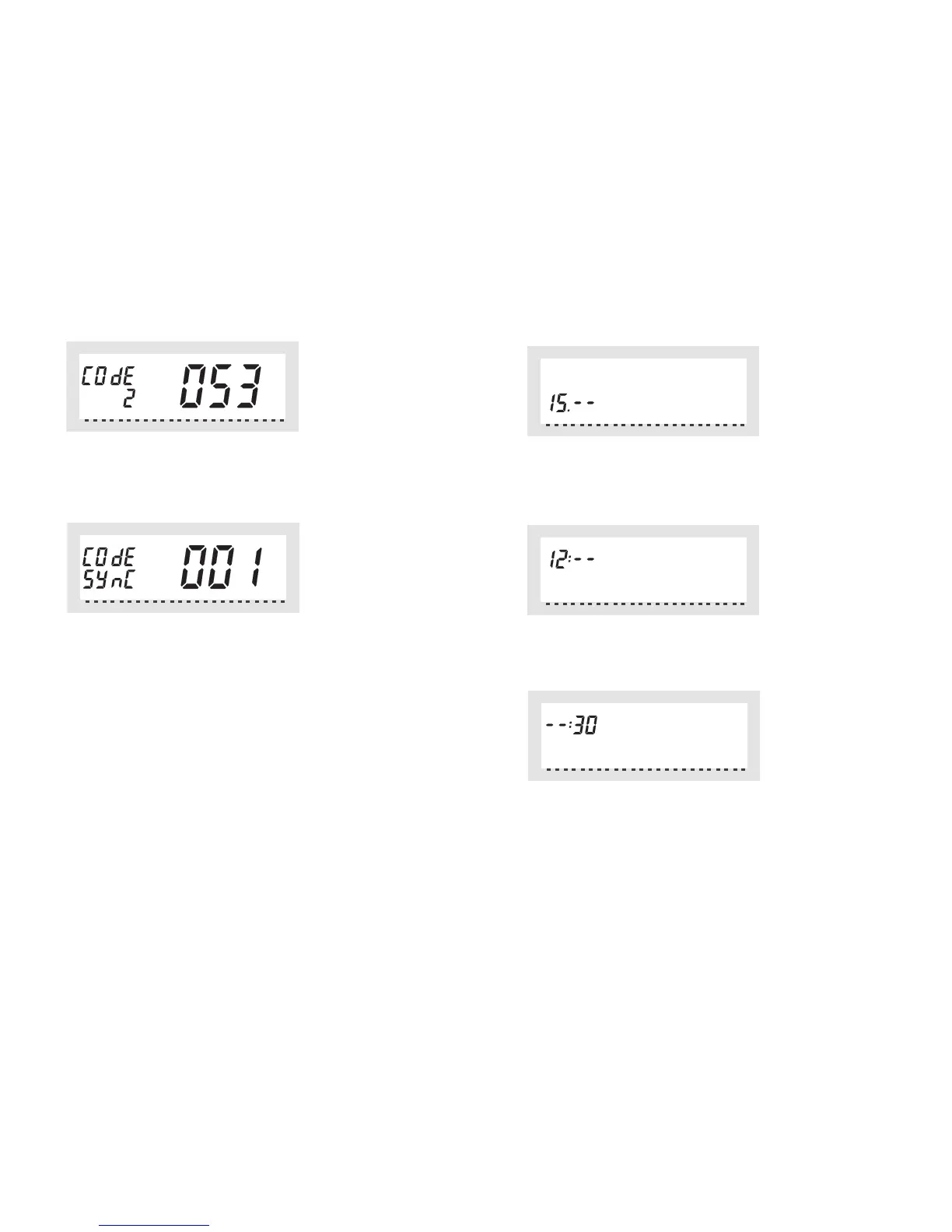
• The following data are displayed:
• Use the selection wheel to select the second part of the code (a number
between "000" and "099") and confirm this selection by briefly pressing the
"PROG" key.
• The following data are displayed:
☞
Now you have to synchronise the (first) valve operating mechanism
("001" on the display) to the new safety code.
Proceed as follows to synchronise the data:
• Remove the battery compartment cover of the (first) valve operating
mechanism by sliding it down.
• Press the key of the valve operating mechanism for about 3 seconds until
you hear an acoustic signal (3 separate tones). The valve operating mecha-
nism is now ready to receive, "AC" is displayed.
• Press the "PROG" key on the "FHT8R" heating control to start transmissi-
on of the safety code to the valve operating mechanism.
• The valve operating mechanism acknowledges correct reception of the
code with an acoustic signal (sequence of tones).
• L'affichage du jour apparaît:
Choisissez le jour souhaité à l'aide de la roue de réglage et confirmez ce
choix avec la touche «PROG».
• L'affichage des heures apparaît:
Choisissez l'heure souhaitée à l'aide de la roue de réglage et confirmez ce
choix avec la touche «PROG».
• L'affichage des minutes apparaît:
Choisissez la minute souhaitée à l'aide de la roue de réglage et confirmez ce
choix avec la touche «PROG».


 To Next Page