10
Definitions of Bottom Open View parts
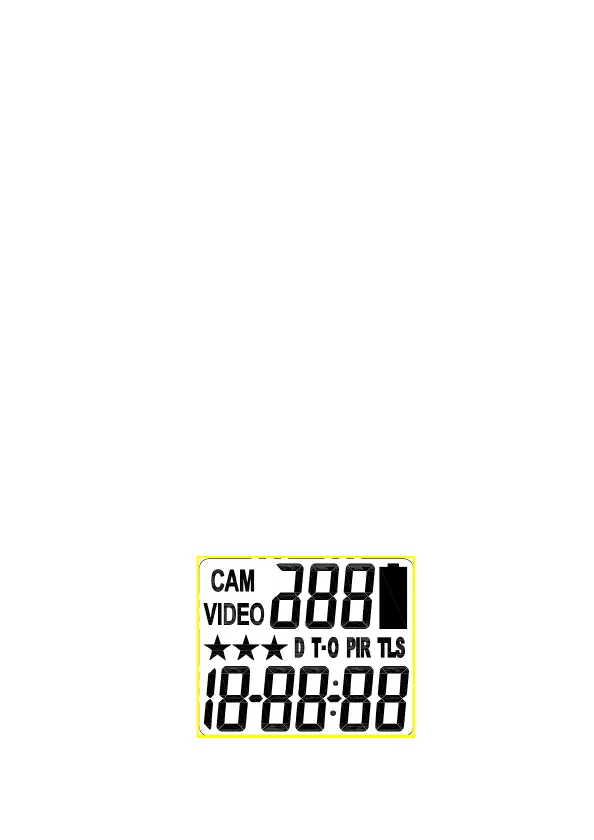
• LCD display : It is to display the setting and camera status.
• USB port : It is to connect the camera to PC by provide
USB cable for captured image/video download.
• AV out : It is to connect the camera to TV by provide AV
cable to play the captured image/video.
• Menu Button : Pressing into the camera mode to change
the setting.
• Up and Down Button : Pressing to change the mode and
adjust the setting value.
• Switch : Switching to turn on/off the power or go into
test/Preset Mode.
• SD Card Slot : It is to install the SD memory card.
• Confirm Button : Pressing to confirm the settings.
• DC 6V port : It is to connect the DC 6V external power
Definitions of LCD Display


 To Next Page