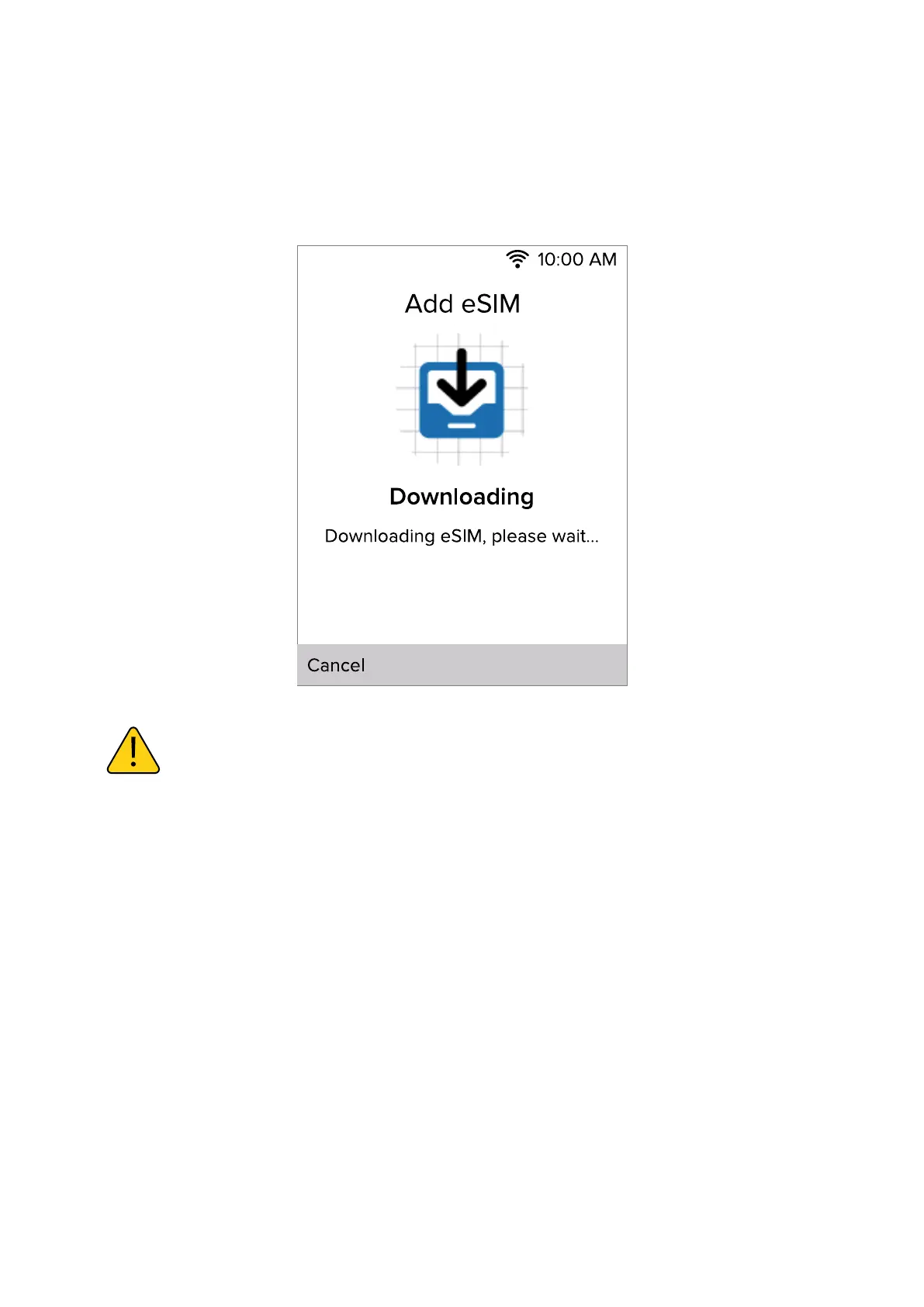
3.1 Add eSIM through Download directly.
Select Download directly, your phone will start downloading eSIM.
The download may take up to 1 minute depending on the Wi-Fi net-
work condition.
After the reboot connect to the WiFi network again and continue the
setup.
Scan QR code if Download directly fails. If you are prompted to scan
a QR code, find it in your Consumer Cellular packing slip or email if
purchased at a retailer.
NOTE: Your setup may be dierent than the instructions in this User
Manual because of software updates or if you choose dierent op-
tions. If the steps are dierent, follow your phones on-screen instruc-
tions for setup.
The eSIM will be enabled once download is finished, then
device will reboot automatically.
9



 To Next Page