EasyManua.ls Logo

Conti CC102 D - Technical Menu Parameters

Conti CC102 D
Print Icon
To Next Page IconTo Next Page
To Previous Page IconTo Previous Page
Loading...
Edition 07/2010 - CC100 DISPLAY
NOTES TECHNIQUES - TECHNICAL DOCUMENTS - page 28
SACOME, CONFIDENTIAL Document,
it is forbidden to duplicate or communicate this document without previous authorization.
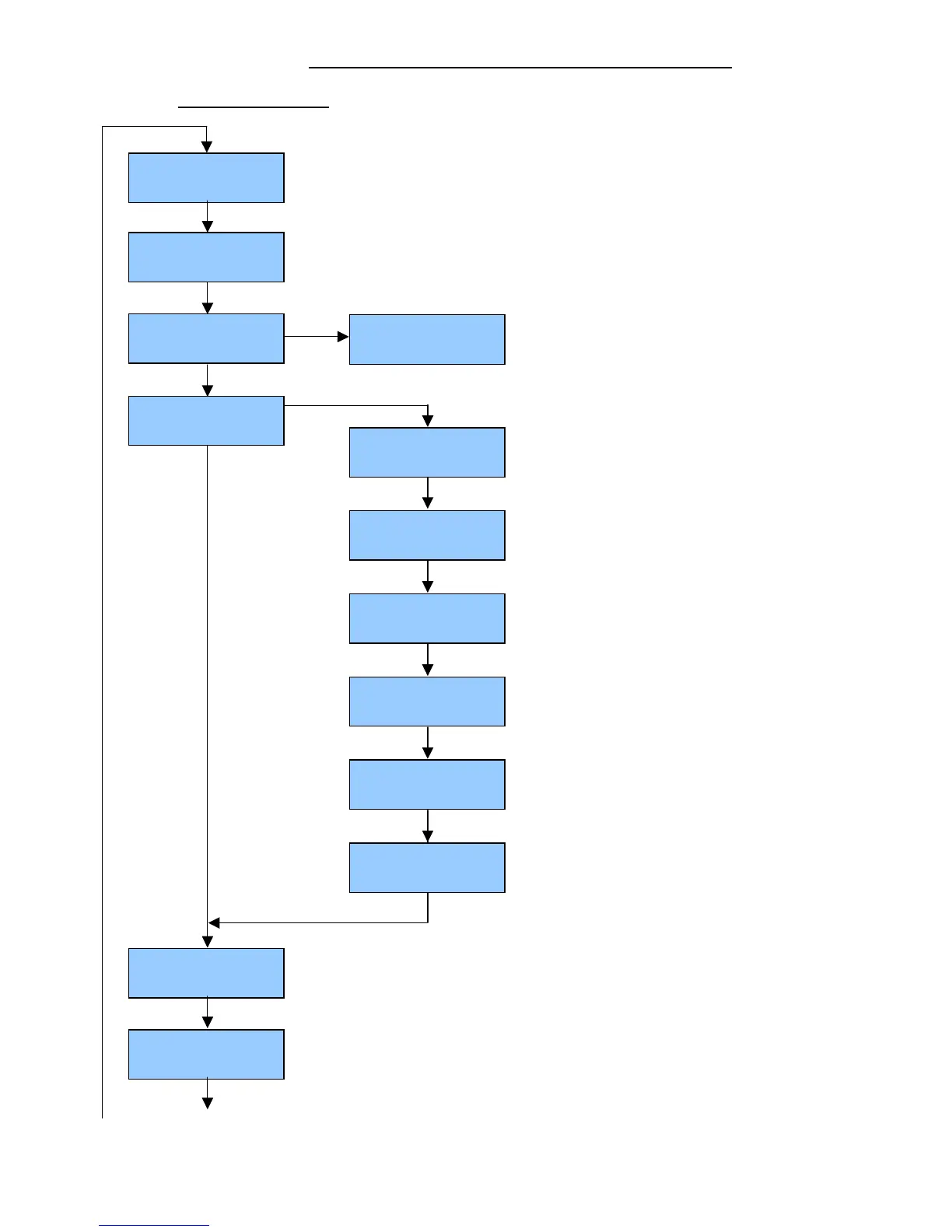
19.3. PROGRAMMING PARAMETERS OF TECHNICAL MENU:
Machine must be in Eco mode (keep pressing MENU button and press ENTER to be in ECO mode).
ENTER
MENU
USER NAME
CONTI ESPRESSO
MENU
ENTER
Press MENU on group n°1 for 10 sec to access technical menu
+
or
-
: type name
Press ENTER to go right
+
or
-
: to choose character
Languagee
GB - USA
MENU
Coffee
Counters
Water liters
xxxx
MENU
Water
Counter
Cumulative total
0000
MENU
Espresso
Group x: 0000
MENU
2 Espresso
Group x: 0000
MENU
1 Coffee
Group x: 0000
MENU
2 Coffee
Group x: 0000
MENU
Continuous
Group x: 0000
MENU
Service Tel.
0000000000
MENU
ECO
CONTI ESPRESSO
MENU
+
or
-
: type service phone number
Press ENTER to go right
+
or
-
: to choose character
+
or
-
: set language (English (GB- USA), French (F), German, Italian)


Related product manuals