CONTROLLING
AIRCRAFT
5. Headless
Mode
Swltch
the Headless
Mode ON
and
you
wll hear
the controller
begin to beep, indicating
lt
has entered
Headless
Mode. No matter what
direction
the aircraft faces,
it will responcl
according
to the direction
pushed
on the rernote.
(Forward
on ihe remote
will
make the
aircraft fly forward.)
This
makes flying
slmpier and more
convenient
for beginner
pilots.
To
exrt Headless
Mode, svuitch
the
button off and
you
return
to Normal
Mode.
'i
.
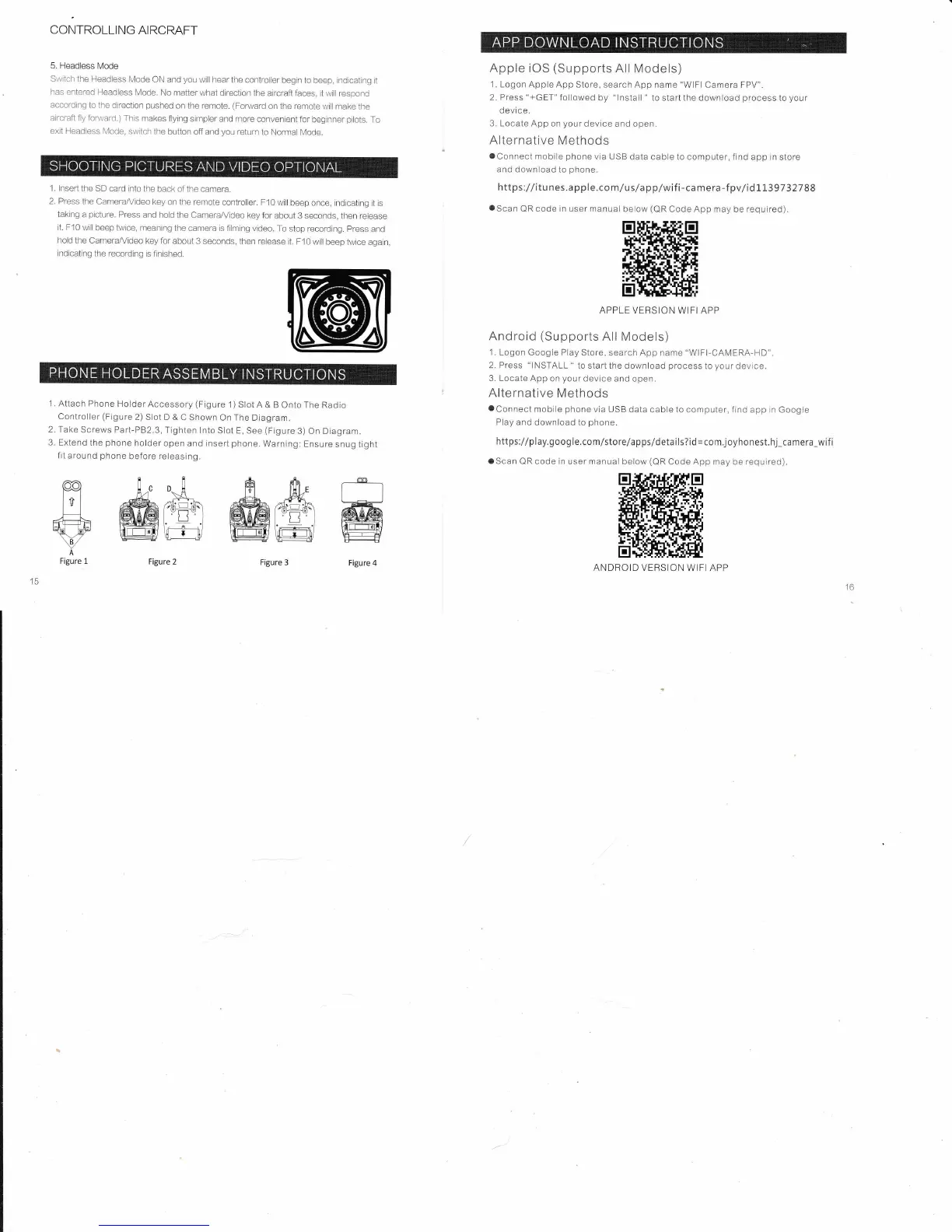
lnsen the SD card
into the
back of the camera.
2. Press
the Camera,^,/ideo
key
on the remote
controller. F10
will beep
once, indicating it
is
tak ng
a
picture.
Press and
holci the
CameraA,riCeo
key for about
3 seconds,
then release
It. F10
will beep hvice,
meaning the
camera is lilming video.
To stop recorclrng.
press
and
hold the Camerafuideo
key for
about 3 seconds,
then release
it. F10 wlll
beep twice
agatn,
indicating
the recording
is flnished.
1 . Attach Phone
Holder
Accessory
(Figure
1) Slot A
& B Onto The
Radio
Control{er
(Figure
2)
Slot D &
C Shown On The
Diagram.
2. Take
Screws Part-P82.3,
Tighten lnto
Slot E, See
(Figure
3)
On Diagram.
3. Extend
the
phone
holder
open and inserl
phone.
Warning:
Ensure
snug tight
frt around
phone
before releasing.
Apple
iOS
(Supports
All
Models)
1. Logon Apple
App Store, search App name
"WlFl
Camera FPV".
2. Press
"+GET"
followed
by
"lnstall
"
to start the
download
process
to
your
devi ce.
3. Locaie App
on
your
device
and open.
Alternative
Methods
oConneci
mobile
phone
via USB
data cable to computer, find app in store
and
download to
phone.
https://itu nes.apple.co
m/u s/a
pplwif
i-ca
mera-f
pvlid
1139732788
oScan
QR
code in
user manual be ow
(QR
Code App may
be
required).
APPLE VERSION
WIFI APP
Android
(Supports
All Models)
1. Logon
Google Play Store, search
App name
"WlFl-CAIVERA-HD".
2, Press
"INSTALL "
to start the
download
process
io
your
device.
3. Locate App
on
your
device
and open,
Alternative
Methods
oConneci
mobrle
phone
vla USB
data cable to computer, find app rn Google
Play
and download io
phone"
https://play.goog
le.com/sto
rela
p ps/deta
ils?id
=
com
j
oyhonest. hj_ca me
ra_wif i
aScan QR code in user manual
below
(QR
Code App may be required).
ANDROID
VERSION WIFI
APP
Figure
3
Figure
4
#@ffi@ffiffi
A
Figure 1
Figure 2



 To Next Page