'l
.WlFl
Connection
Turn on
the
quadcopter
and
put
it on a flat surface, the
camera
LED iight wiil
turn
red.
15
seconds later the light will flash krlue indicating camera is sending
WlFl signal. Go to
smartphone Settings menu to turn on the WlFl, searching lor
signal
"FPV-WlFl--.-
"
to
choose and connect.
When
connection is successful,
the
RED llght
will off
,
and
green
LED light will
be on.
2. ln
stru
ci io n s:
ffiqtf:itl.ri,.tlirr::i.,i.,i.r.,.:
,::::rj
Open
the
App
"WlF
I Camera",
c
hoose 7
20P,
il
willgo to
control
interface.
3.Srnartphone App
Control
lnstructions
Use Smartphone to take
photo/video
and
playback:
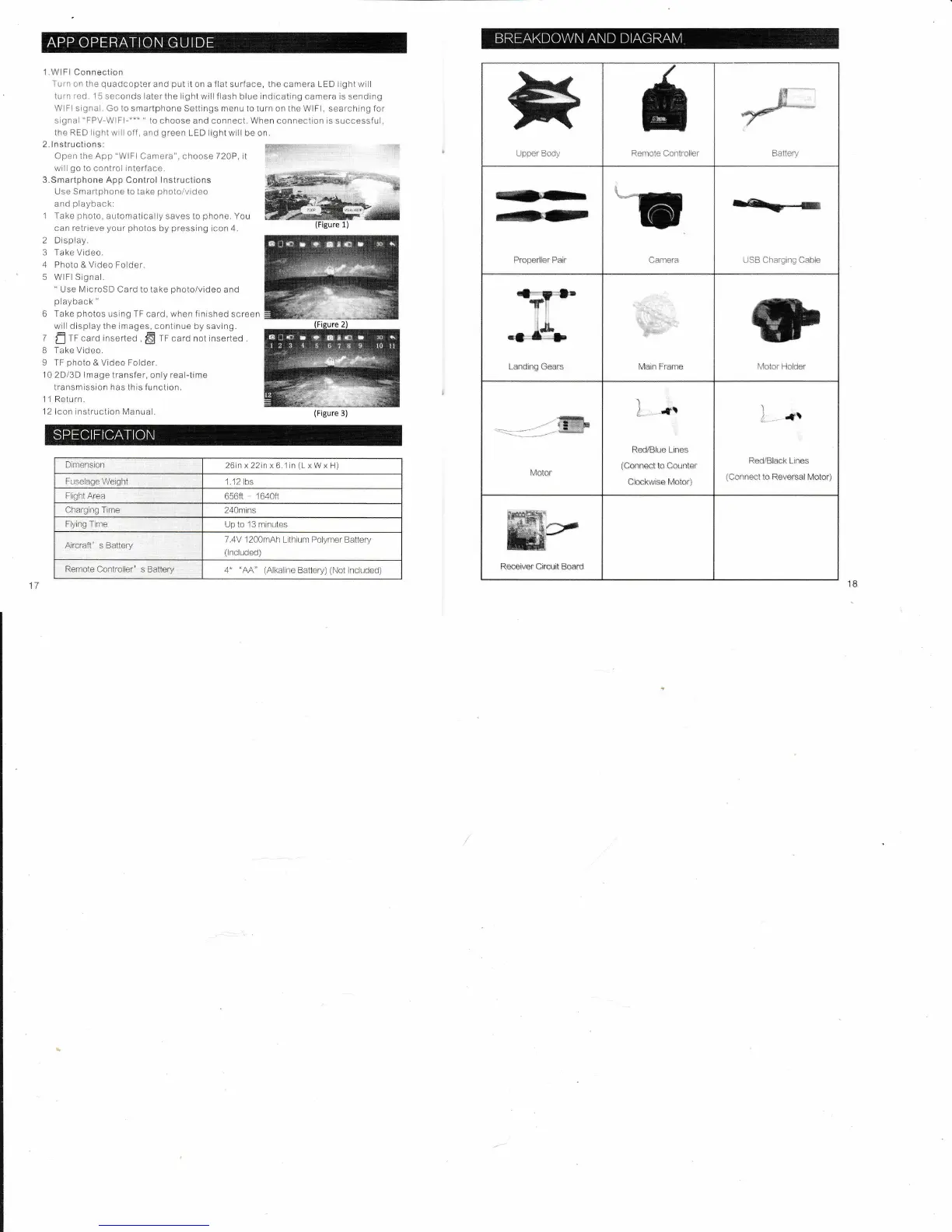
1 Take
photo,
aLrtomatically
saves to
phone,
You
can retrieve
your
photos
by
pressing
icon 4.
2 Display.
3 Take Video.
4
Photo & Video Folder.
5 WlFl Signal.
"
Use MicroSD Card to take
photo/video
and
playback
"
6 Take
photos
using TF card, when
finished screen
will
display the images, continue by
saving.
7
n
fF card inserled
,
ffi
tf carO not inserted .
I
Take Video,
9 TF
photo
& V;deo Folder.
10 2Di3D lmage transfer,
only
real-time
transmission has this function.
1 1 Return.
12
lcon rnstruction I\4an.rai
Upper Body
**",
*s.^
€*
Battery
{I}-
rP
Properller
Pair Camera
ra-
--
USB
Charging Cab,le
Landlng Gears
Main Frame
Motor
Holder
.-
-
(ffiF
Molor
l
I_,*\
RecUBlue
Lines
(eonneot
to
eountcr
Clockwise Motor)
)
1'--
'tr
RedBlaek Lines
(Connect
to
Reversai Molor)
Rccoiver eiroult
Board
(Figure
3)
Dinrension
26inx22in
x
6.1in
(L
x W x H)
Fuselage
Weight
1.12 lbs
Flighl Area
656ft 1640fl
Charging Time
240mins
Flying
Tirne
Up to
'13
minutes
Aircraft'
s Battery
7.4V
.1200mAh
Lithium Polymer Battery
(lncluded)
Remote
Controller' s Battery
4
"l\A" (Alkaline
Battery)
(Not
lncluded)



 To Next Page