- 19 -
Follow Me Mode
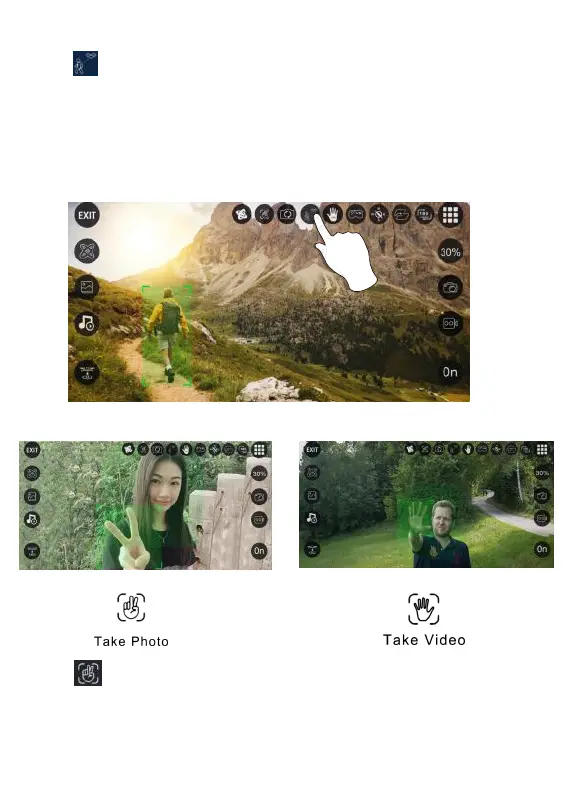
Click “ ” then the camera will automacally recognize the person or
human-shaped object in the lens. Tap on the object or person you want to track,
and the drone will automacally follow the object or person you choose.
NOTE: If there are mulple people on the screen, you can choose one of them to
track. If there is no target on the screen, the drone will enter “waing mode”.
When there is a tracking target on the screen, the system will automacally enter
the tracking mode. (This mode can only be used in APP controlled mode.)
Click “ ” (hand with two fingers) on the App. Hold up 2 fingers to take a picture.
Wave your hand or hold up 3 fingers to begin recording video. There is a 3 second
countdown before taking a video or picture.
NOTE: This funcon can only be used when there is adequate light. Lowlight or
dimly lit areas may prevent the camera from detecng your hand gestures.
Selfie Mode



 To Next Page