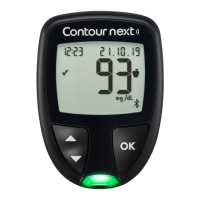
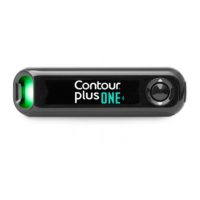
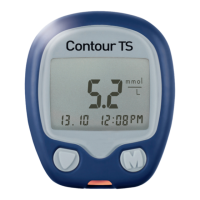
• Your CONTOUR NEXT ONE meter has been preset and
ÂŹÁ»ºÊź¿ÉÆ·ÏÈ»ÉËÂÊÉ¿Äýƭºƺÿ¿½È·ÃÉż½Â˹ÅÉ»
per deciliter of blood).
»ÉËÂÊÉ¿ÄýƭººÅÄÅʾ·Ì»·º»¹¿Ã·ÂÆÅ¿ÄÊƔ
»ÉËÂÊÉ¿ÄÃÃÅÂƭºÅ¾·Ì»·º»¹¿Ã·ÂÆÅ¿ÄÊƔ
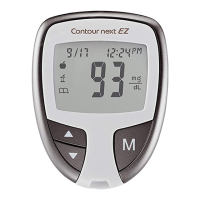
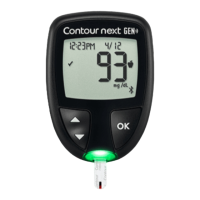
Example:
93
or
52
Check your display screen to be sure the results are
shown correctly. If not, contact Customer Service. See
Contact Information.
• The C
ONTOUR NEXT ONE blood glucose monitoring system
¾·É·Ã»·ÉËȿĽȷĽ»Å¼ʹʷýƭºÊÅʽʷʷýƭºƔ
ÅÈÈ»ÉËÂÊÉËĺ»ÈʹʷýƭºÅÈÅÌ»ÈʽʷʷýƭºƓ
| If your meter does not display a value and displays the
LO screen, contact your health care professional
immediately.
| If your meter does not display a value and displays the
HI screen, wash your hands or the test site and repeat
the test with a new strip. If the meter again displays
the HI screen, follow medical advice immediately.
8


 To Next Page