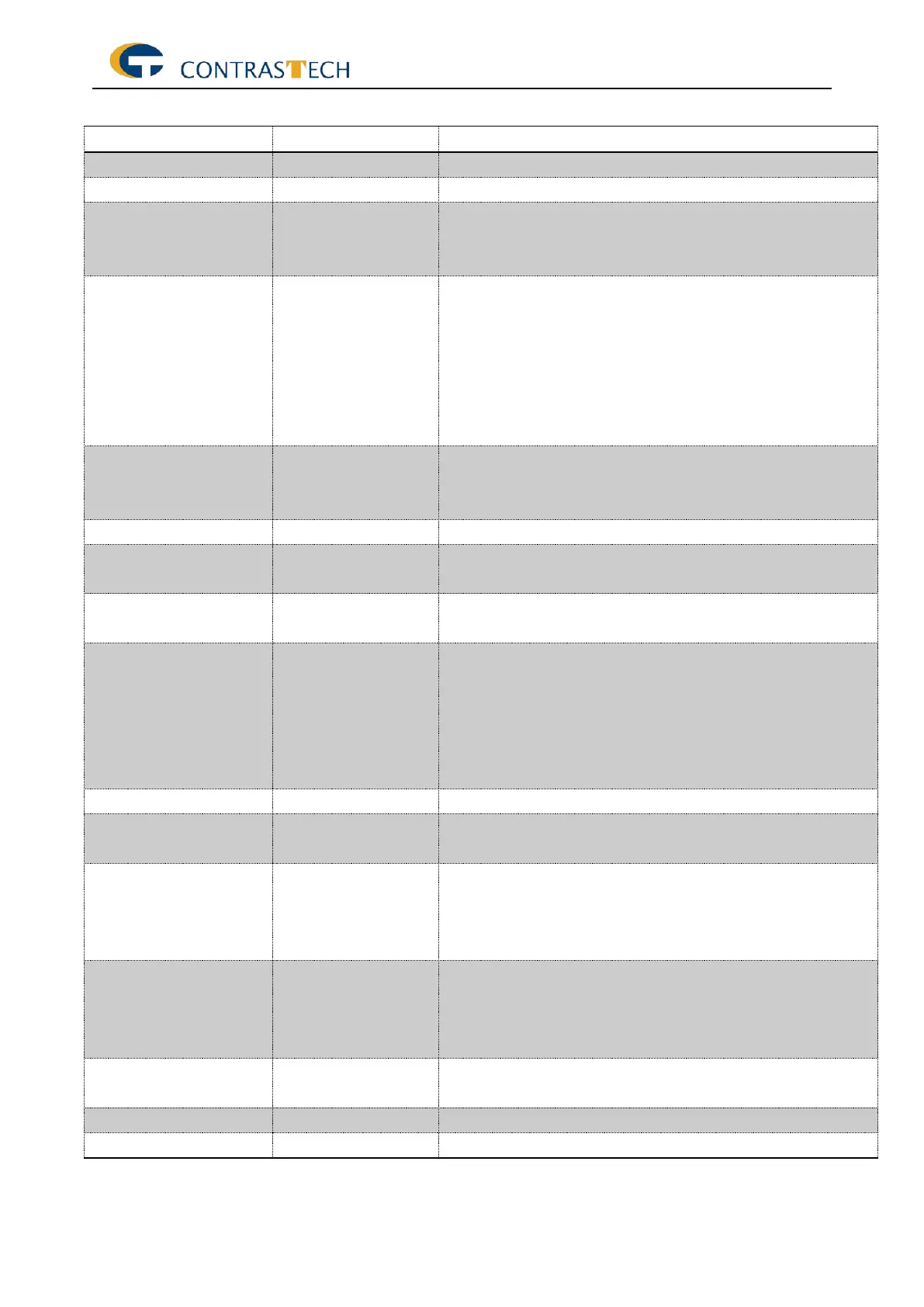
The following table describes each image format control features.
Effective width of the sensor in pixels.
Effective width of the sensor in pixels.
Maximum width of the image (in pixels). The dimension is
calculated after horizontal binning, decimation or any other
function changing the horizontal dimension of the image.
Maximum height of the image (in pixels). This dimension is
calculated after vertical binning, decimation or any other
function changing the vertical dimension of the image
HeightMax does not take into account the current Region
of interest (Height or OffsetY). Its value must be greater
than 0 and less than or equal to SensorHeight (unless an
oversampling feature is present).
Width of the image provided by the device (in pixels).. //
Like 4096 cameras, the width could only set from 32 to
4096.
Height of the image provided by the device (in pixels).
Horizontal offset from the origin to the region of interest (in
pixels).
Flip horizontally the image sent by the device. The Region
of interest is applied after the flipping.
PixelFormat
Mono8/Mono10/Mo
no10Packed/Mono1
2/Mono12Packed
Format of the pixels provided by the device. It represents
all the information provided by PixelCoding, PixelSize,
PixelColorFilter combined in a single feature.
Total size in bits of a pixel of the image.
Type of color filter that is applied to the image.
No filter applied on the sensor.
Minimum value that can be returned during the digitization
process. This corresponds to the darkest value of the
camera. For color camera, this returns the smallest value
that each color component can take.
Minimum value that can be returned during the digitization
process. This corresponds to the darkest value of the
camera. For color camera, this returns the smallest value
that each color component can take.
Selects the type of test pattern that is generated by the
device as image source.
Size of the image input pixels, in bits per pixel.


 To Next Page