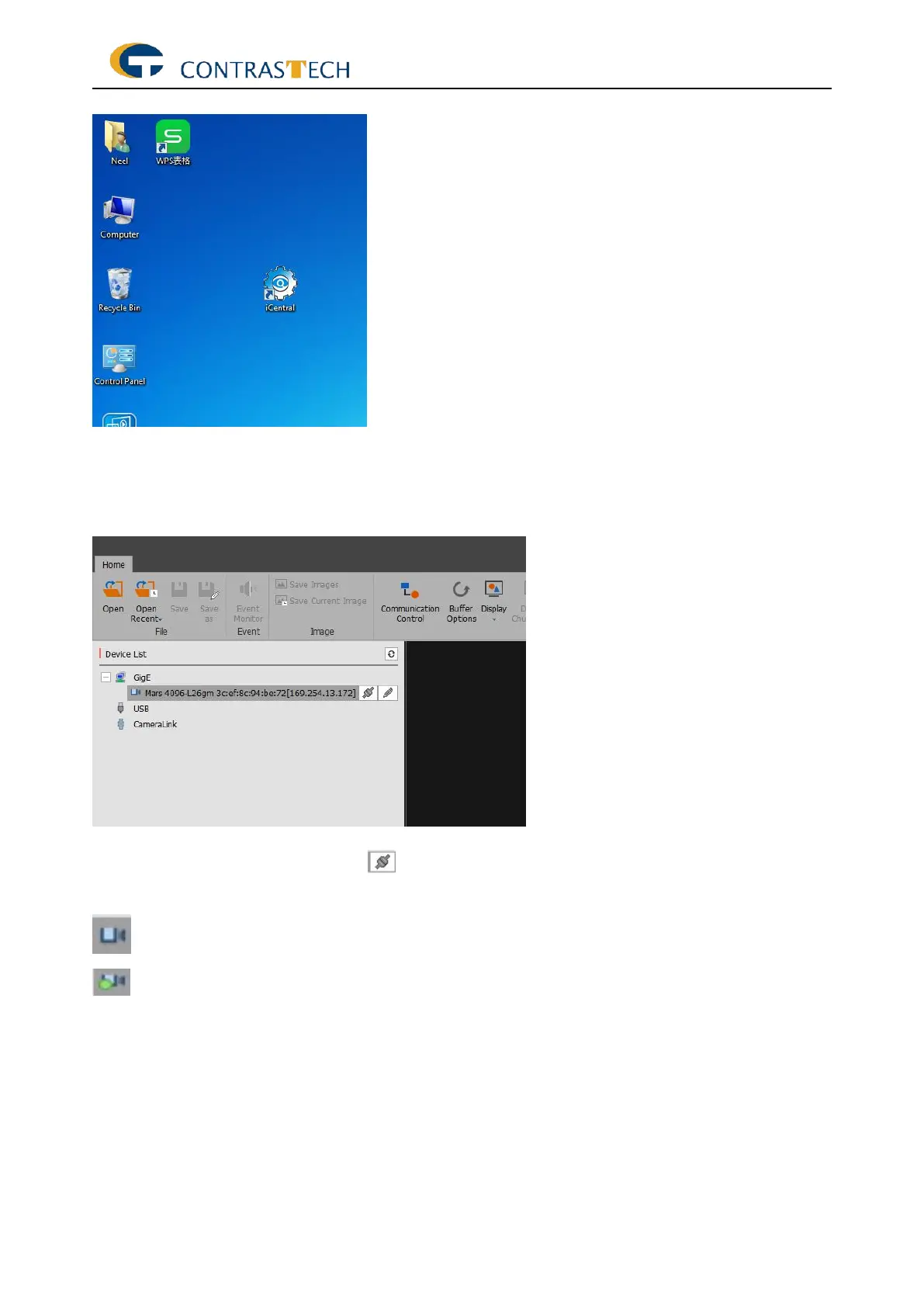
3. Click the“iCentral.exe”icon to start the program
4. Once the iCentral started, the camera can be discovered in the same network segment and
it will be displayed in ‘Device List’. Moreover, if there is a new camera in the network, it is
required to click ‘refresh’ in order to refresh the device list.
※Explanation of the icons in device list.
: Industrial camera which can be connected.
: Industrial Camera which has already connected to iCentral. Only one camera is allowed
to set up in iCentral at one time.


 To Next Page