13
INSTALLING THE BATTERY AND SELECTION OF ºC / ºF DISPLAY
Install the two AA size batteries (not included) to the thermostat following the polarity as marked. The LCD display
will show the room temperature flashing in Celsius. Press UP or DOWN to change the temperature display between
ºC and ºF.
Press DISPLAY or wait for 16 seconds, and the thermostat would go to its normal display, showing Monday 9:00 A.M.
Note: This is a one-time process. The temperature unit of the thermostat CANNOT be changed afterwards unless you
reset the thermostat.
ATTACHING THE THERMOSTAT TO THE BACK-COVER
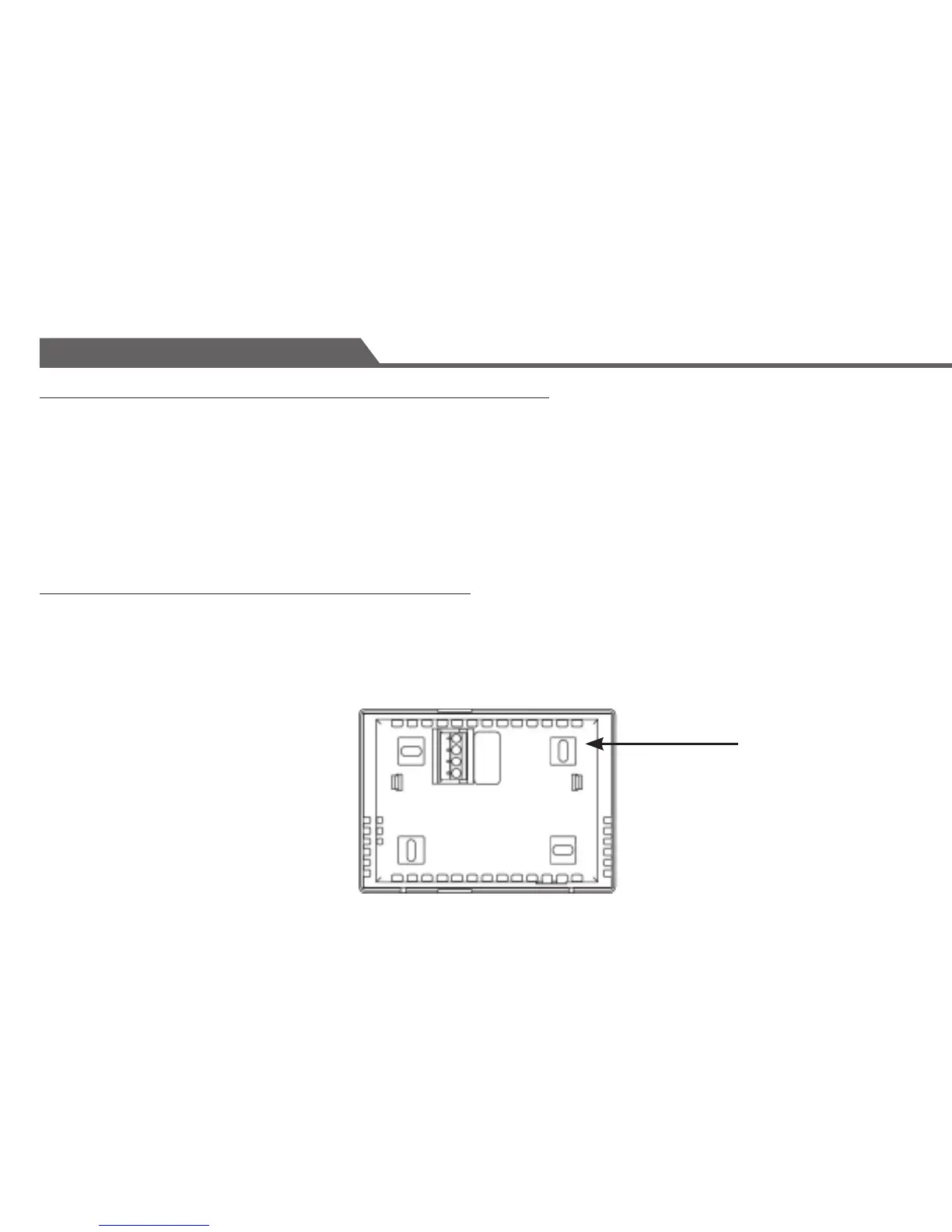
Line up the front face of the thermostat squarely to the mounted back plate and press it rmly in place.
The thermostat should snap be closed and there should not be any signicant gaps or looseness between the front
face and the back-cover.
Congratulations! You have completed the installation of the thermostat. Please refer to the programming and
operating instructions.
Installation
BACK COVER


 To Next Page