CONTROLS, INCORPORATED
C O N T R O L S Y S T E M S & S O L U T I O N S
- 3 -
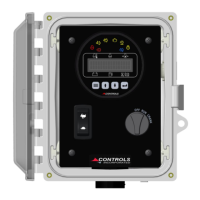
PANEL OPERATION
1) Engine Start - Turn key to run position
2) Engine Stop – Turn key to off position
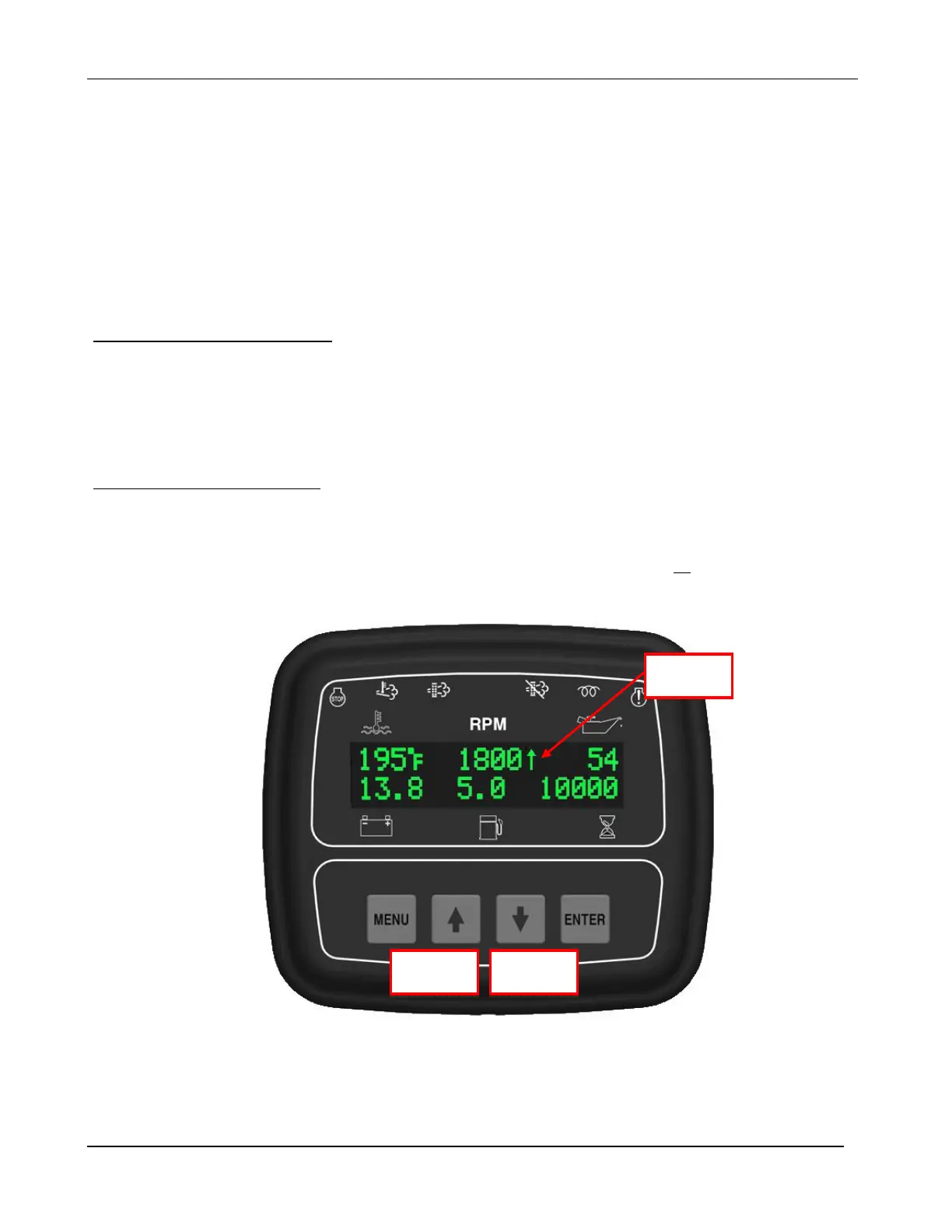
3) Engine Throttle – Push up and down buttons
Manual Throttle Control
With the key in the RUN position, and the toggle switch placed in manual, the panel operates the
throttle by pressing the up and down buttons. An arrow will indicate increasing or decreasing
engine speed.
Hydro Throttle Control
Opening and closing the hydro Throttle Switch can change engine speed between the programmed
Minimum Speed and the Last Operating Speed for each run. The last Operating Speed is the speed
at which the engine was last when the Hydro Throttle switch was opened, or the Throttle switch was
changed to “Automatic”.



 To Next Page