10
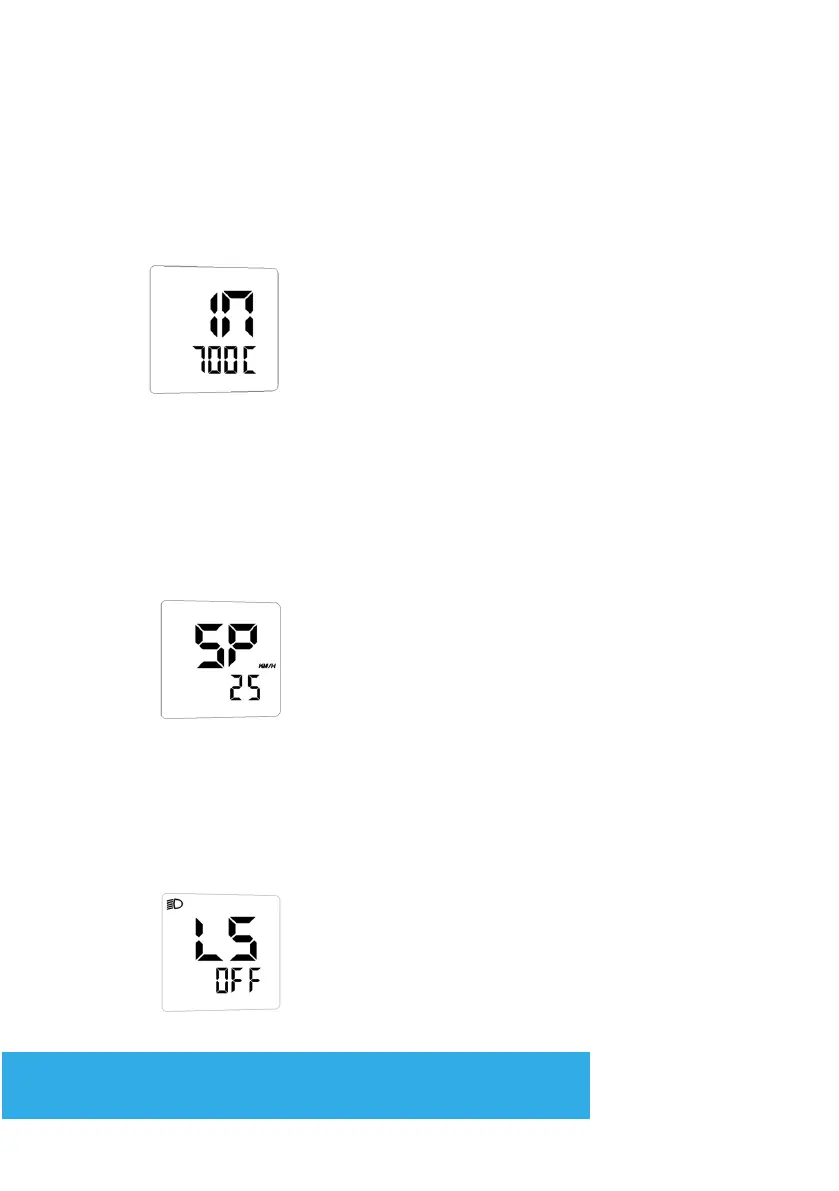
WHEEL DIAMETER SETTING
In the IN mode press + and - to select the correct value to match the
wheel diameter. Selectable values include: 14, 16, 18, 20, 22, 24, 26,
27.5, 700C, 28, 29.
Press Mode to conrm the modication and go to the next setting.
ASSIST SPEED-LIMIT SETTING
LIGHT SENSOR
When the running speed is faster than MAX SPEED, the controller will
cut off the motor power. MAX SPEED default setting is 25Km/h. Press
+/- to select the desired value. 99Km/h is unlimited.
Press Mode to conrm the modication and go to the next setting.
It is possible to set the display backlight (and riding lights if tted) to
automatically turn on when its dark.
In ‘LS’ mode, toggle the light sensor On-Off
Hold down Mode for over 2 seconds to
conrm and quit the setting mode.


 To Next Page