Naming the Site Map
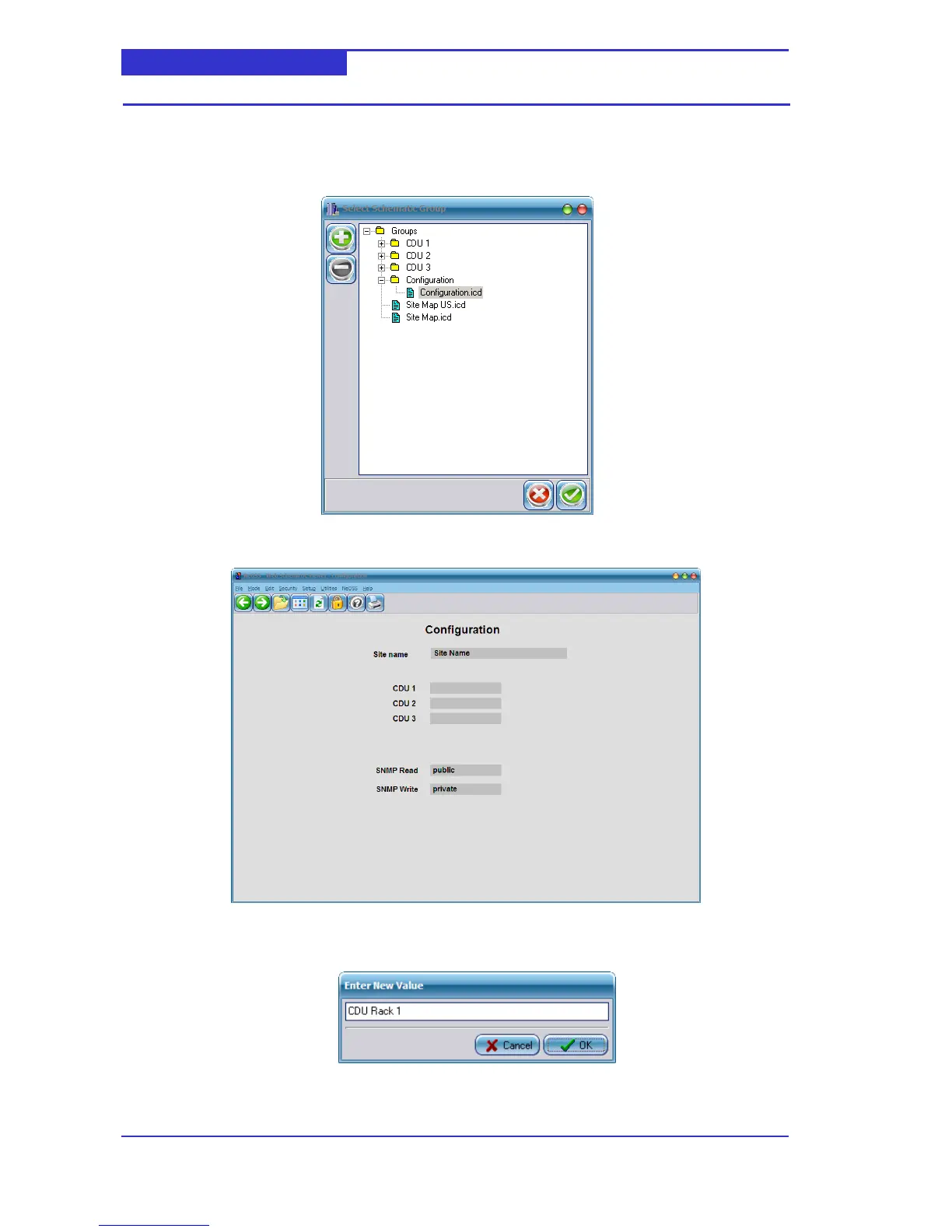
1. From the Menu, select File -> Open ->In Main Window.
2. Select the Configuration schematic as shown below,
3. The following schematic will be displayed.
4. Click on the Site Name entry field to display the Enter New Value dialog.
5. Enter the required and click OK



 To Next Page