6.2 Navigating Schematics
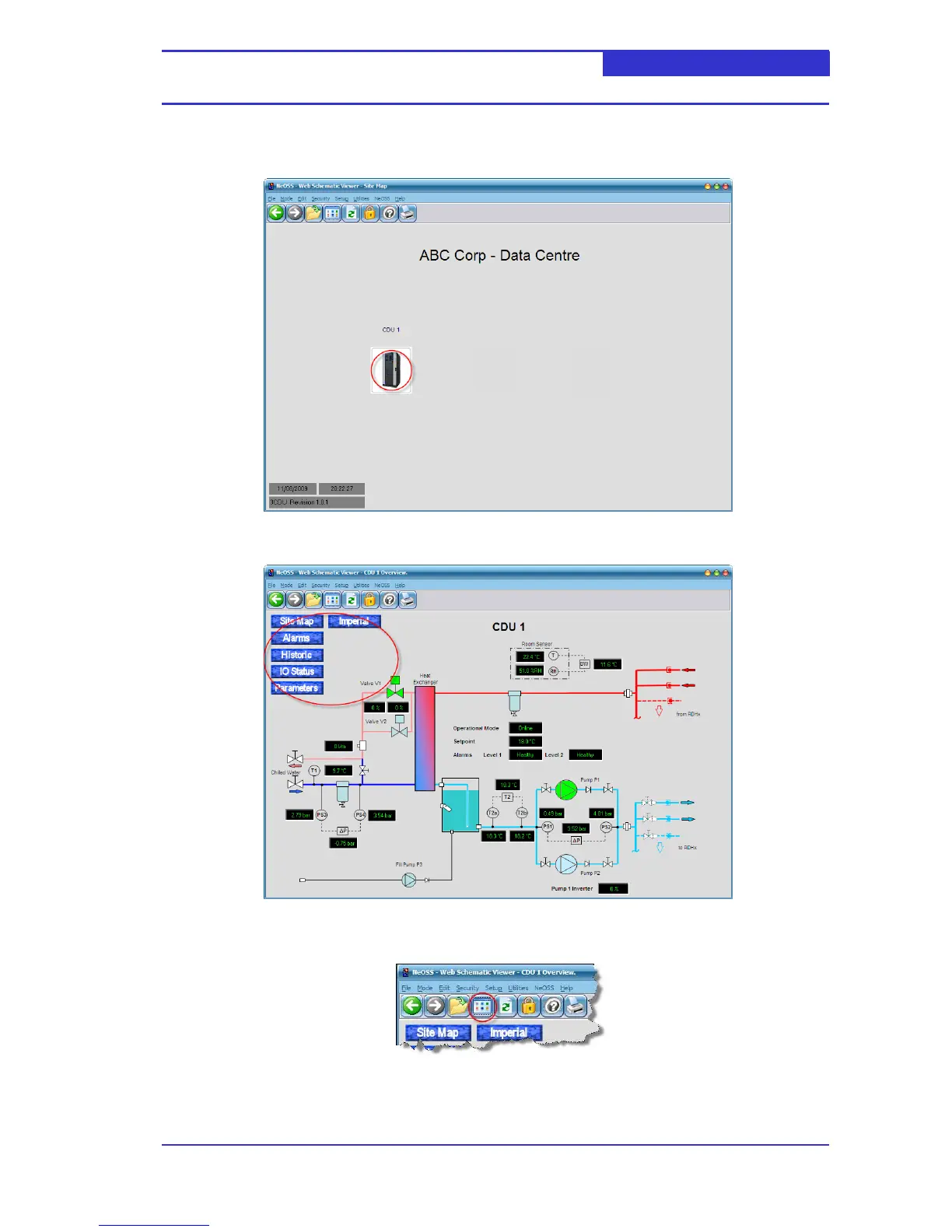
The site map is the default schematic displayed when the user logs on. To navigate to the CDU click
the appropriate CDU picture.
The user may easily navigate between schematics by clicking on the blue marble buttons.
To return to the default schematic click the Default schematic button as shown below,



 To Next Page