5.5 Personalising the Site Map Schematic
The site map is normally the default schematic which is displayed when a user logs on to the
CDU-AC5 and presents the CDUs which are attached to the CDU-AC5.
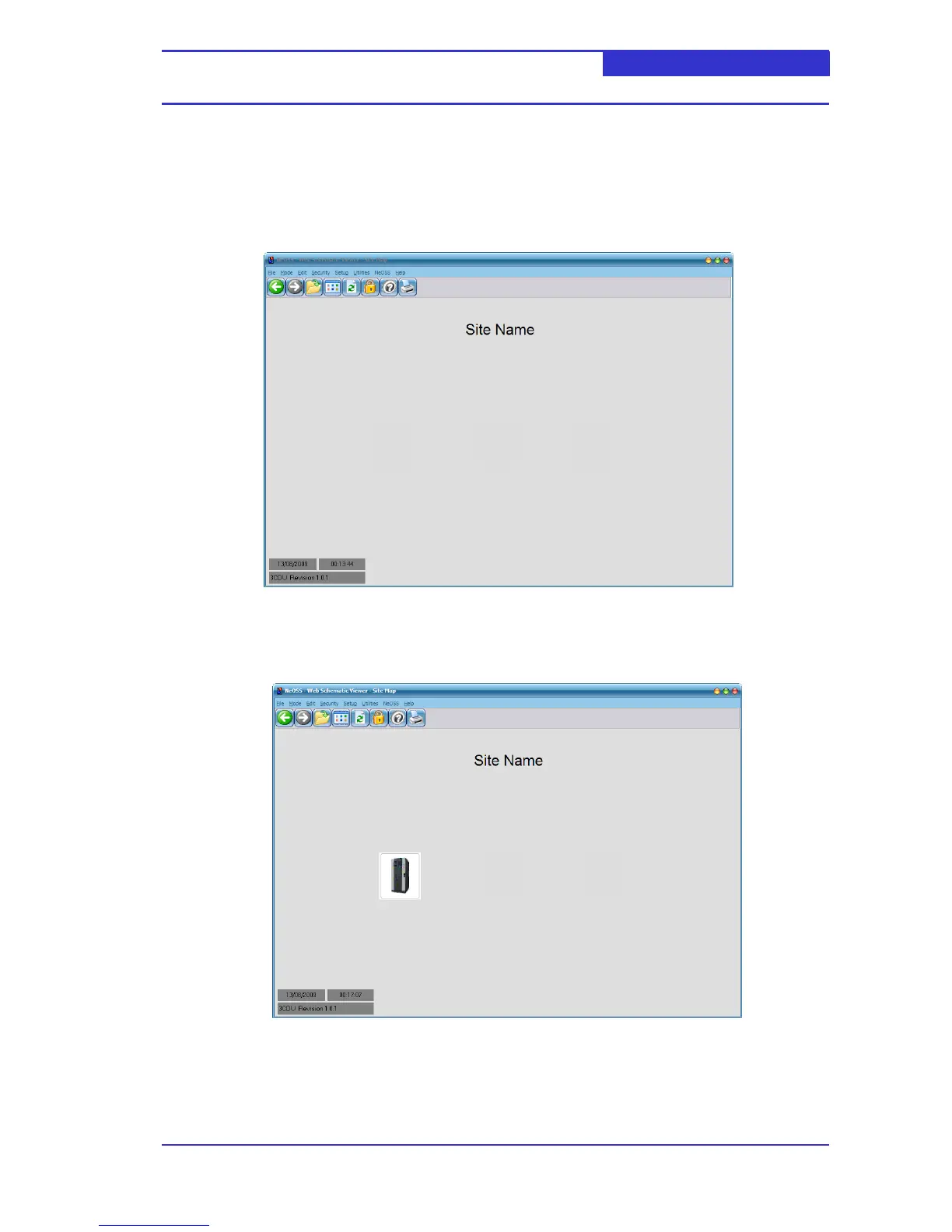
A newly installed CDU-AC5 will not be attached to any CDUs –this is represented by the
following site map schematic.
Once you have attached a CDU to the CDU-AC5 (see section 5.1 and 5.2), a CDU icon will be
displayed on the site map. In the schematic shown below, a CDU with network address #1
has been attached.
Attaching a CDU with Network address #2, #3 etc will be represented by CDU icons
positioned to the left of CDU #1.



 To Next Page