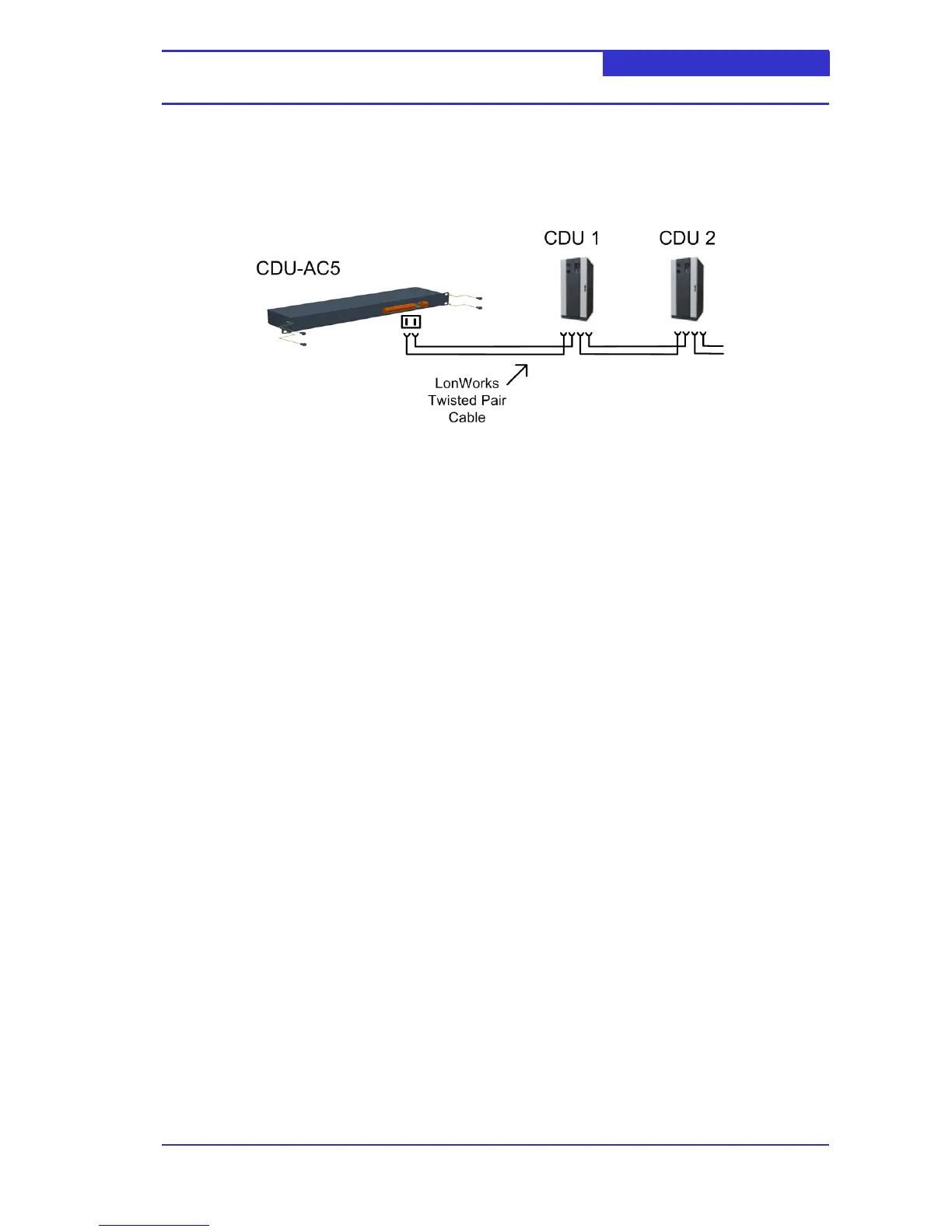
4.2 Local LonWorks Network
The CDU-AC5 communicates with connected CDUs over a LonWorks twisted pair network. A
typical network is shown in below,
4.3 Accessing the CDU-AC5
The CDU-AC5 can be accessed from a client PC running Microsoft Internet Explorer 5 or
above. The following security options must be enabled within Internet Explorer,
Scripting
Active X Controls
The CDU-AC5 communicates using a number of standard and non-standard TCP ports. If
access is to be gained through a firewall, the following ports are should be open.
20-21
80
44000 – 44002
50000 – 50010
The default IP configuration of the web server is
IP Address 192.168.11.22
Subnet Mask 255.255.255.0
Default gateway 0.0.0.0
4.4 Installing the Active-X control
When accessing a CDU-AC5 for the first time, an Active-X control will be downloaded and
installed on the client PC. The download is an automated process - the user only needs to
confirm several security prompts.



 To Next Page