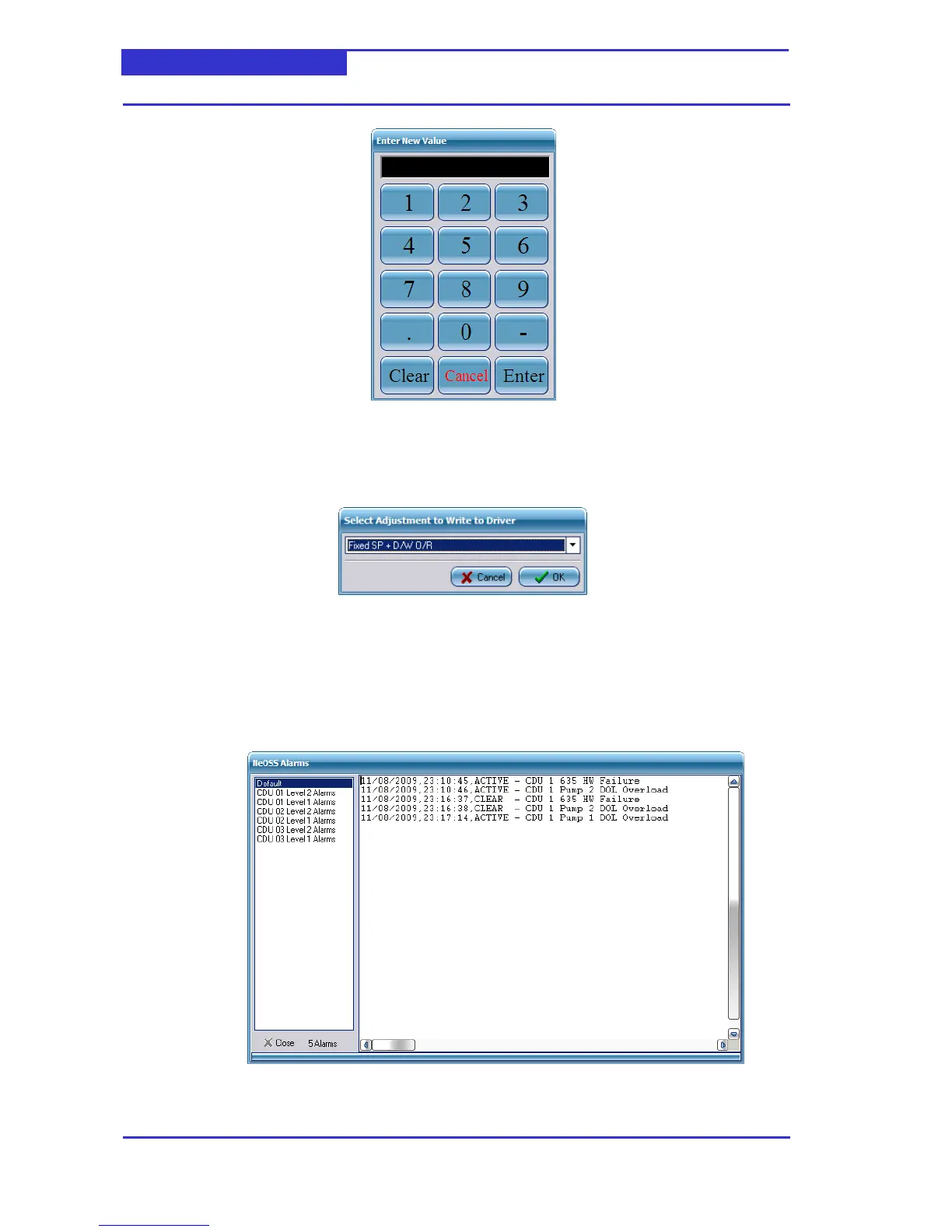
Using the mouse, enter the new value and click Enter.
Adjusting Option Parameters
Click on the current value of the required parameter. A dialog will be displayed,
Click on the drop-down button and select required option. Click OK
6.4 Displaying the Alarm List
From the Menu, select NeOSS -> Alarms
A window will be displayed as follows,
The alarm list can be filtered to display only alarms from a specific CDU by selecting the
appropriate filter in the left-hand pane.



 To Previous Page