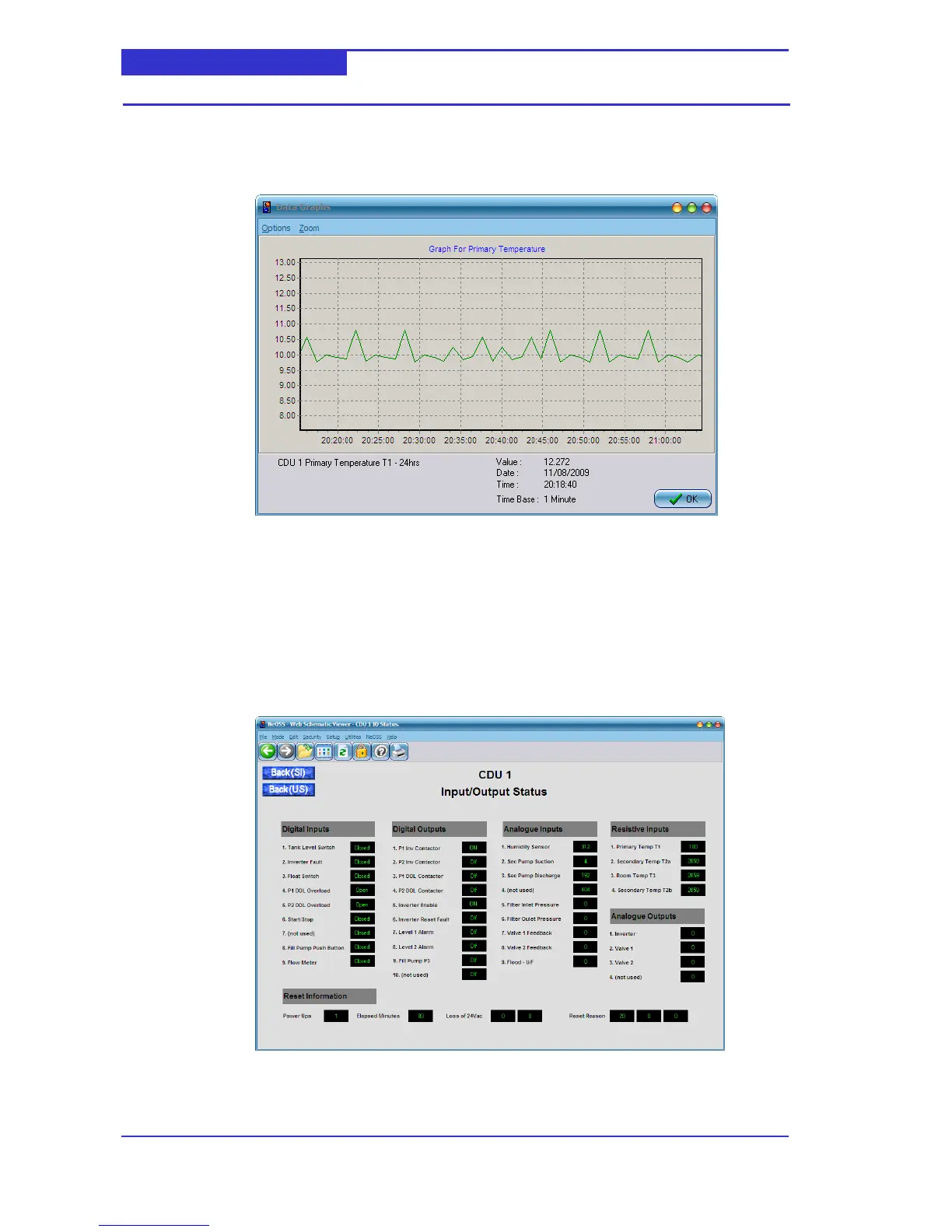
Click on the current value to retrieve the 24 hour data log. Click on the 7 days button or the 6
month button to retrieve the 7 day and 6 month data log respectively.
The following screen illustrates a typically data log,
Saving a datalog to CSV
You may save the datalog values to a CSV file on your local hard disk. From the Data graph
menu select Options->Export Data.
6.3.4 Input/Output Status
The I/O Status schematic provides all CDU low-level hardware input and output values for
diagnostic purposes. In addition, the `reset info’ is displayed towards the bottom of the
screen.



 To Next Page