
 Need help?
Do you have a question about the Cooler Master Elite 120 Series and is the answer not in the manual?
Details materials, dimensions, weight, drive bays, I/O panel, and compatibility limits.
Lists screws, standoffs, cable ties, and other accessories included for assembly.
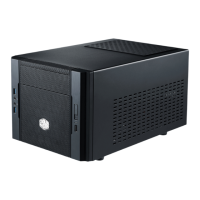
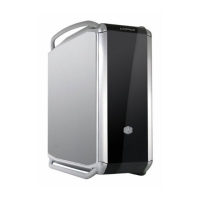
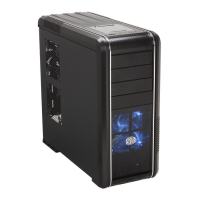
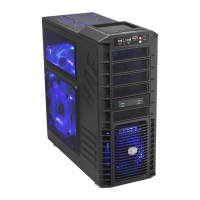
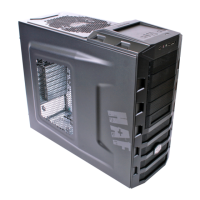
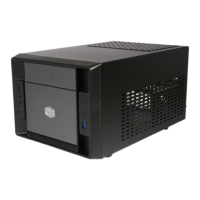
Visual representation of the PC case, showing its layout and key components.
Instructions on disassembling the upper part of the PC case for internal access.
Guide for mounting optical drives or other 5.25-inch bay devices into the case.
Steps for installing 3.5-inch and 2.5-inch hard disk drives or SSDs into the case.
Guidance on mounting and swapping cooling fans within the PC case.
Steps for securing the motherboard onto the PC case tray.
Instructions for inserting expansion cards like GPUs or sound cards into slots.
Guide for mounting the PSU unit into the case and connecting it.
Final steps and checks to ensure the PC build is successfully completed.
 General
| Brand | Cooler Master |
|---|---|
| Model | Elite 120 Series |
| Category | Computer Accessories |
| Language | English |

 To Next Page