32
Cool
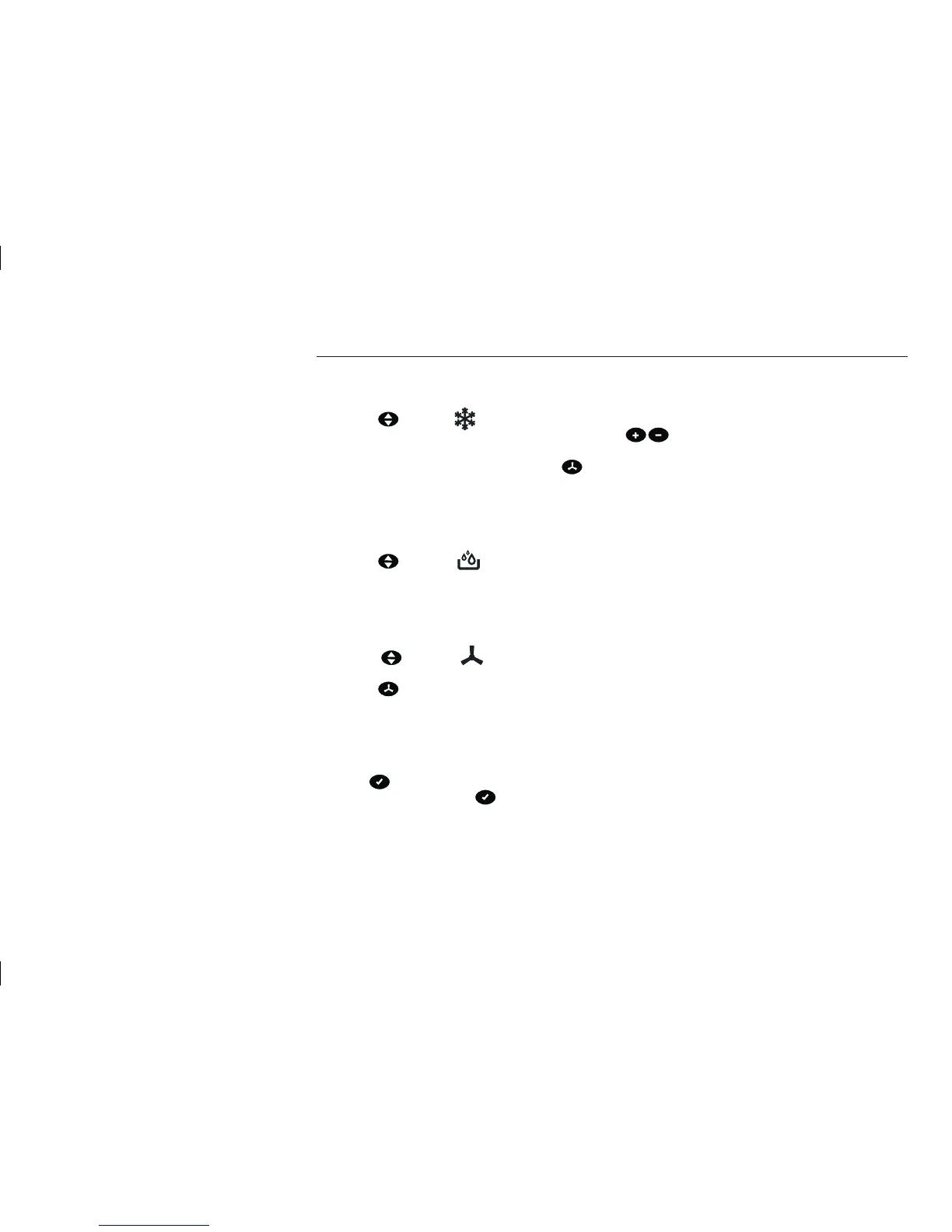
1. Press the key till the control light lights up.
2. Now select the desired room temperature with the help of the
keys.
3. The temperature can be set in the 17°C – 30°C/62°F – 88°F range.
4. You can select the blower speed by pressing the key.
Dehumidify
1. To achieve better dehumidification, please keep the doors and windows closed.
2. The exhaust air hose must be removed from the appliance if it is in the Dehumidify mode.
3. Press the
key till the control light lights up.
4. You can neither set a definite temperature nor select a definite blower speed in this mode. The appliance runs
at the highest blower speed automatically.
Fan
1. Press the key till the control light lights up.
2. You cannot set a definite temperature.
3. Press the key to select the blower speed.
4. The exhaust air hose must be removed when the appliance is running in the Fan mode.
Timer function
Automatic mode of the appliance
Press the key when the appliance is switched off and the power plug is inserted in the power socket. 0.0
appears in the display. Press the key again to determine when the appliance will be switched on automati-
cally. The activation is set back by 30 minutes each time you press the key (from 10 hours to 60 minutes). For
example, the display 9.5 means that the appliance will be activated automatically after 9 hours and 30 minutes.
The control light lights up now. The start time can be set between 30 minutes and 24 hours.
INSTRUCTION FOR USE


 To Next Page