Automatic deactivation of the appliance
Press the key when the appliance is switched on. 0.0 appears in the display. Press the key again to determine
when the appliance will be deactivated automatically. The deactivation is set back by 30 minutes each time you press this
key (from 10 hours to 60 minutes). For example, the display 0.5 means that the appliance will stop working after 30 minu-
tes. The control light lights up now. The deactivation time can be set between 30 minutes and 24 hours.
In the Cool and Dehumidify modes, the appliance extracts water from the room air. There are two options of diverting the
water:
Water tank
1. The water is diverted to the water tank and collected there. The appliance is shut off automatically as soon as the water
tank is full. The “P1” sign is displayed and the control light
starts flashing (red).
2. Wait for a few minutes before taking the water tank out, so that the remaining water can drip into it. Do not take the
water tank out when the appliance is under operation. Overflowing water can damage objects and floor covers, or lead to
an electric shock.
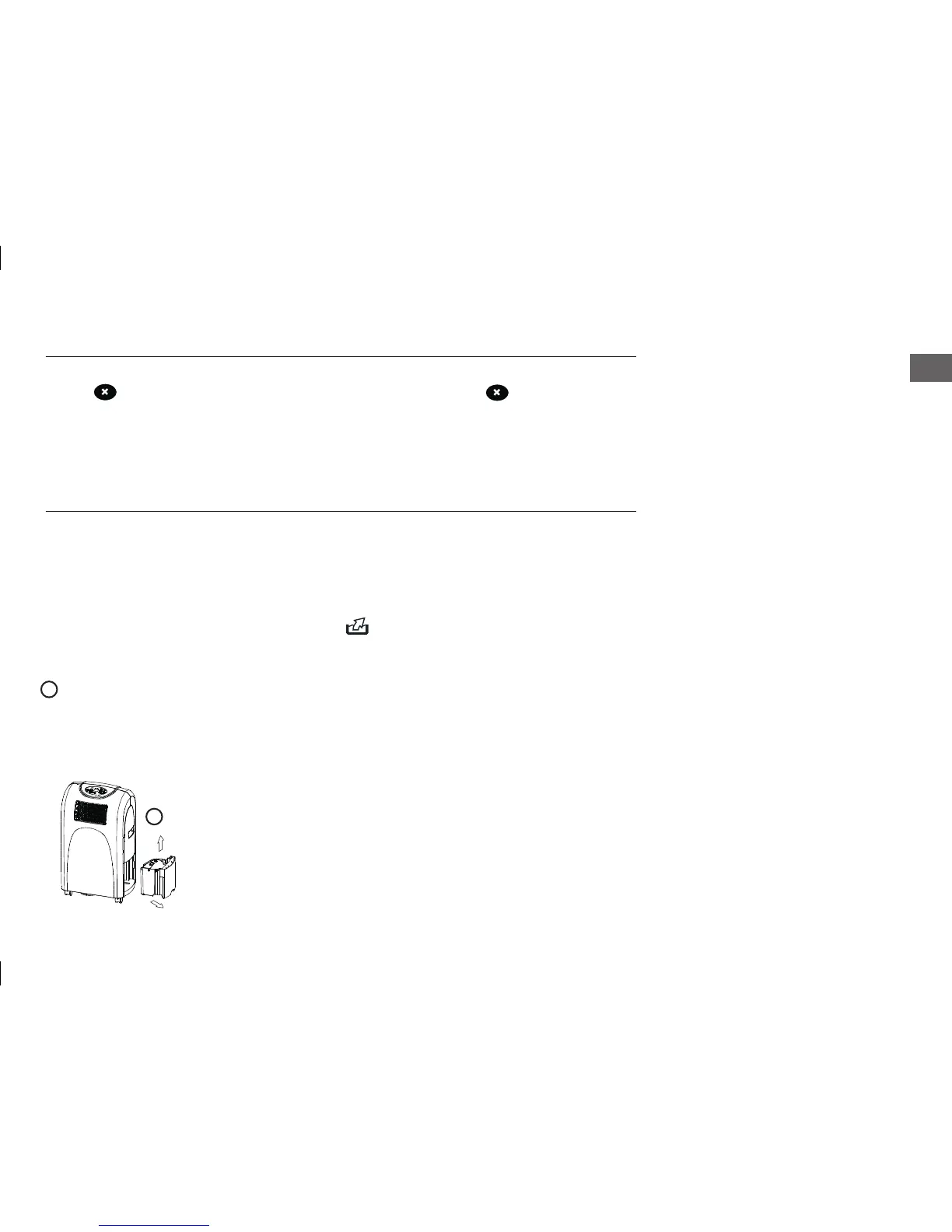
3. To empty the water tank, take it out as shown, and drain the water in the water tank fully.
4. Now insert the water tank in the initial position and switch the appliance on again The control light goes off and the “P1”
sign disappears.
WATER TANK
3


 To Next Page