19
SECTION 02
(8) On the CEU Select CommMode PC. The CEU will now be able to
communicate with the PC.
(9) Plug the CEU into the PC using the USB to USB cable.
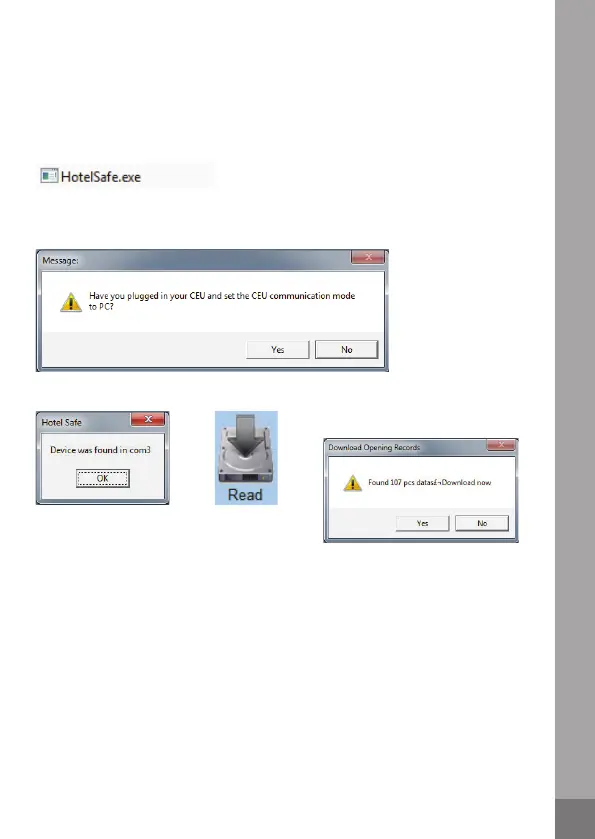
(10) Double click on HotelSafe.exe. The software will then open.
(11) Ensure the CEU is plugged into the PC and the communication mode is set
to PC. Select Yes to search for the CEU.
SAVE RECORDS
(1) Follow Reading Data stages 1-14 (pages 6-8).
(2) Select Save As. The data will be saved as a .csv file which can be opened in
Microsoft Excel.
PRINT RECORDS
(1) Follow Reading Data stages 1-14 (pages 6-8).
(2) Select Print. Now follow the instructions on the print dialogue.
(12) Select OK.
(14) A message will show how
many data entries are stored.
Select Yes to download the data.
(13) Select Read.



 To Next Page