16
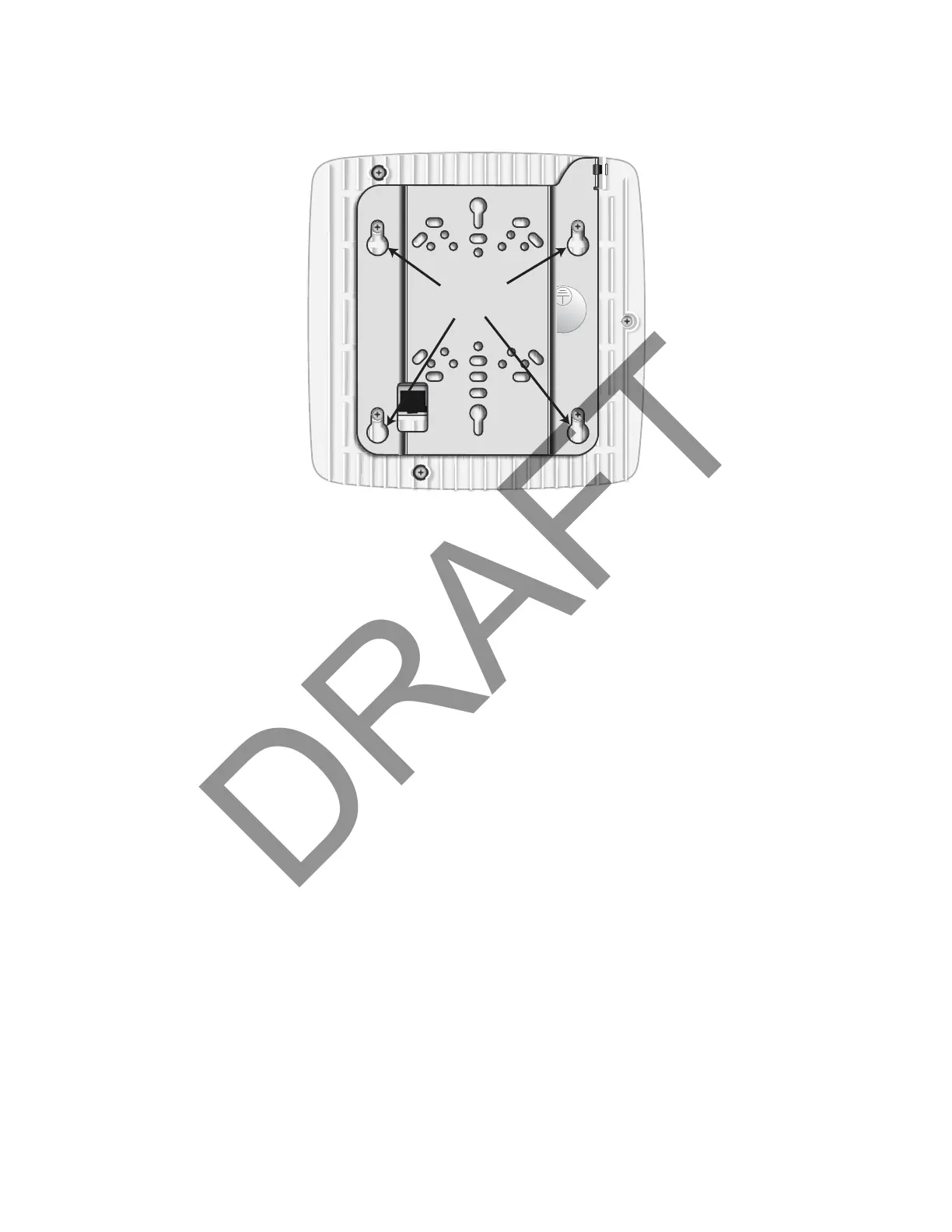
Attach the mount bracket to the radio node as shown in Figure 11:
Figure 11 Radio Node Slides into Mount Bracket
Installing the Radio Node (Method 1)
Use this method with the quarter-inch bracket when routing the Ethernet cable through an opening where
the bracket will be mounted.
To route the cable directly and mount the radio node
Step 1 Cut a hole in the ceiling or wall to route the Ethernet cable through. Align the hole with the
bracket Ethernet cable entry hole.


 To Next Page