EasyManua.ls Logo

Corometrics 145 - Set Time;Date; To Set Minutes

Default Icon
33 pages
Print Icon
To Next Page IconTo Next Page
To Previous Page IconTo Previous Page
Loading...
SET
TIME/DATE
To
set
minutes,
hours,
day,
month
and
year
push
the
Clock
switch
located
inside
the
recorder
towards
the
outside
of
the
recorder.
(set)
The
clock
will
only
need
to
be
set
prior
to
initial
operation.
A
lithium
battery
keeps
the
clock
running
even
when
the
monitor
is
unplugged
for
a
minimum
of
5
years.
UNIT
OF
TIME
CODE
RANGE
Minutes
5
00
-
59
Hours
6
00
-
23
Day
7
01-31
Month
8
01-12
Year
9
00
-
99
NOTE:
If
the
battery
discharges,
all
ranges
will
start
with
“00”
during
the
resetting
period.
TO
SET
MINUTES
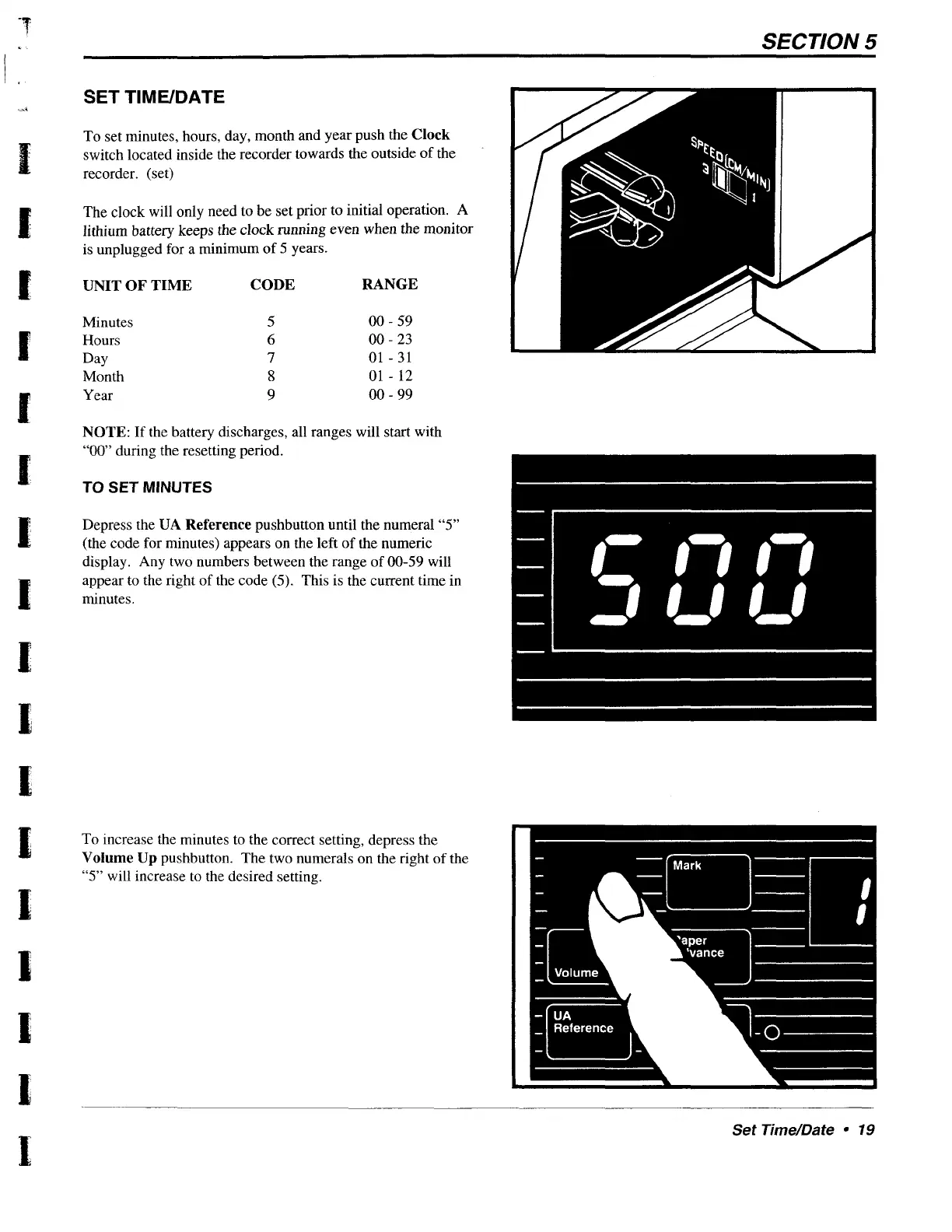
Depress
the
UA
Reference
pushbutton
until
the
numeral
“5”
(the
code
for
minutes)
appears
on
the
left
of
the
numeric
display.
Any
two
numbers
between
the
range
of
00-59
will
appear
to
the
right
of
the
code
(5).
This
is
the
current
time
in
minutes.
To
increase
the
minutes
to
the
correct
setting,
depress
the
Volume
Up
pushbutton.
The
two
numerals
on
the
right
of
the
“5”
will
increase
to
the
desired
setting.
_|
Volume
|
UA
_|
Reference
SECTION
5
Set
Time/Date
=
19