EasyManua.ls Logo

Corometrics 145 - Page 26

Default Icon
33 pages
Print Icon
To Next Page IconTo Next Page
To Previous Page IconTo Previous Page
Loading...
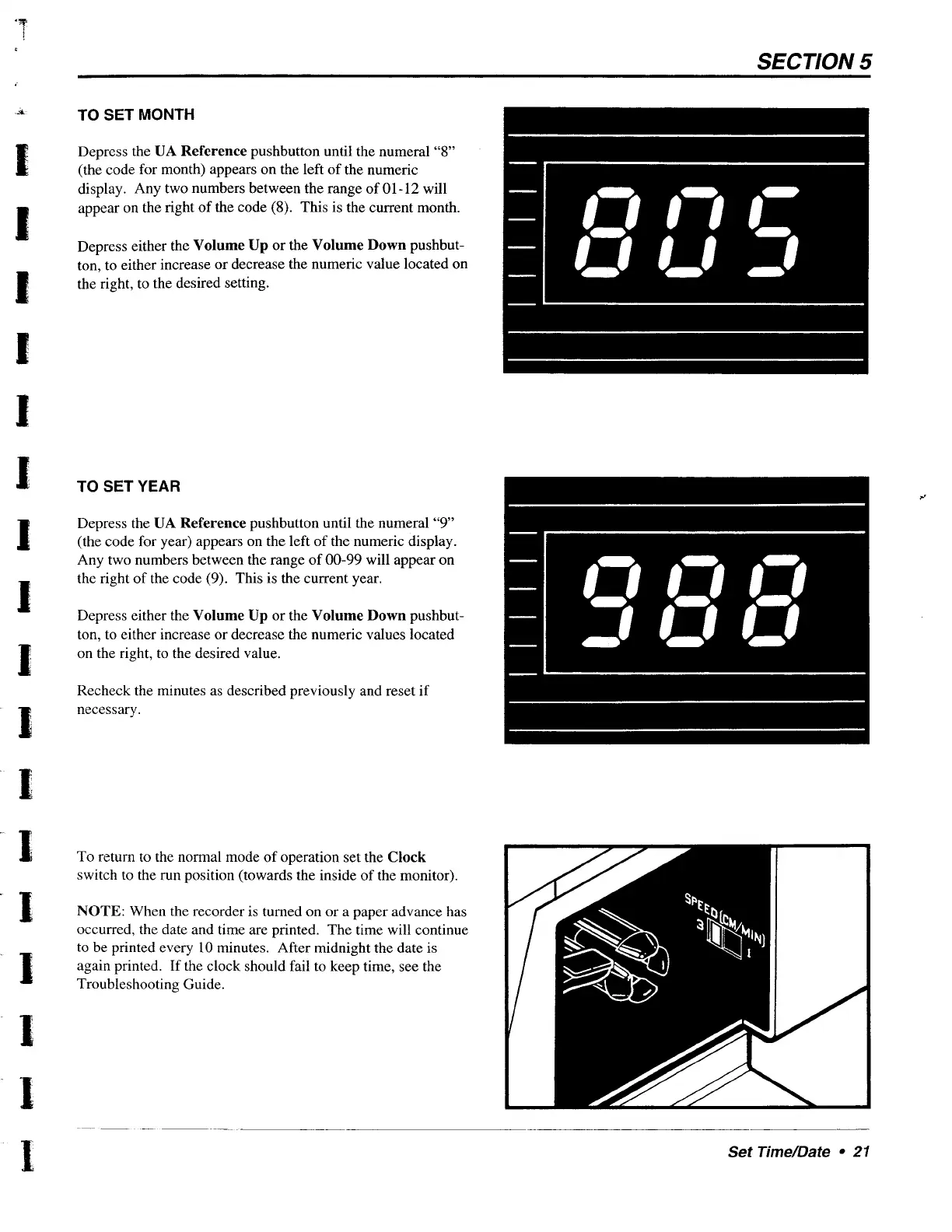
TO
SET
MONTH
Depress
the
UA
Reference
pushbutton
until
the
numeral
“8”
(the
code
for
month)
appears
on
the
left
of
the
numeric
display.
Any
two
numbers
between
the
range
of
01-12
will
appear
on
the
right
of
the
code
(8).
This
is
the
current
month.
Depress
either
the
Volume
Up
or
the
Volume
Down
pushbut-
ton,
to
either
increase
or
decrease
the
numeric
value
located
on
the
right,
to
the
desired
setting.
TO
SET
YEAR
Depress
the
UA
Reference
pushbutton
until
the
numeral
“9”
(the
code
for
year)
appears
on
the
left
of
the
numeric
display.
Any
two
numbers
between
the
range
of
00-99
will
appear
on
the
right
of the
code
(9).
This
is
the
current
year.
Depress
either
the
Volume
Up
or
the
Volume
Down
pushbut-
ton,
to
either
increase
or
decrease
the
numeric
values
located
on
the
right,
to
the
desired
value.
Recheck
the
minutes
as
described
previously
and
reset
if
necessary.
To
return
to
the
normal
mode
of
operation
set
the
Clock
switch
to
the
run
position
(towards
the
inside
of
the
monitor).
NOTE:
When
the
recorder
is
turned
on
or
a
paper
advance
has
occurred,
the
date
and
time
are
printed.
The
time
will
continue
to
be
printed
every
10
minutes.
After
midnight
the
date
is
again
printed.
If
the
clock
should
fail
to
keep
time,
see
the
Troubleshooting
Guide.
SECTION
5
Set
Time/Date
+
21