English- 0706- English
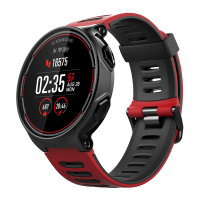
PACE Heart Rate Monitor
In order to ensure the accuracy of heart rate monitor, please fasten your watch band
and make sure the watch fits securely against your wrist.
Water Resistance
The PACE watch has a water resistance rating of 5 ATM which means it can withstand
pressures equivalent to a depth of 50 meters (165 Feet), however, it does not mean it
can be worn under 50 meters while diving. Please avoid pressing any of the PACE
function keys while under water.
Pairing your PACE watch with your smart-phone
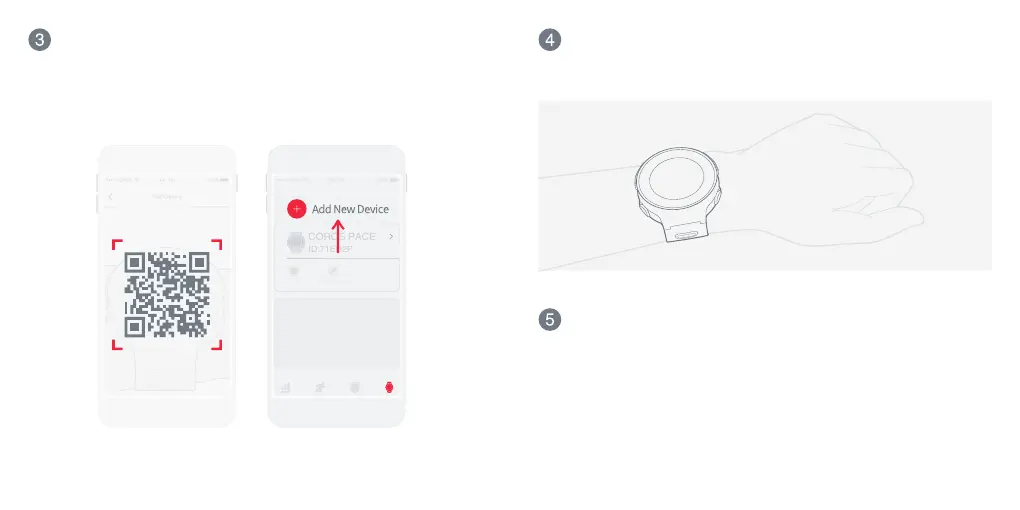
Turn on Bluetooth in your phone settings. Open the COROS App and go to the
Device page. Select "Add New Device" and follow the on-screen instructions. On
your watch, display the QR code by navigating to System -> Pair Phone. Scan the
QR to finish pairing.


 To Next Page