MOBILTEX® DATA LTD.
Calgary, Alberta
www.corTalk.com
TITLE: uDL2 Configuration and Operation Guide
DOCUMENT NO.:
UDL2-MAN-001
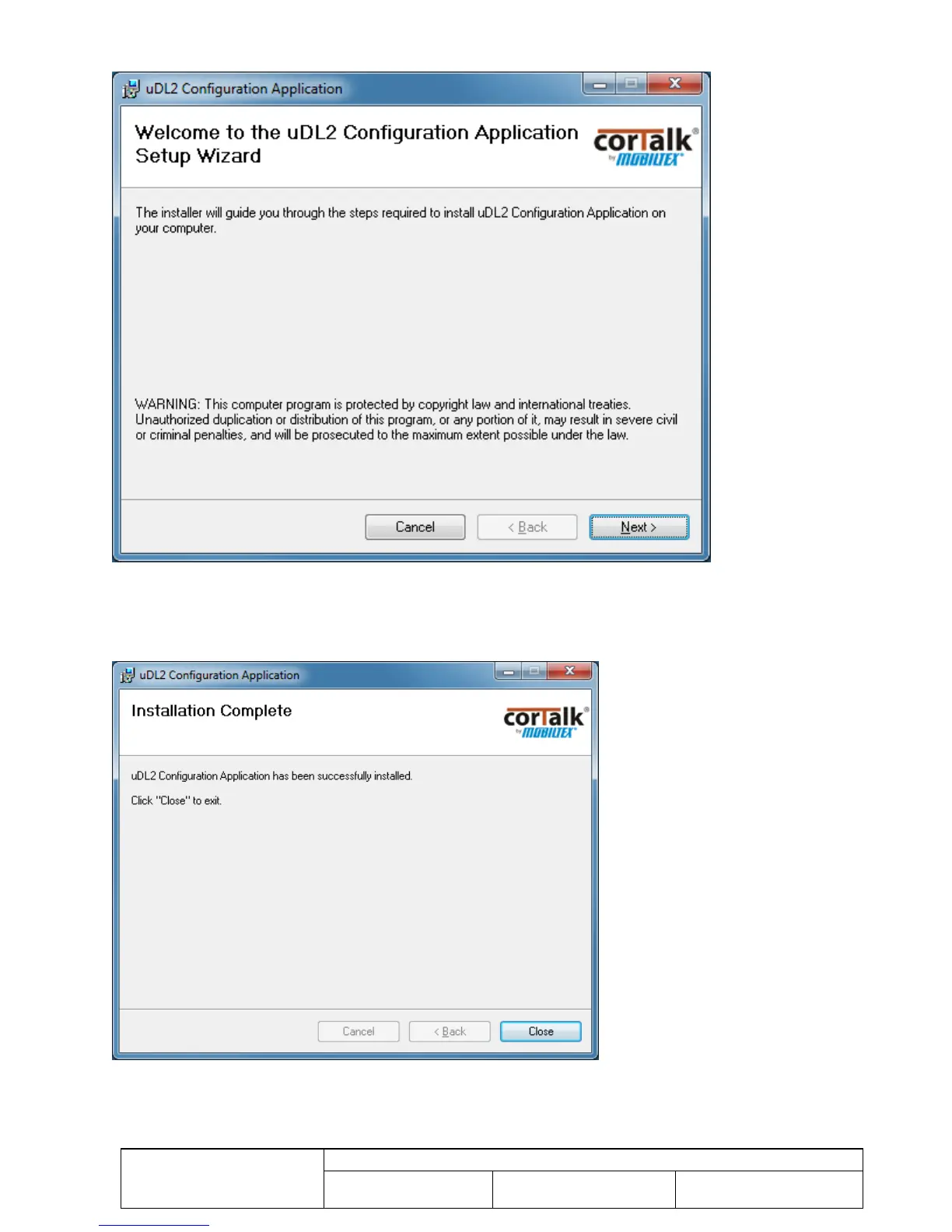
The following dialog should now appear:
Figure 14 uDL2 Configuration Application Installation Dialog
Follow the instructions presented in the installation screens, clicking “Next” to move to the next screen each time. Some
screens may pause for tens of seconds as the Windows installation procedure is processing. The final screen should
show the dialog in Figure 15. Click “Close” to complete the installation.
Figure 15 uDL2 Configuration Application Installation Complete
A shortcut to the configuration application and the uDL2 manual are created in the Windows start menu under the “uDL2
Configuration Application” folder.



 To Next Page