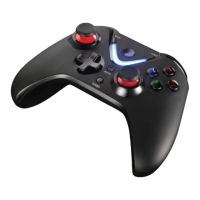
HOW TO ACTIVATE THE TURBO MODE?
Turbo mode is often used for FPS! It allows you auto-fire by pressing the selected button (A, B,X,Y).
Thus, you avoid repetitive pressure of the same key.
To activate the Turbo mode:
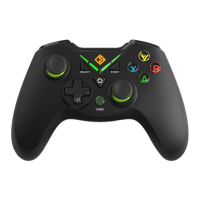
1.Hold the [TURBO] button
2.Then press the selected button(A, B, X, Y)
3.The Turbo function is enabled
To deactivate the Turbo mode:
1.Press and hold the button where the Turbo function is enabled
2.Then press the [TURBO]
Note: The Turbo mode does not support eight-way D Cross/Joysticks/[START] and [SELECT]
TROUBLE SHOOTING:
Why the gamepad does not work on my computer?
1.Make sure the USB port is functional
2.Make sure the USB port is powered correctly
3.Try another USB port
4.User of Windows XP: install the driver imperatively
5.Use a USB port on the back of your computer
Why the gamepad does not work with my game?
1.Your game does not support gamepad
2.Configure/activate your gamepad directly in the game interface


 To Next Page