EasyManua.ls Logo

Cosori CS100-AO - User Manual

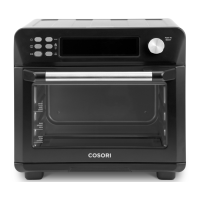
Cosori CS100-AO
36 pages
Print Icon
To Next Page IconTo Next Page
Loading...
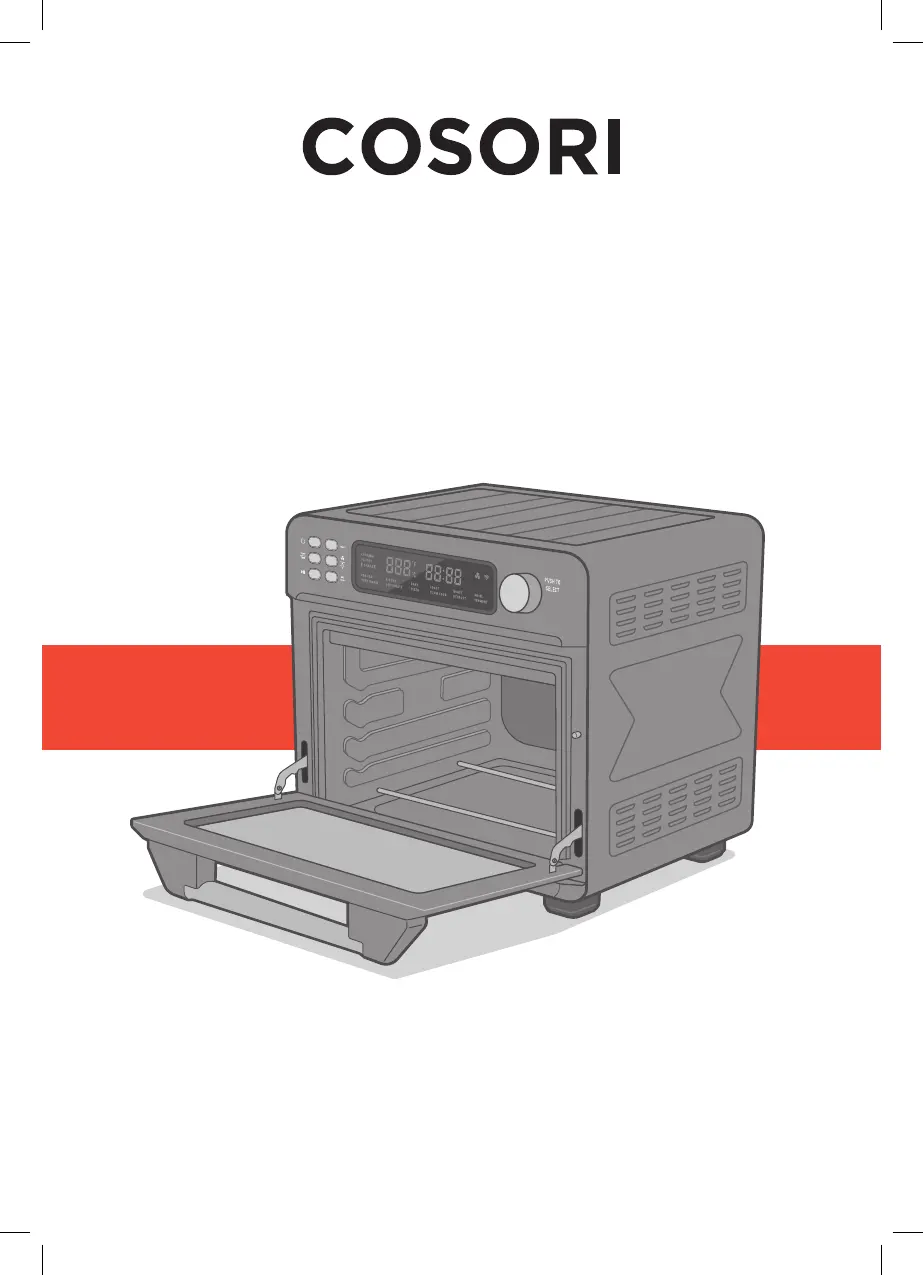
User Manual
Smart Air Fryer Toaste
r Oven
Model: CS100-AO
Questions or Concerns?
Mon–Fri, 9:00 am–5:00 pm PST/PDT
support@cosori.com | (888) 402-1684

Questions and Answers

  • S
    Stephanie StanleyAug 3, 2025
    What to do if dark smoke is coming out of my Cosori Oven?
    • S
      santiagoelizabethAug 3, 2025
      If dark smoke is coming out of your Cosori Oven, immediately press and unplug it. This indicates that food is burning. Wait for the smoke to clear before opening the oven door.
  • M
    Mrs. Tammy GarciaAug 8, 2025
    Why is my food overcooked or burned in my Cosori CS100-AO Oven?
    • M
      Michael ArmstrongAug 9, 2025
      If your food is overcooked or burned in the Cosori Oven, try the following: * Decrease the cooking temperature or time. * Ensure food items are not too large and aren't touching the heating elements.
  • M
    Maria GibsonAug 13, 2025
    What to do if food is not completely cooked in Cosori Oven?
    • L
      lawsontonyAug 13, 2025
      If food is not completely cooked in your Cosori Oven, increase the cooking temperature or the cooking time.
  • T
    Taylor OlsenAug 18, 2025
    Why is my food cooking unevenly in my Cosori Oven?
    • M
      Madison MillerAug 18, 2025
      If food is cooked unevenly in your Cosori Oven, consider these solutions: 1. Preheat the oven manually using the Preheat function. 2. Make sure food items are not too closely packed into a tray, rack, or other container.
  • S
    Steven FrederickAug 25, 2025
    Why is white smoke or steam coming out of my Cosori CS100-AO Oven?
    • P
      Patrick ReynoldsAug 25, 2025
      White smoke or steam coming out of your Cosori Oven may be normal in the following cases: * The oven may produce some white smoke or steam during cooking. * During first use, dust from the packing process may cause white smoke. * Excess oil or fatty foods may produce white smoke. Make sure the inside of the oven is cleaned properly and isn’t greasy.
  • M
    Maria ThompsonAug 28, 2025
    Why is thermometer showing different temperature than Cosori CS100-AO Oven setting?
    • B
      brewerdennisAug 29, 2025
      Commonly used thermometers usually have low sensitivity and take over 10 minutes to measure the correct temperature. This will not affect cooking.

Summary

Important Safeguards

Key Safety Points

Crucial safety precautions for operating the air fryer toaster oven.

General Safety

General safety guidelines for usage, cleaning, and electrical safety.

While Cooking

Precautions and guidelines to follow during cooking operations.

Plug & Cord Safety

Information regarding the power plug, cord, and extension cord usage.

Electromagnetic Fields (EMF)

Compliance and safety information regarding electromagnetic fields.

Getting to Know Your Oven

Controls Overview

Identifies and describes the various buttons and the control knob on the appliance.

Component Identification

Visual guide to the main parts of the air fryer toaster oven.

Display Indicators

Understanding the Display

Explains the various icons and readouts on the oven's digital display.

Oven Controls

Control Knob Functionality

Details how to use the control knob for selecting functions and adjusting settings.

Power Button Operation

Instructions for turning the oven on/off and managing the VeSync app connection.

Fan;Light Button Operation

How to operate the fan and interior light of the oven.

Shake Reminder Button

Usage of the Shake Reminder feature and preset reset options.

Temp;Time Adjustment

How to adjust temperature and time using the dedicated button.

Preheat Button

Functionality of the Preheat button for oven preparation.

Start;Pause Button

How to start, pause, or cancel cooking operations.

Before First Use

Setting Up the Oven

Steps for preparing the oven before its initial operation.

Test Run Procedure

How to perform an initial test run to check functionality and clean residues.

VeSync App Setup Guide

Guide to downloading and setting up the VeSync app for smart control.

Cooking with Your Smart Air Fryer

Cooking Functions Overview

Introduction to the oven's various cooking presets and their uses.

Customizing Cooking Functions

How to modify and save default settings for cooking functions.

Resetting Cooking Functions

Procedures for resetting individual or all cooking function presets.

VeSync App Features

Remote Control

Controlling the oven functions remotely via the VeSync app.

In-App Cosori Recipes

Accessing and using pre-programmed and custom recipes within the app.

Third-Party Voice Control

Integration with voice assistants like Alexa and Google Assistant.

Super Convection Fan

Preheat Function

Manual Preheat Operation

How to manually preheat the oven to a specific temperature.

Automatic Preheat

How automatic preheating works with specific cooking functions.

Keep Warm Function

Air Fry Function

Dehydrate Function

Bake Function

Pizza Function

Toast Function

Slow Cook Function

Roast Function

Defrost Function

Broil Function

Ferment Function

Care and Maintenance

Cleaning the Oven Interior

How to clean the inside surfaces and glass door of the oven.

Cleaning the Accessories

Methods for cleaning trays, racks, and the crumb tray.

Storage Guidelines

Proper procedures for storing the oven and its accessories.

Troubleshooting

Common Oven Issues

Solutions for problems like oven not turning on or food not cooking.

Error Code Explanations

Interpretation and solutions for error codes displayed on the oven.

VeSync App Troubleshooting

Connectivity Issues

Troubleshooting steps for connecting the oven to the VeSync app.

Oven Offline Issues

Solutions for when the oven appears offline in the VeSync app.

FCC Statement

FCC Radiation Exposure Statement

Warranty Information

Product Warranty Details

Information on the product's warranty period and terms.

Terms and Policy

Legal terms, limitations, and conditions of the warranty.

Extend Your Warranty

How to register the product to extend the warranty period.

Customer Support

Show Us What Youre Making

More Cosori Products

Cosori CS100-AO Specifications

General IconGeneral
BrandCosori
ModelCS100-AO
CategoryOven
LanguageEnglish

Videos

How to Switch off Cosori 12 in 1 air fryer toaster oven

Related product manuals