EasyManua.ls Logo

Cosori CTO-R301S-SUSW - User Manual

Cosori CTO-R301S-SUSW
36 pages
Print Icon
To Next Page IconTo Next Page
Loading...
Questions or Concerns?
Mon–Fri, 9:00 am–5:00 pm PST/PDT
support@cosori.com | (888) 402-1684
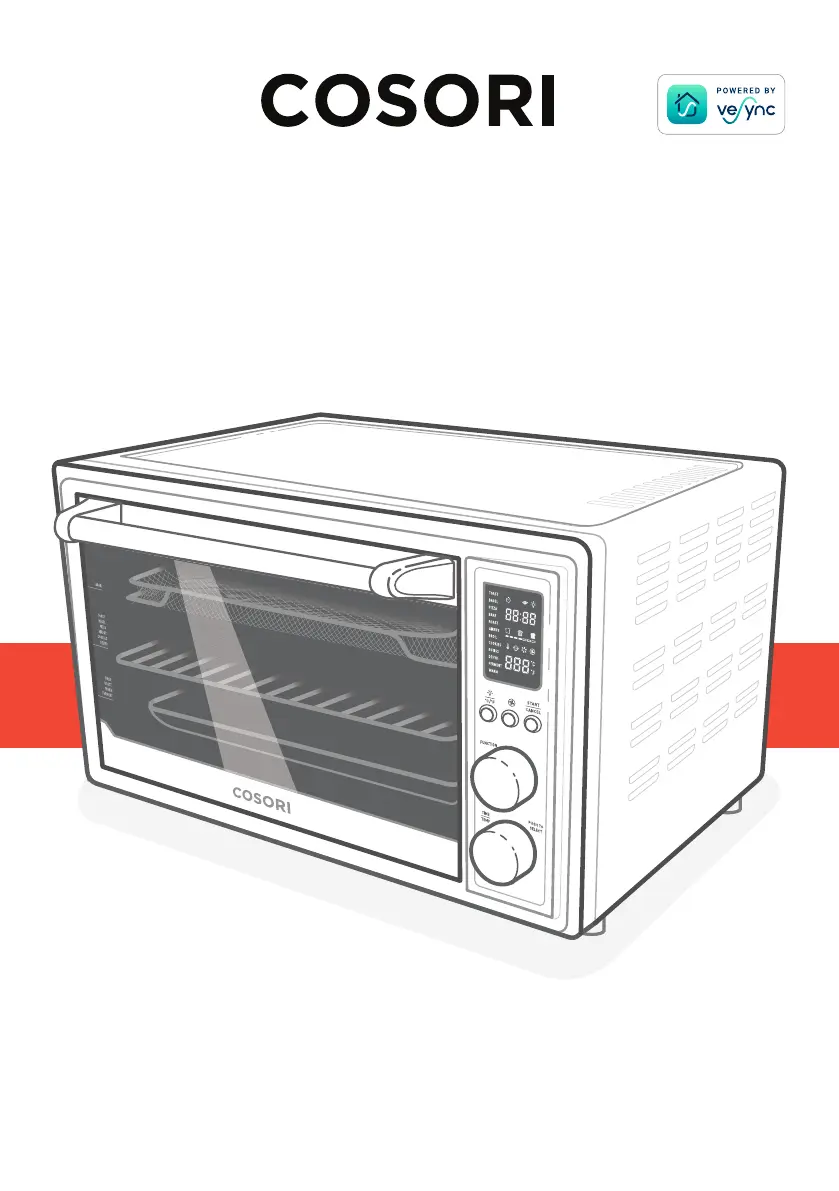
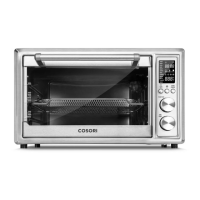
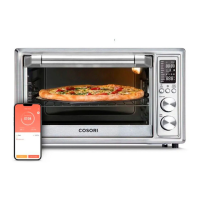
Smart Air Fryer Toaster Oven
User Manual
®

Questions and Answers

  • B
    Brianna MendezAug 3, 2025
    What to do if dark smoke is coming out of my Cosori CTO-R301S-SUSW Oven?
    • S
      sara79Aug 3, 2025
      If dark smoke is coming out of your Cosori Oven, immediately press the START/CANCEL button and unplug the oven. This indicates that food is burning. Wait for the smoke to clear before opening the oven door.
  • B
    beckeranthonyAug 7, 2025
    How to prevent food from being overcooked in my Cosori CTO-R301S-SUSW?
    • T
      Tracey WilliamsAug 7, 2025
      If your food is overcooked or burned in the Cosori Oven, try decreasing the cooking temperature or time. Also, ensure that food items are not too large or touching the heating elements.
  • T
    tgarnerAug 11, 2025
    What to do if food is not completely cooked in Cosori CTO-R301S-SUSW?
    • L
      lorigonzalezAug 11, 2025
      If food is not completely cooked in your Cosori Oven, try increasing the cooking temperature or cooking time.
  • D
    Derek OrtegaAug 15, 2025
    Why is white smoke coming out of my Cosori CTO-R301S-SUSW?
    • J
      Janet PowellAug 15, 2025
      If you notice white smoke or steam coming out of your Cosori Oven during cooking, it's usually normal. It may occur during cooking. During first use, dust from the packing process may cause white smoke. Excess oil or fatty foods may also produce white smoke. Make sure the inside of the oven is cleaned properly and isn't greasy.
  • R
    ruizsandraAug 20, 2025
    How to ensure even cooking in my Cosori CTO-R301S-SUSW Oven?
    • T
      Tyler MortonAug 20, 2025
      If your food is cooked unevenly in the Cosori Oven, preheat the oven manually using the Toast function set to Level 4. Also, make sure food items aren't too closely packed in the tray, rack, or container.
  • J
    Joshua CurryAug 25, 2025
    What to do if Cosori CTO-R301S-SUSW display shows error code due to incorrect power source?
    • N
      natalieroseAug 25, 2025
      Unplug the Cosori Oven. Only use the oven with 120V, 60Hz outlets, such as those in the US and Canada.
  • L
    linda47Aug 29, 2025
    Why does my thermometer show a different temperature than my Cosori CTO-R301S-SUSW Oven setting?
    • J
      Jordan BrownAug 29, 2025
      Commonly used thermometers usually have low sensitivity and take over 10 minutes to measure the correct temperature. This will not affect cooking.

Summary

Package Contents

Specifications

Important Safeguards

Key Safety Points

Essential safety precautions for operating the appliance.

General Safety

Guidelines for safe usage, handling, and electrical safety.

While Cooking

Safety measures to follow during the cooking process.

Power and Cord Safety

Electromagnetic Fields (EMF) Compliance

Getting to Know Your Smart Air Fryer Toaster Oven

Display Information

Controls Overview

Light and Unit Button Controls

Controls interior light and switches between temperature units.

Fan Button Operations

Manages fan speeds and Wi-Fi connectivity.

Start;Cancel Button Functions

Starts, cancels cooking, and indicates preheating status.

Function Knob Usage

Selects cooking functions, indicated by blinking on display.

Time and Temperature Control

Before First Use

Setting Up the Oven

Steps for preparing the oven and accessories for initial use.

Performing a Test Run

Procedure to familiarize with the oven and clean initial residues.

VeSync App Setup Guide

Guide to downloading and setting up the VeSync mobile application.

Third-Party Voice Control

Disconnecting From Wi-Fi

Cooking with Your Smart Air Fryer Toaster Oven

VeSync App Functions

Remote Control via App

Remotely controlling oven functions and monitoring progress.

In-App Cosori Recipes

Accessing pre-programmed and custom recipes via the app.

Convection Fan Operation

Automatic Preheat Procedure

Toast Function Detailed Steps

Bagel Function Detailed Steps

Pizza Function Detailed Steps

Bake Function Detailed Steps

Roast Function Detailed Steps

Air Fry Function Detailed Steps

Broil Function Detailed Steps

Cookies Function Detailed Steps

Rotisserie Function Detailed Steps

Dehydrate Function Detailed Steps

Ferment Function Detailed Steps

Warm Function Detailed Steps

Care and Maintenance

Cleaning Oven Accessories

Instructions for cleaning oven accessories and the crumb tray.

Oven Storage Guidelines

Guidelines for storing the oven and its accessories.

Troubleshooting Guide

VeSync App Troubleshooting

FCC Interference Statement

FCC Radiation Exposure Statement

FCC Suppliers Declaration of Conformity

Warranty Information

Warranty Terms and Policy

Details of the product warranty terms and conditions.

Product Quality Assurance

Information on the 2-year warranty and product registration.

Customer Support

Attributions

Cosori CTO-R301S-SUSW Specifications

General IconGeneral
ModelCTO-R301S-SUSW
CategoryOven
Power1800W
Control TypeDigital
MaterialStainless Steel
Timer60 minutes
ColorSilver
TypeToaster Oven
FunctionsToast, Bake, Broil, Warm
AccessoriesWire Rack
Weight22.7 lb / 10.3 kg

Related product manuals