EasyManua.ls Logo

Cosori CS125-AO - User Manual

Cosori CS125-AO
36 pages
Print Icon
To Next Page IconTo Next Page
Loading...
User Manual
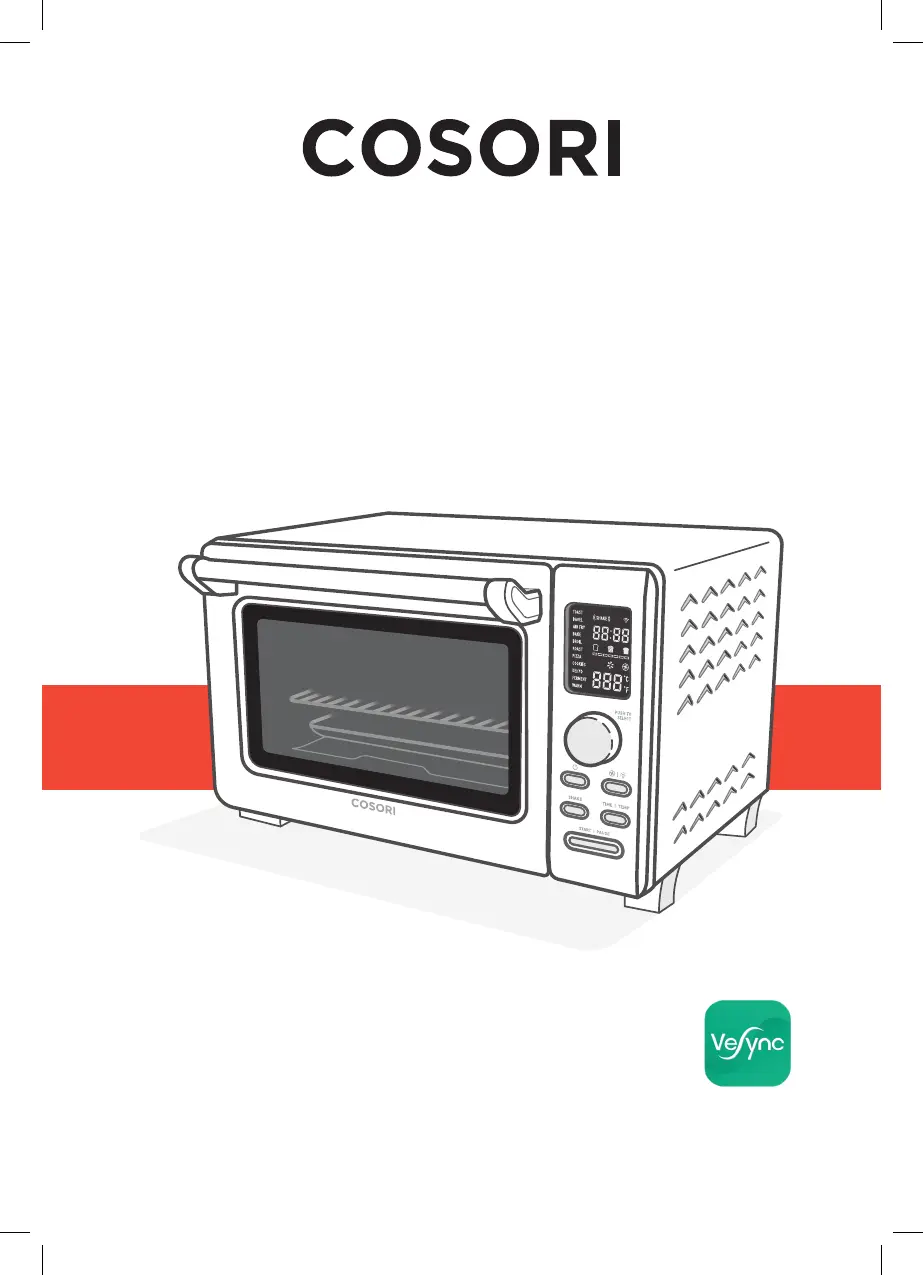
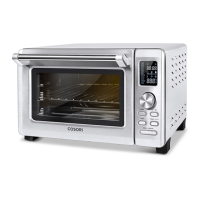
Smart Air Fryer Toaster Oven
Model: CS125-AO
Questions or Concerns?
support@cosori.com | (888) 402-1684
Mon–Fri, 9:00 am–5:00 pm PST/PDT

Questions and Answers

  • C
    Chad AllenJul 27, 2025
    What to do if dark smoke is coming out of my Cosori CS125-AO?
    • D
      danielharringtonJul 27, 2025
      If dark smoke is coming out of your Cosori Oven, immediately press the START/PAUSE button and unplug the oven. This indicates that food is burning. Allow the smoke to clear completely before opening the oven door or removing anything from the oven.
  • M
    Marvin PerezJul 31, 2025
    Why does my Cosori Oven display an error code?
    • F
      Francisco CampbellJul 31, 2025
      If your Cosori Oven displays an error code, it could be due to several reasons. It might indicate an open or short circuit in the temperature monitor, or that the oven has been connected to an incorrect power source, such as a 220–240V outlet. Unplug the oven and ensure that you only use it with a 120V, 60Hz outlet, which is standard in the US and Canada.
  • C
    calebsmithAug 5, 2025
    How to prevent food from being overcooked in Cosori Oven?
    • E
      Ethan MannAug 5, 2025
      If your food is overcooked or burned in the Cosori Oven, try decreasing the cooking temperature or time. Also, ensure that food items are not too large and are not touching the heating elements.
  • S
    sgonzalezAug 9, 2025
    Why is white smoke coming out of my Cosori Oven?
    • M
      Misty HartAug 9, 2025
      If white smoke is coming out of your Cosori Oven, it could be due to a couple of reasons. When using the oven for the first time, some white smoke is normal due to residue from packing. To eliminate this residue, you can perform a test run. Alternatively, excess oil or fatty foods may produce white smoke, so make sure the inside of the oven is cleaned properly and isn’t greasy.
  • K
    Kristie HermanAug 13, 2025
    How to fix uneven cooking in Cosori Oven?
    • K
      Kenneth MorganAug 13, 2025
      If your food is cooking unevenly in the Cosori Oven, try preheating the oven manually by using the Toast function set to Level 4. Also, ensure that food items are not too closely packed into a tray, rack, or other container.
  • S
    Steven MontgomeryAug 18, 2025
    What to do if my Cosori CS125-AO will not turn on?
    • E
      Emily DavisAug 18, 2025
      If your Cosori Oven will not turn on, make sure it is properly plugged in.
  • P
    Preston HuffmanAug 22, 2025
    What to do if food is not completely cooked in Cosori CS125-AO?
    • K
      Kenneth ThomasAug 22, 2025
      If food is not completely cooked in your Cosori Oven, increase the cooking temperature or time.

Summary

Specifications

IMPORTANT SAFEGUARDS

Key Safety Points

Key safety precautions to follow when operating the oven.

General Safety

General safety guidelines for using and maintaining the oven.

GETTING TO KNOW YOUR SMART AIR FRYER TOASTER OVEN

Controls

Detailed explanation of all control buttons and knobs for operating the oven.

BEFORE FIRST USE

VeSync App Setup

Guide to downloading and setting up the VeSync app for smart oven control.

COOKING WITH YOUR SMART AIR FRYER TOASTER OVEN

Customizing Cooking Functions

How to adjust and save default settings for cooking functions.

VeSync App Functions

Toast Function

Bagel Function

Air Fry Function

Bake Function

Broil Function

Roast Function

Pizza Function

Cookies Function

Dehydrate Function

Ferment Function

Warm Function

CARE & MAINTENANCE

TROUBLESHOOTING

VESYNC APP TROUBLESHOOTING

Why isnt my oven connecting to the VeSync app?

Solutions for common connectivity issues between the oven and the VeSync app.

My oven is offline.

Steps to take if the oven appears offline in the VeSync app.

WARRANTY INFORMATION

CUSTOMER SUPPORT

Cosori CS125-AO Specifications

General IconGeneral
BrandCosori
ModelCS125-AO
CategoryOven
LanguageEnglish

Related product manuals