EasyManua.ls Logo

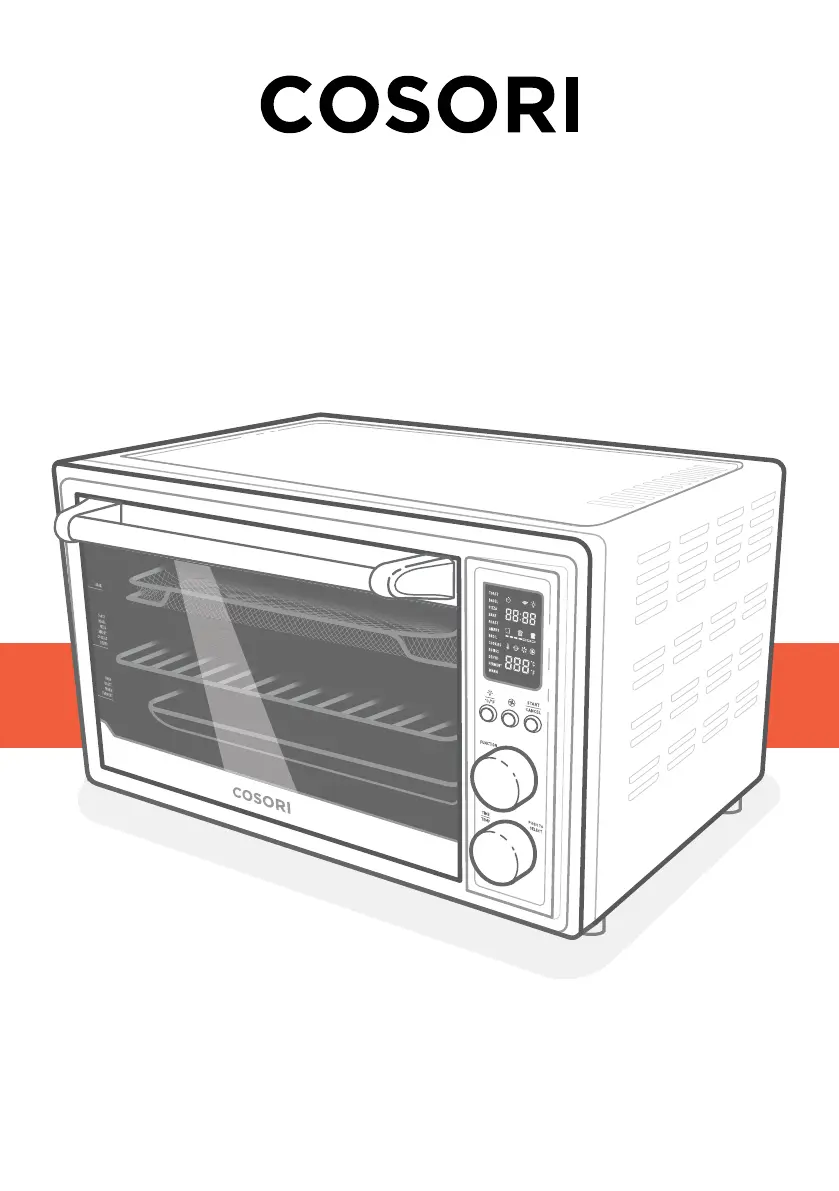
Cosori CS130-AO - User Manual

Cosori CS130-AO
40 pages
Print Icon
To Next Page IconTo Next Page
Loading...
Model: CS130-AO
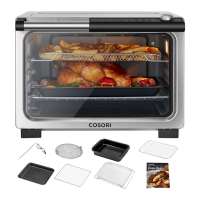
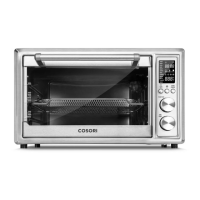
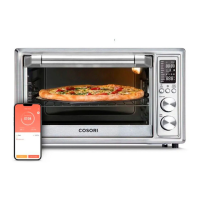
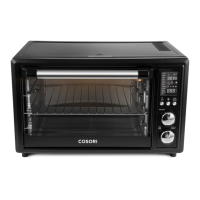
Smart Air Fryer Toaster Oven
User Manual
Questions or Concerns?
Mon–Fri, 9:00 am–5:00 pm PST/PDT
support@cosori.com | (888) 402-1684

Questions and Answers

Summary

Important Safeguards

Key Safety Points

Crucial safety rules to follow during operation and handling of the appliance.

General Safety

Broad safety guidelines covering usage, cleaning, and electrical precautions to prevent hazards.

While Cooking

Plug & Cord

Electromagnetic Fields (EMF)

Getting to Know Your Smart Air Fryer Toaster Oven

Display

Controls

Light;Unit Button

Controls interior light and switches temperature units between Fahrenheit and Celsius.

Fan Button

Cycles through fan speeds and initiates VeSync app pairing.

START;CANCEL Button

Starts, cancels cooking functions, or cancels preheating.

FUNCTION Knob

Selects the desired cooking function, which blinks on the display.

TIME;TEMP Knob

Adjusts time/temperature and controls display on/off.

Before First Use

Setting Up

Steps for unpacking, placing, and cleaning the oven and accessories before initial use.

Test Run

Performing a test run to familiarize with operation and clean residual substances.

VeSync App Setup

Instructions for downloading and connecting the oven to the VeSync mobile application.

Cooking with Your Smart Air Fryer Toaster Oven

Toast Function (TOAST)

Browning bread, English muffins, and frozen waffles, plus preheating or defrosting.

Bagel Function (BAGEL)

Crisping bagel insides while toasting outsides; ideal for specialty breads.

Pizza Function (PIZZA)

Melting cheese, browning toppings, and crisping pizza crust with automatic preheat.

Bake Function (BAKE)

Evenly cooking foods like cakes, muffins, pastries, and frozen meals.

Roast Function (ROAST)

Tenderizing and roasting meats and poultry for juicy interiors and well-roasted exteriors.

Air Fry Function (AIRFRY)

Cooking food with intense heat and airflow, ideal for fries and wings.

Broil Function (BROIL)

Cooking open-faced sandwiches, thin meats, and browning gratins/desserts.

Cookies Function (COOKIES)

Baking homemade or commercial cookies, rolls, biscuits, and strudels.

Rotisserie Function (ROTISS)

Roasting rotating items like a whole chicken, using dedicated rotisserie slots.

Dehydrate Function (DEHYD)

Evenly drying foods without cooking, ideal for fruits and vegetable chips.

Ferment Function (FERMENT)

Maintaining low temperatures for proofing dough or making yogurt.

Warm Function (WARM)

Keeping food warm at a recommended temperature to prevent bacterial growth.

Convection Fan

Circulates hot air for faster, even cooking, with adjustable fan speeds for crispier results.

Automatic Preheat

Explains the automatic preheating process for specific cooking functions and its timing.

Using the App

Cosori Recipes

Accessing and selecting recipes from professional chefs via the VeSync app for cooking.

Custom Cooking

Setting custom cooking times and temperatures through the VeSync app interface.

Creating a Custom Recipe

Adding and saving personalized recipes with details like name, category, and prep time.

Device Settings

Accessing and modifying the smart air fryer's settings via the VeSync app.

Care & Maintenance

Cleaning the Accessories

Instructions for cleaning oven accessories and the interior using non-abrasive methods.

Storage

Guidelines for cleaning, preparing, and storing the oven and its accessories properly.

Troubleshooting

VeSync App Troubleshooting

FCC Statement

FCC Radiation Exposure Statement

Warranty Information

Terms & Policy

Details the product warranty coverage, limitations, and conditions of sale.

Customer Support

Show Us What Youre Making

More Cosori Products

Cosori CS130-AO Specifications

General IconGeneral
BrandCosori
ModelCS130-AO
CategoryOven
LanguageEnglish

Related product manuals