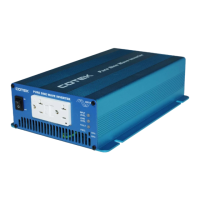
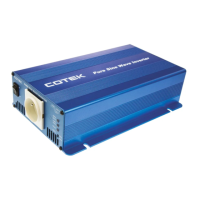
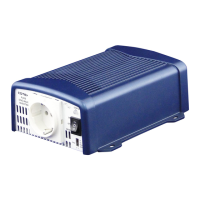
3-7. Inverter Operation:
To operate the power inverter, turn the main switch ON. The power
inverter is now ready to deliver AC power to your loads. If there is
several loads use, turn them on separately after the inverter has been
“ON” in order to prevent the OVP present caused by the surge power.
3-7-1. Set the power switch to the “ON” position and the buzzer will
send out “Beep” sounds at the moment the inverter will do self-
diagnosis, then the LED’s indicators will also appear various
colors. Finally the buzzer will sound another “Beep” and the
Input Level and Status LED indicators will turn to “Green” color,
the inverter starts working successfully.
3-7-2. Set the power switch to the OFF position, the inverter stops and
all the lights that are On, go Off.
3-7-3. Set power inverter switch to the ON position and turn the test
load On. The inverter should supply power to the load. If
you plan to accurately measure the true output r.m.s. voltage of
inverter, a meter such ad FLUKE 45 BECKMAN 4410 or
TRIPLETT 4200 must be used.


 To Next Page