Page 14
Change the administrator user name or password
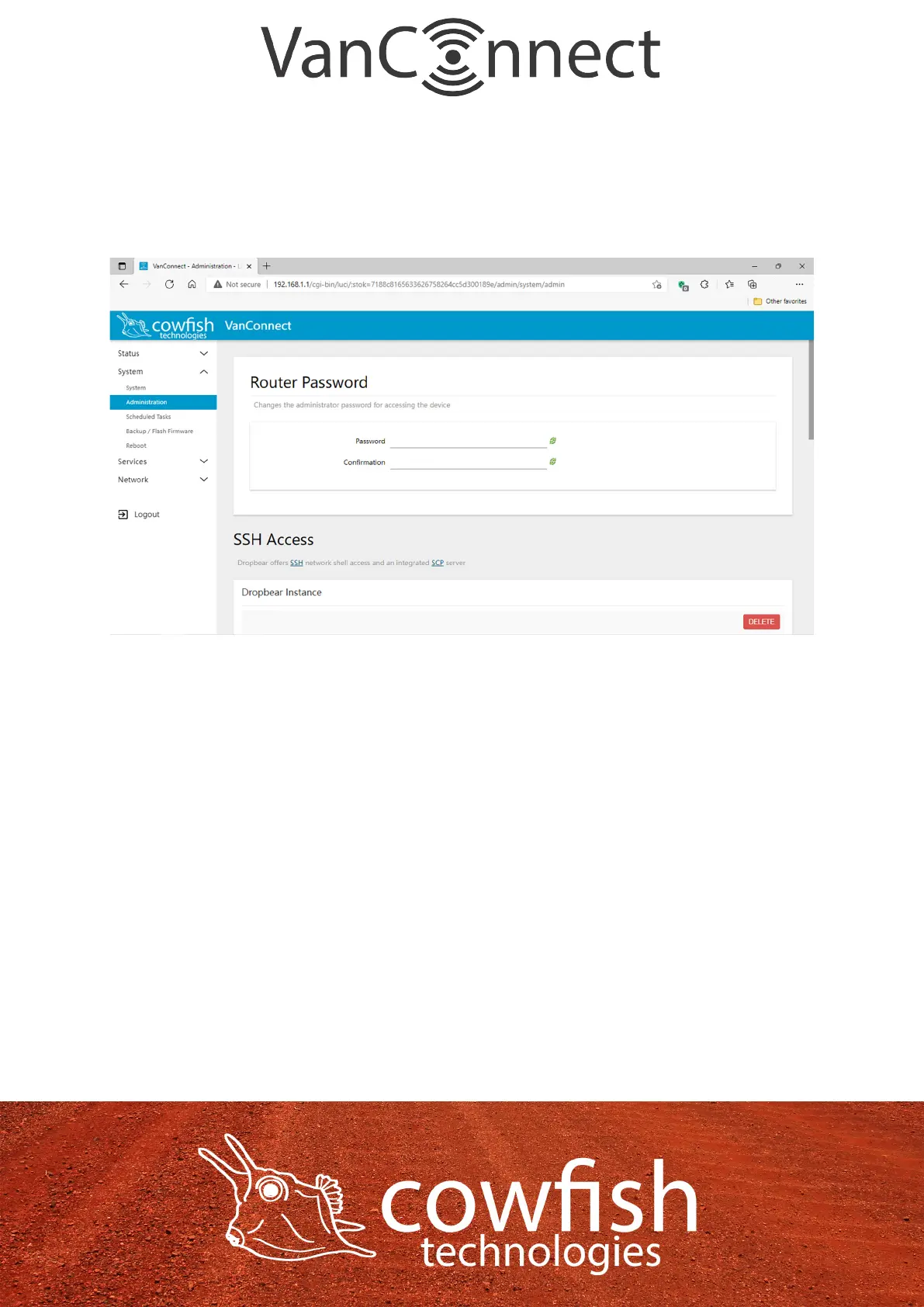
Select “System” ᐅ “Administration” to change the administrator password.
Enter a new password and click “Save and Apply”, then choose “Exit” to return
to the login page to verify whether the modication has been successful, and
then re-enter the new password to log in.
Page 15


 To Next Page