Factory reset
It is recommended to complete a factory reset if you have forgotten the
administration password, if you are unable to log in to the device or if there
are device conguration issues that you are unable to resolve.
Method 1: After the device is powered on, use a toothpick, or similar, and
press the Reset button for at least 6 seconds. Wait for the device to restart.
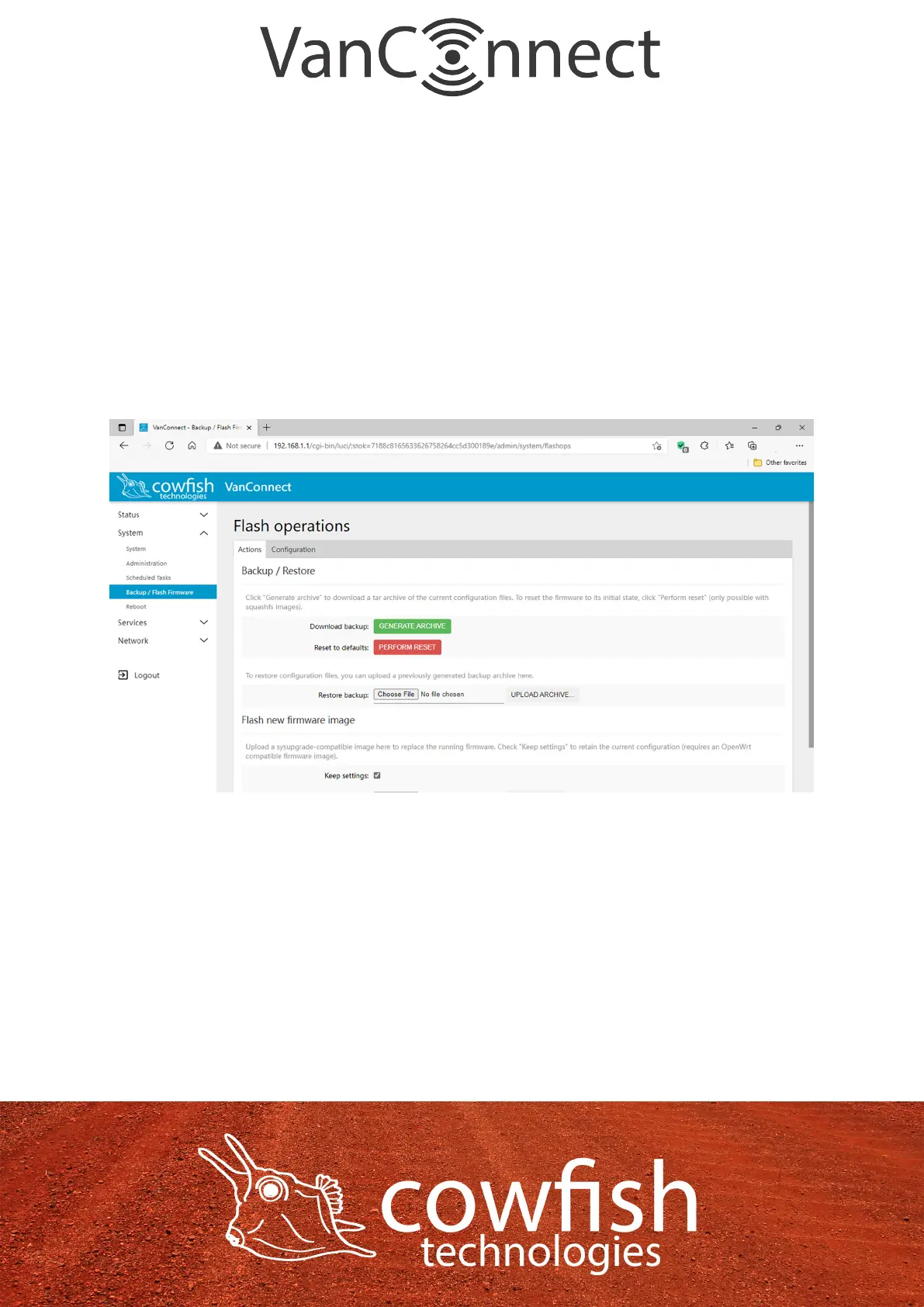
Method 2: In the conguration utility select “System” ᐅ “Backup / Flash
Firmware”, then click the “Perform Reset” button, next you will see a dialog
box “Really reset all changes?”. Select “OK” to complete a reset.
Page 16


 To Next Page