18
COWON A3
Advanced Features
4. Mobile TV Mode
Mobile TV mode lets you watch mobile TV programs on A3 using optional TV receiver.
■ Connecting TV receiver
Connect optional TV receiver to USB port on the left side of your A3. There are 3 types of receivers depends on the region and A3 will automatically detect and
install: T-DMB (Korea), 1SEG (Japan), and DVB-T (Europe)
■ Watching Mobile TV
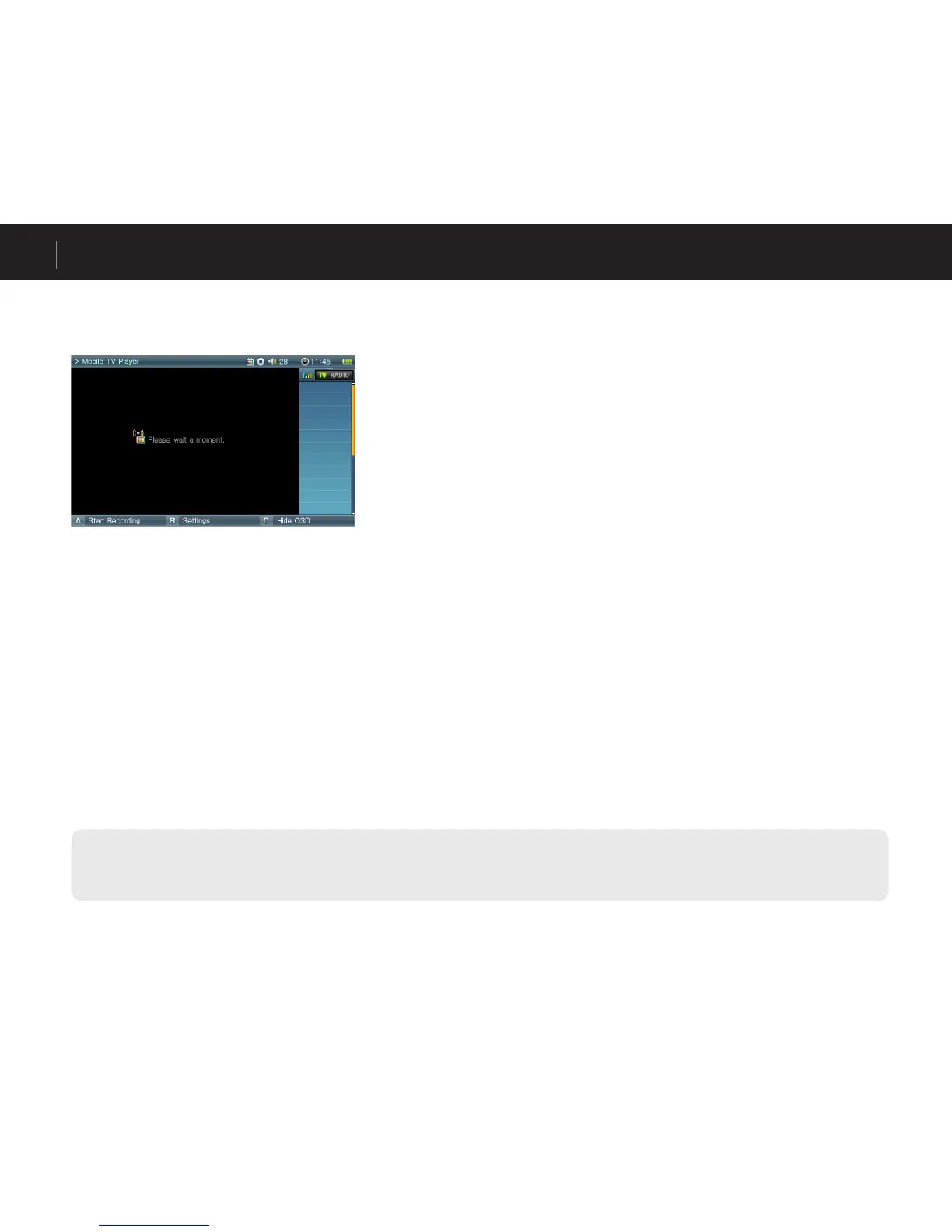
Execute Mobile TV while optional TV receiver is connected.
Press the “B” button to scan channels. A3 will list any live channels available on the left side of the screen.
Select a channel from the list to watch.
■ Turning off Mobile TV
“Press and hold the “BACK” button until it shuts off.
- AV OUT will be disabled when using TV receiver.
- If you do not receive TV signal or it is noisy, check with your local Mobile TV station for service availability in your area.
- Choose the correct region for your area: Setup -> Mobile TV -> Region



 To Next Page