19
COWON A3
Advanced Features
5. Radio Mode Usage
Listen or record FM radio broadcasts in Radio mode.
■ Radio Listening
Radio Listening
Select Radio mode to listen to FM radio.
Shortly move the lever towards◀◀ or ▶▶ to move through channels. Long pushes will scan channels.
Press and hold the “BACK” button to stop the radio.
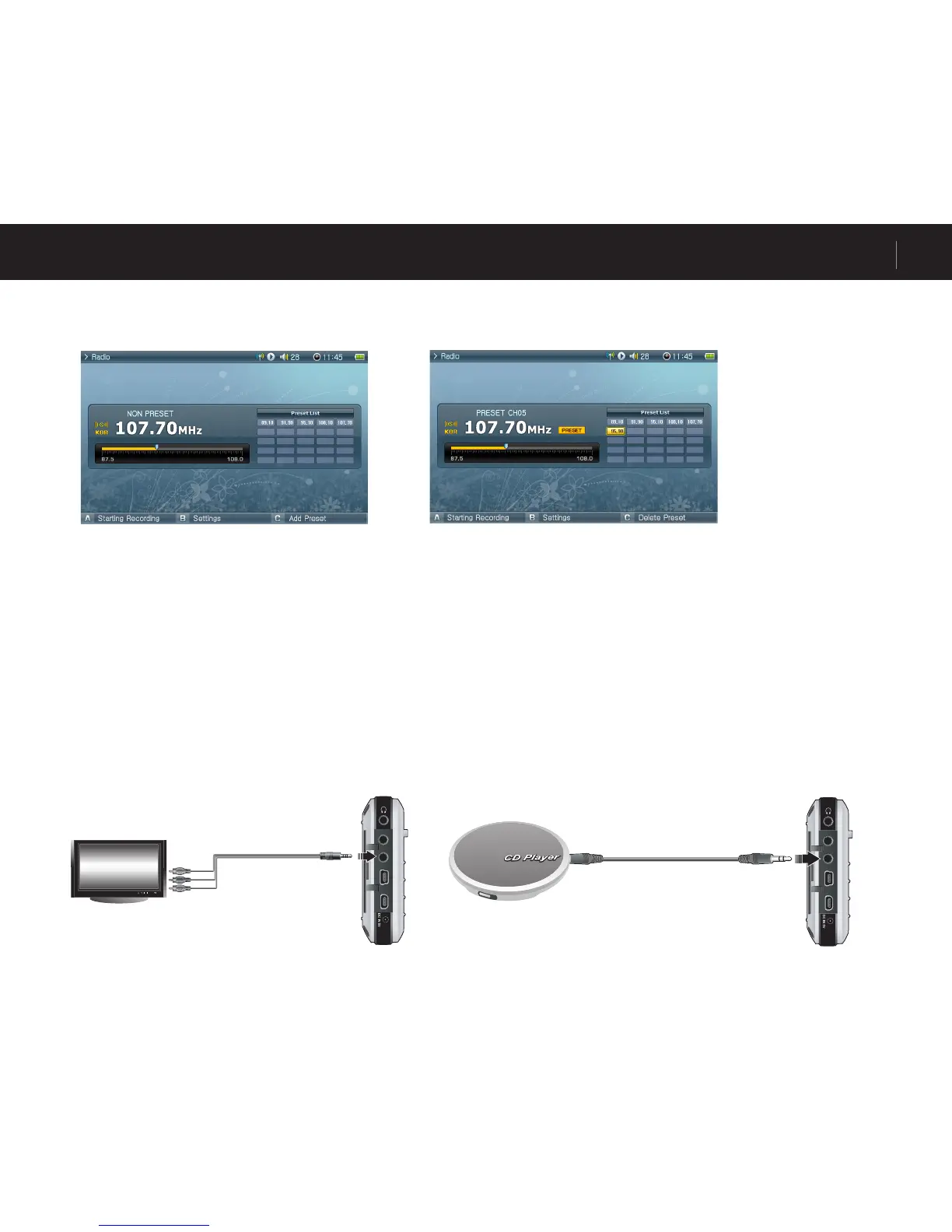
■ Preset Setting and Usage
Press the “A” button on a desired frequency and the frequency will be saved.
Press the lever to enter to Preset mode and move the lever towards ◀◀ or ▶▶ to move through saved frequencies.
Press the “A” button in preset mode to delete a saved frequency.
6. Record Mode Usage
Record using the AV, S-Video or Line-in cable and the built-in microphone.
■ Connecting a Cable
<NON Preset Mode> <Preset Mode>



 To Next Page