25
COWON A3
Setup Features
2. Display
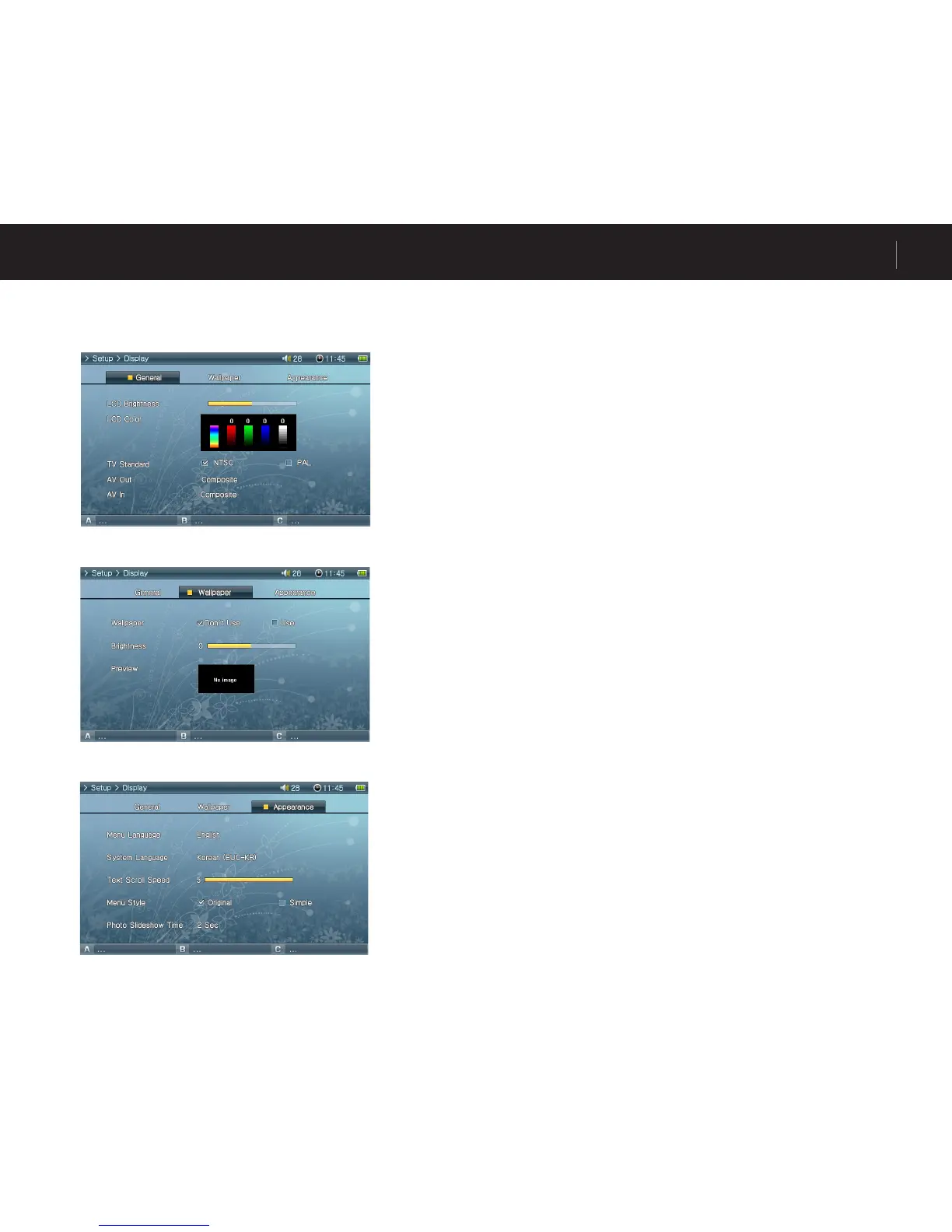
General
• LCD Brightness
Adjust brightness of the LCD. Brightness levels range from 1 to 10.
• LCD Color
• TV Standard
Set TV output. Select from NTSC and PAL
• AV Out
Setting AV OUT mode. Composite (Standard), S-Video(High Quality), and Component (Best Quality)
modes available.
• AV In
Setting AV IN mode. S-Video(High Quality), and Composite (Standard) modes available.
Wallpaper
• Wallpaper
You can choose whether to use the wallpaper feature.
• Brightness
Adjust brightness of the wallpaper. Brightness levels range from -9 to 9.
• Preview
Currently set wallpaper is displayed.
To set an image as the wallpaper, open the popup menu of the file to be used as the
wallpaper in Photo mode and select Set Wallpaper.
Appearance
• Menu Language
Setting menu language.
• System Language
Setting system language for subtitles, document files, and other system files.
• Text Scroll Speed
Adjust the scrolling speed of the text displayed in the File Browser.
• Menu Style
Customizing appearances for menu. “Simple” layout is recommended when using personal
wallpaper.



 To Next Page