EasyManua.ls Logo

Cowon A2 - User Manual

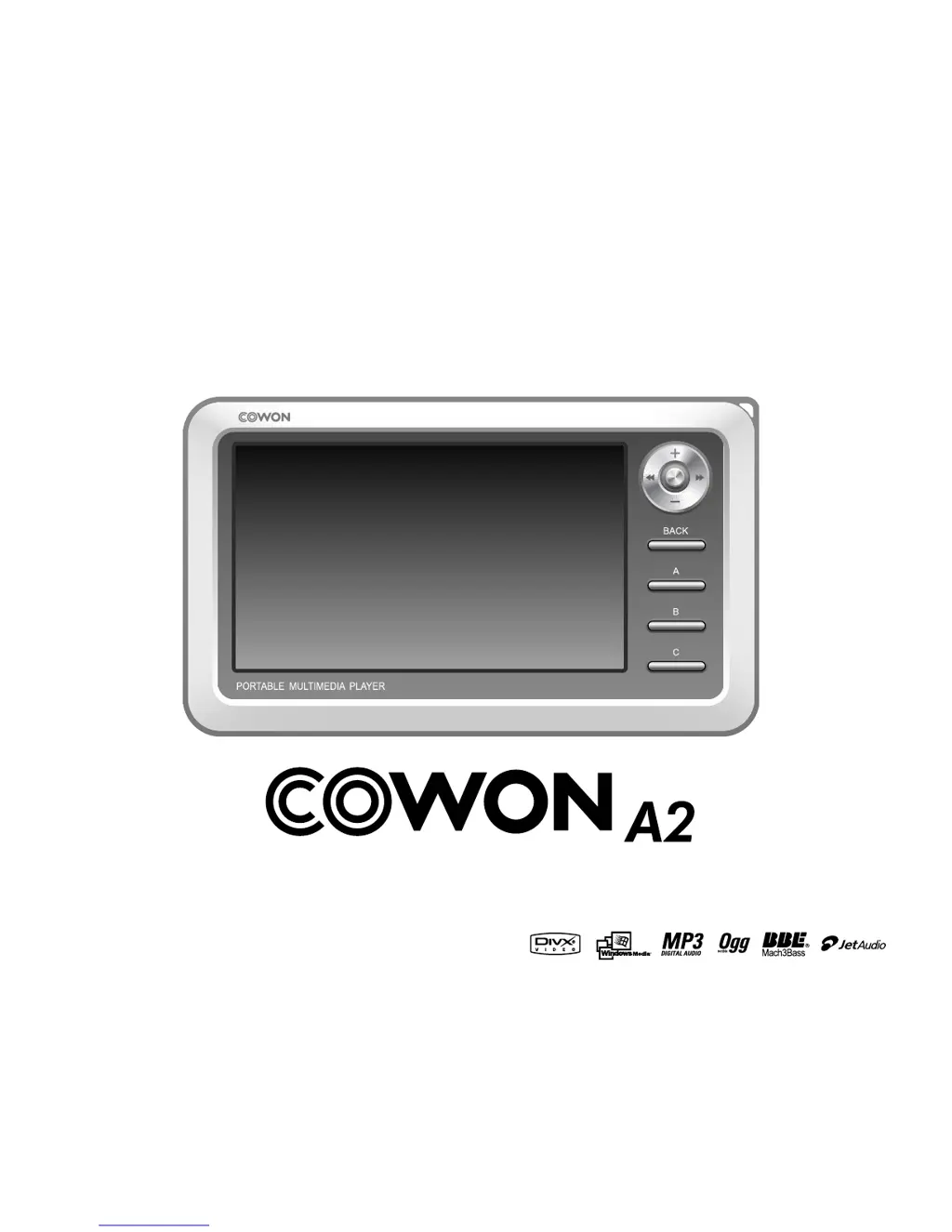
Cowon A2
36 pages
Print Icon
To Next Page IconTo Next Page
Loading...
Users Guide
ver. 1.0 EN

Questions and Answers

Summary

Precautions for Using this Product

Before Using this Product

Package Components

Lists all items included in the product package.

Names of Parts

Identifies and labels all physical parts of the COWON A2.

Power Connection and Charging

Guide on how to connect the AC adapter and charge the player.

Connecting to PC

Steps to connect the player to a computer for file transfer.

Charging via PC

How to charge the player using a PC's USB port.

File Transfer and Disconnection

Procedures for safely saving files and disconnecting from PC.

Firmware Upgrading

Detailed steps for updating the player's firmware.

Basic Features

Running Files

How to play various media files on the player.

Button Controls Overview

Explanation of each button's function and operation.

Advanced Features

File Browser Navigation

Navigating and managing files on the player.

Setup Features

1. Setup List

An overview of all available settings categories and options.

2. Display Settings

Settings related to screen brightness, TV output, and wallpaper.

3. Sound Settings

Audio settings including speaker, volume, EQ, and sound effects.

4. System Settings

System configuration for time, resume, and power settings.

Product Details

Hardware Specifications

Detailed technical specifications of the COWON A2 hardware.

Troubleshooting

Cowon A2 Specifications

General IconGeneral
Display Size4.0 inches
Display Resolution480 x 272 pixels
Display TypeTFT LCD
Battery Life (Audio)Up to 10 hours
ConnectivityUSB 2.0
FM RadioYes
TV OutputYes
Storage30GB
Audio Formats SupportedMP3, WMA, WAV, OGG, FLAC
Video Formats SupportedAVI, WMV

Related product manuals