28
COWON A2
7. Music Player
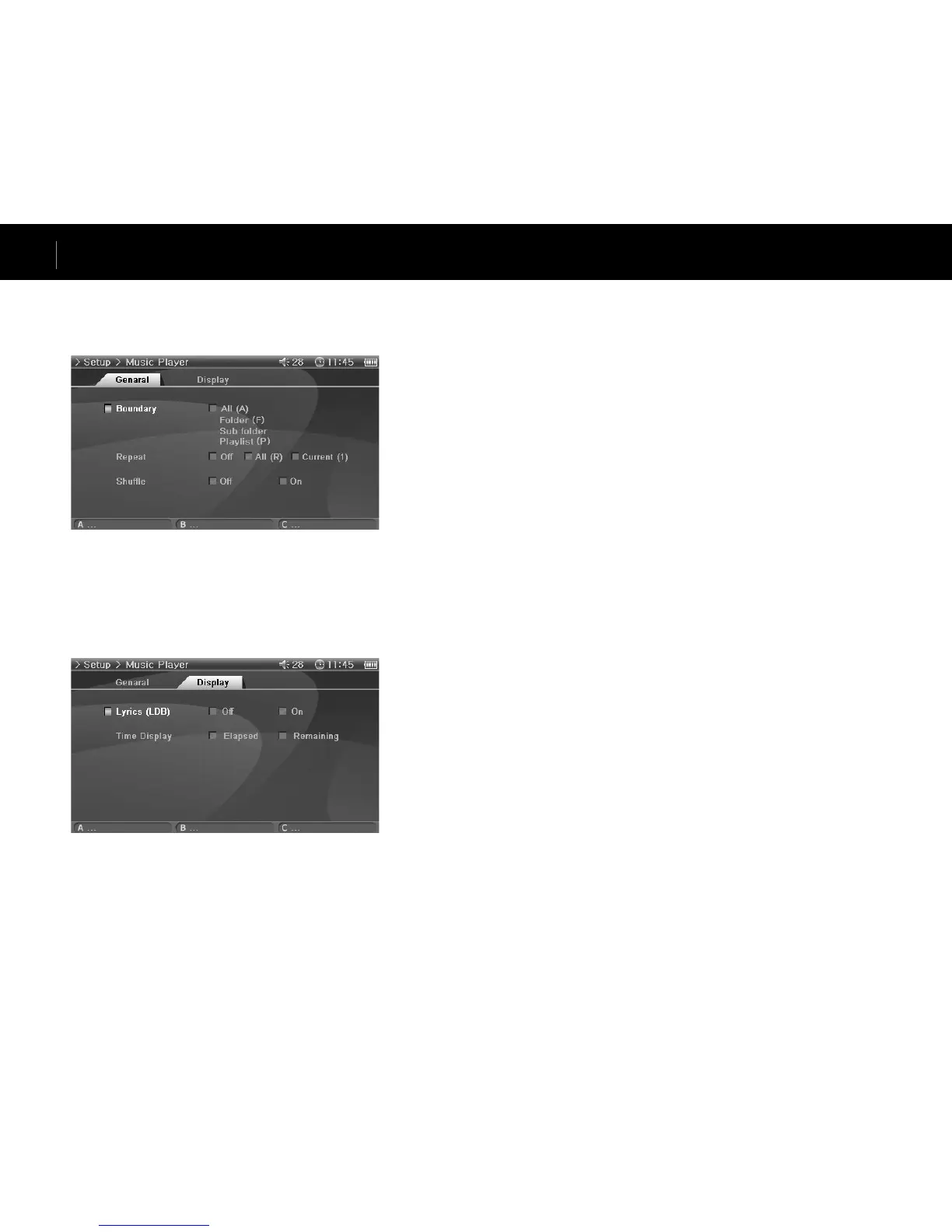
General
Boundary
• Set the playback area of files or folders.
• If set to ALL, all music files are played and if set to Folder, only files within the selected folder
are played.
• If set to Sub-folder, files within the selected folder and its subdirectories are played and if set
to Playlist, only files listed in the Playlist are played.
• When files in the Playlist are played, the Boundary feature will automatically change to Playl-
ist, and when files in a common folder are played again, feature automatically returns to the
previous Boundary.
Repeat
• Within the range specified in Boundary, repeat playback can be set.
• If set to On, playback is repeated after all files within the range are played. If set to Current,
only one file is played.
Shuffle
• Within the range specified in Boundary, random playback can be set.
• If set to On, files within the range are randomly played.
Display
Lyrics (LDB)
• Set to display lyrics of music files that contain lyric information.
• Music files without lyric information will not display lyrics even if this feature is set to On.
• For more information on lyrics, see our beginner’s guide at www.iAUDIO.com.
Time Display
• Sets the time display of playing music files.
• If set to Elapsed, the elapsed playback time will appear and if set to Remain, the remaining
playback time will be displayed.
Setup Features



 To Next Page