27
COWON A2
Setup Features
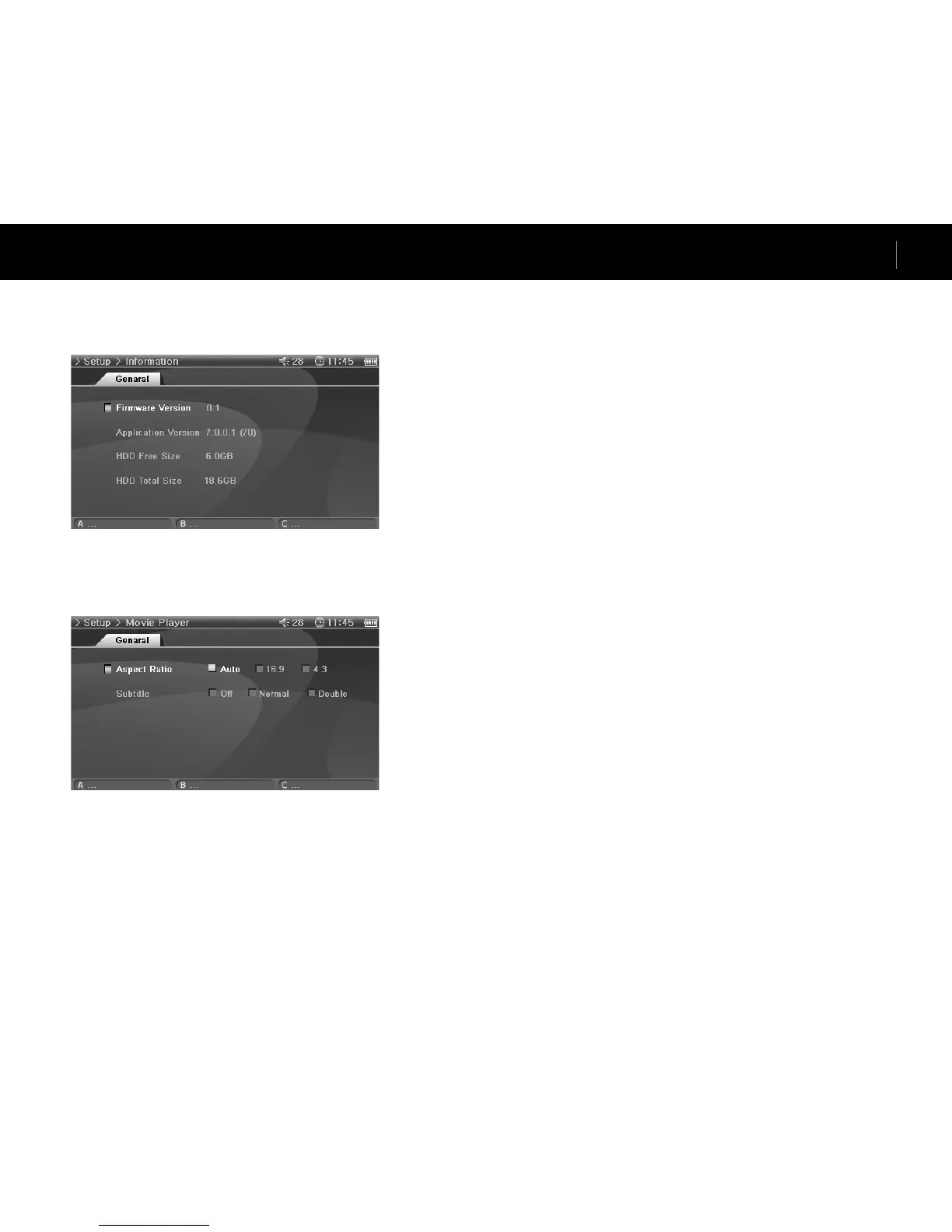
5. Information
General
Firmware Version
• Current firmware version.
Application Version
• Current software version.
HDD Free Size
• Free space left on the hard disk.
HDD Total Size
• Total space of the hard disk.
6. Movie Player
General
Aspect Ratio
• Selects the aspect ratio of movie files.
• If set to Auto, the aspect ratio is set to original percent. If set to either 16:9 or 4:3, original
percent is ignored and the selected ratio will be indicated.
• If 4:3 ratio is selected, please use during AV OUT.
Subtitle (enabled)
• If there is a subtitle file (.smi), subtitle will be displayed on the screen with the image.
• In this case, the both names of the subtitle file and the video file to play must be the same and
in the same folder location.



 To Next Page