20
COWON A2
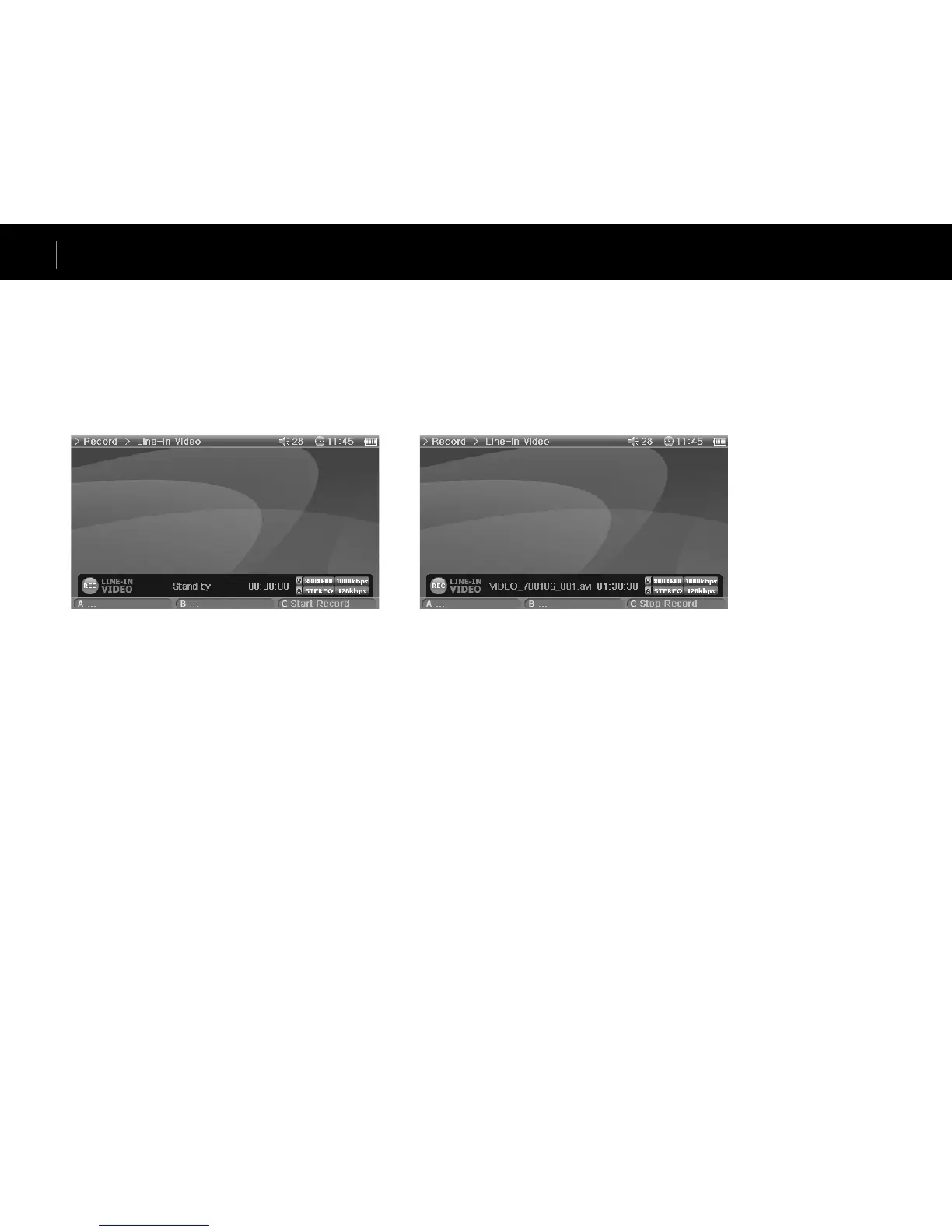
Connect the AV cable to the “AV IN” of your A2 and the “AV OUT (Video OUT, Audio OUT)” of the external AV device.
Connect the line-in cable to the “AV IN” of your A2 and the Line Out (or earphone) jack of the external audio device.
■ Recording
There are four modes, Video, Audio, Radio and Built-in Mic when Record mode is selected.
Select the desired mode for recording and press the “C” button to start recording.
The recording file can be played in Movie and Music mode.
Recorded Video screen does not appear on the LCD.
When recording, battery consumption is higher than during normal operation, therefore fully charge the player before recording.
■ Scheduled Recording
Moe to Setup – System – Alarm mode.
There are three alarm modes (Movie Player, Music Player, FM Radio) and four scheduled recording modes.
When setting a scheduled recording, the power of the play automatically turns on at the specified time and recording starts by the specified setting.
For details, see 4. Setup feature description– 4. See the System section also.
Advanced Features



 To Next Page